Settings – Retooling the Product
92
1.10 GB (2019/02/28)
2mm • 0.08"
40m/min • 1,600"/min, <= 120m/min • 4,700"/min
Min. 2.5mm • 0.1"
120m/min • 4,700"/min
Min. 3.0mm • 0.12"
Replacing the Sensor Head
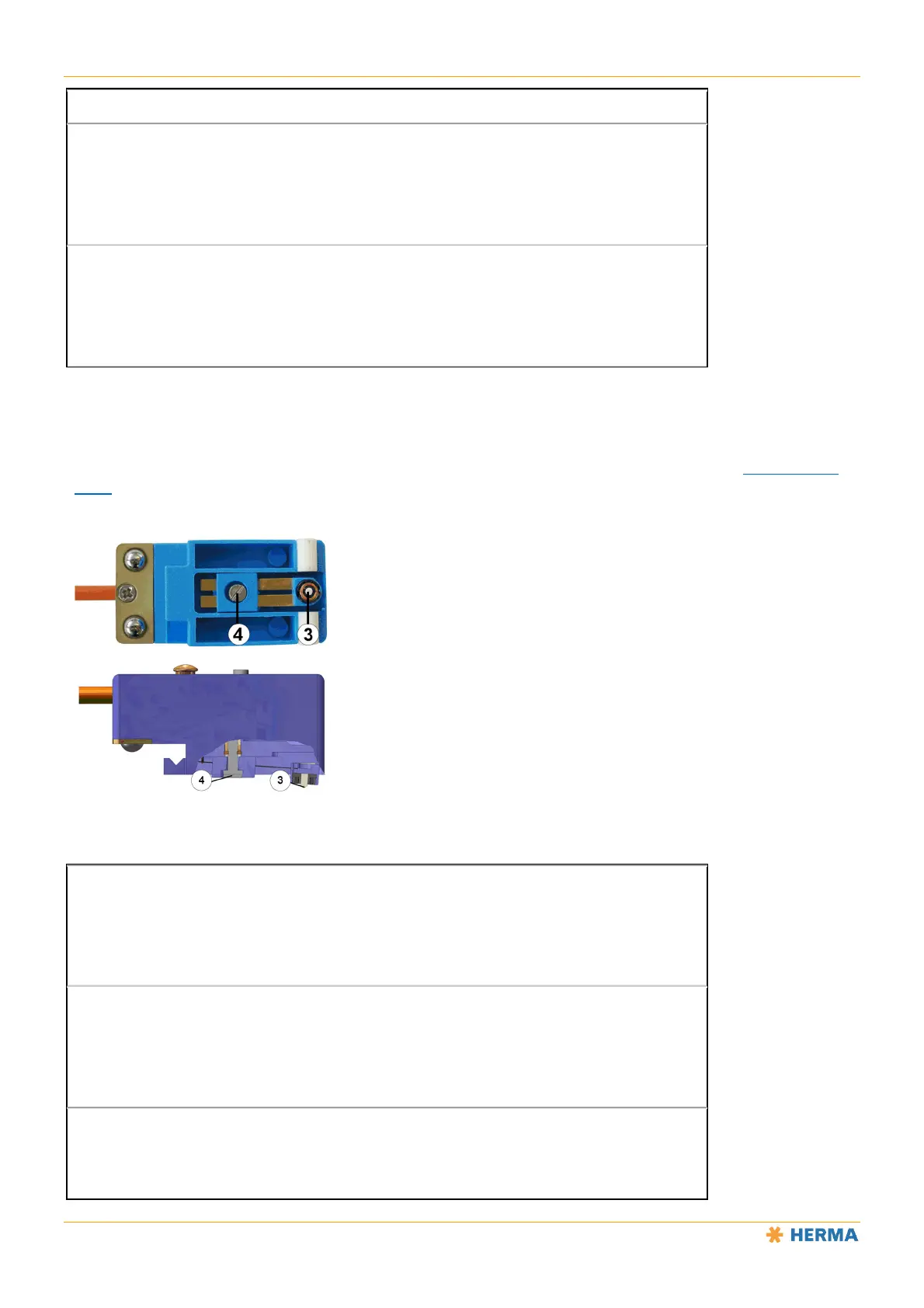
Unscrew the screw 4 to replace the sensor head 3.
The sensor needs to be readjusted after you replace the sensor head (see “Setting Mode” in the “Label Sensor:
FS03” section).
Technical Data
Operating voltage:
15 – 30V DC
Rated current consumption:
25mA
Output current:



 To Next Page