Documentation HERMA 500
1.10 GB (2019/02/28)
63
Operation using the control program
Operation Using the Control Program
A touchscreen is integrated in the HERMA 500. Scroll through the screen vertically using a swiping motion (similar
to the swiping motion on smartphones) and open a function or parameter by lightly tapping on the icon or area. If
there is no immediate response, tap again using either more or less pressure.
You can find information about the control program’s structure and how to operate it, especially how to
parameterise your applicator, in the sections below.
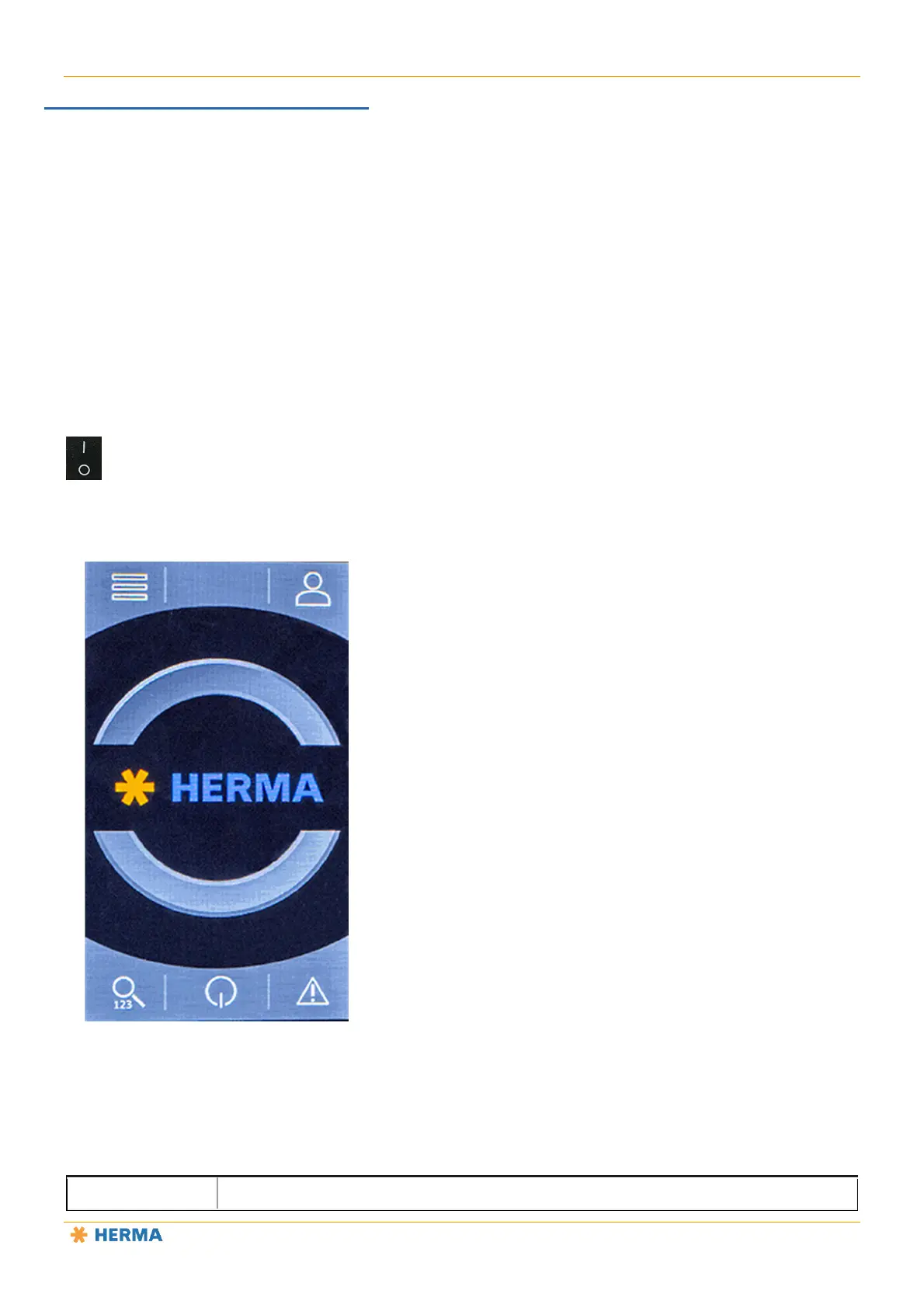
Start Screen (Operation Mode Off)
The following initial start screen is displayed after the applicator is switched on and as long as operation mode
remains switched off:
1
3
2
5
4
1 Menu button, display all operating menus.



 To Next Page