Documentation HERMA 500
1.10 GB (2019/02/28)
37
Inserting the Backing Paper
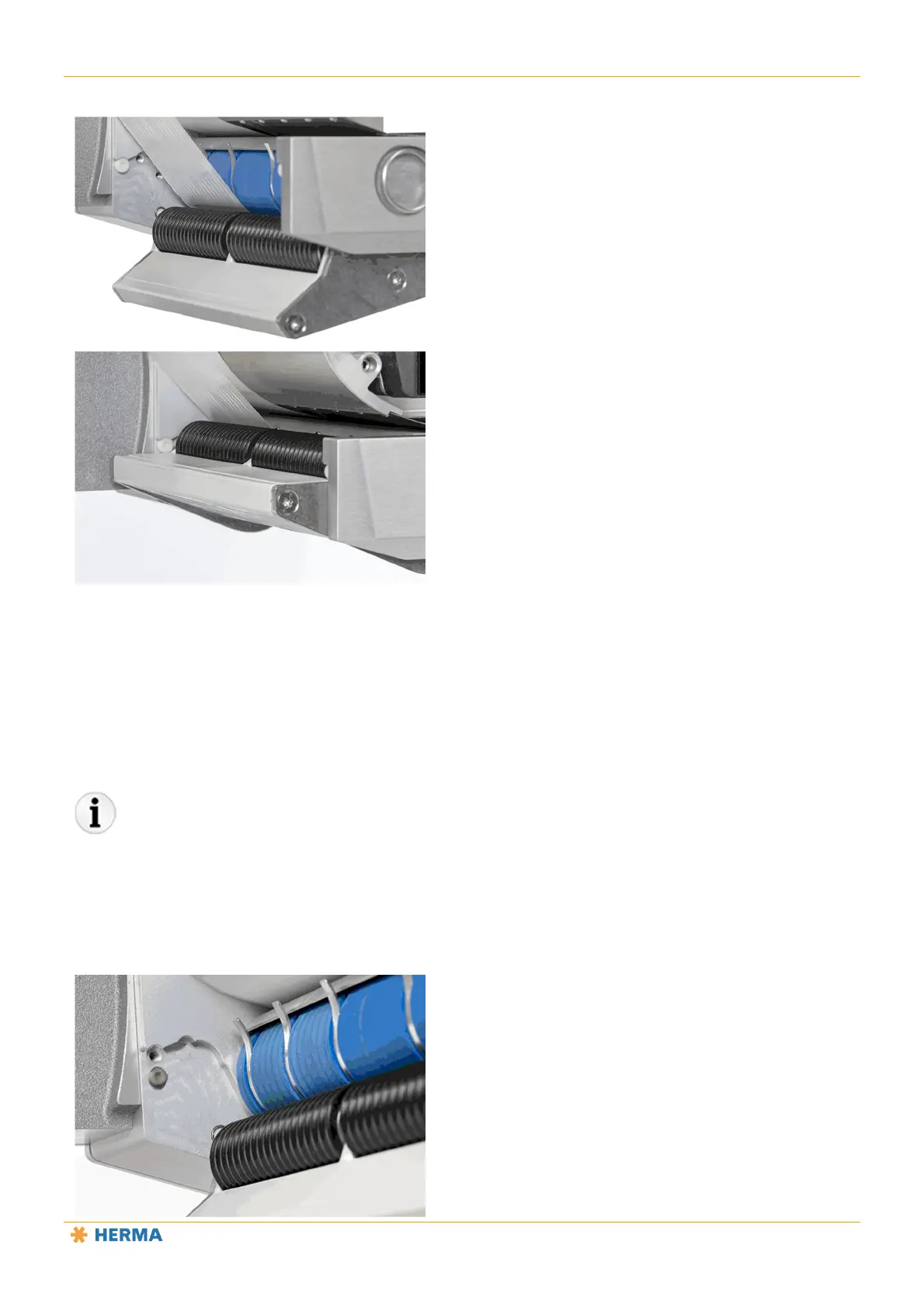
Open the clamping plate on the blue transport roller by pressing the plate downwards.
Push hard enough to overcome the resistance until the black application roller is free.
Slide the backing paper from below between the transport roller and the application roller and place it
against the wall of the housing.
Close the plate by pressing upwards.
Alternatively, you can insert the backing paper with assistance from the motor. To do so, leave the clamping plate
closed, guide the backing paper from below into the gap between the transport roller and the application roller and
then press the dispense button.
Adjusting the Contact Pressure



 To Next Page