Opening and Editing Parameters
74
1.10 GB (2019/02/28)
Opening and Editing Parameters
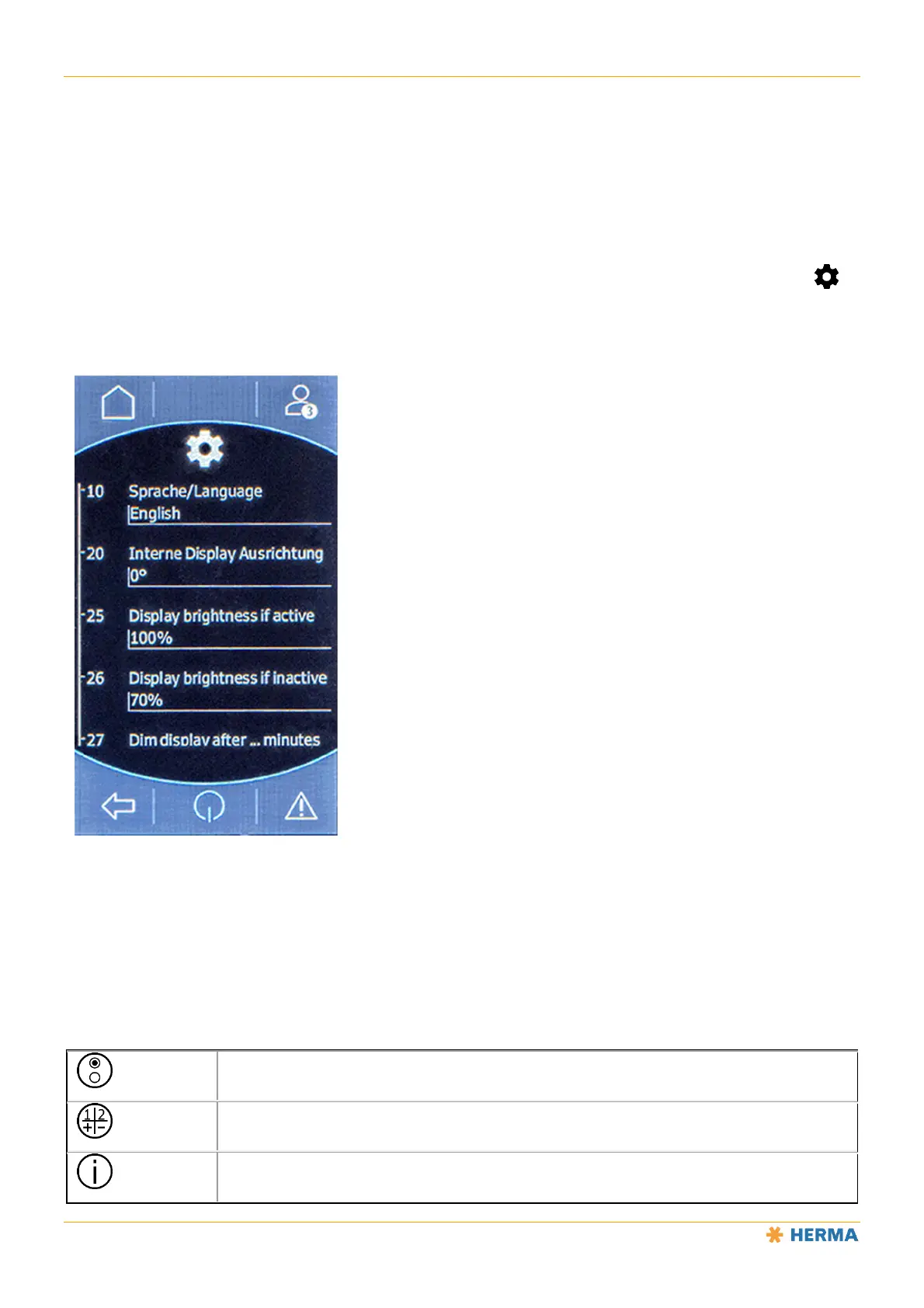
When you select a menu from the menu list, a list of available parameters is displayed (the “Settings” menu in
this example):
Tap a number or name to change the value of this parameter.
There are two basic types of parameter: selection parameters, which have values that are selected from a list,
and input parameters, which have a value that can be freely edited.
The following icons are displayed after a parameter is selected:
Selection parameter. Tap this icon and choose the parameter value from a list.
Input parameter. Tap this icon and edit the value to set the parameter value.
Tap this icon to get more information about the parameter.



 To Next Page