Opening and Editing Parameters
76
1.10 GB (2019/02/28)
Input Parameters
1
3
2
4
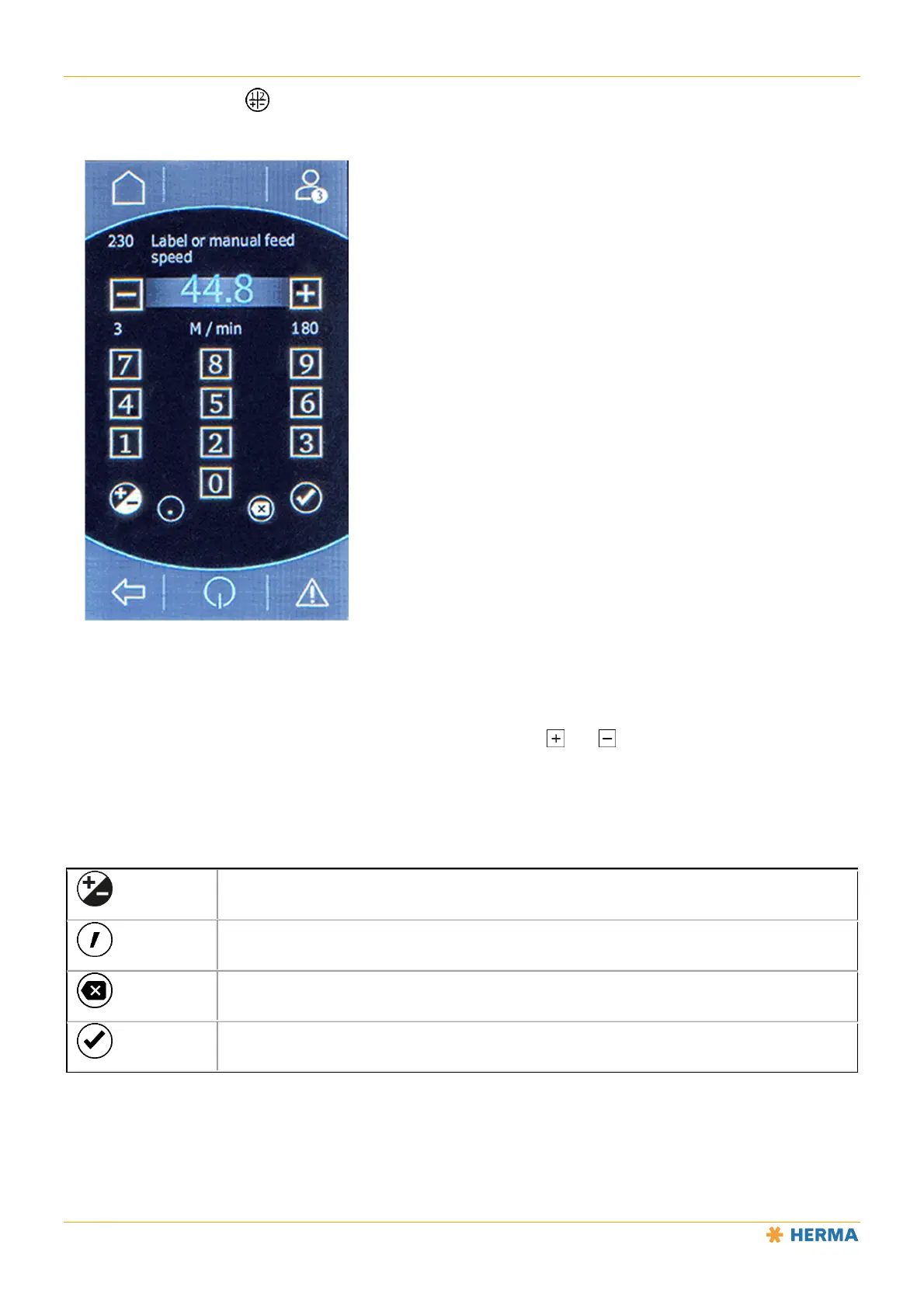
Enter the desired value directly using the virtual keyboard or use the and buttons to increase (1) or
decrease (2) it.
Values 3 and 4 indicate the permitted range (from ... to) for this parameter.
The following buttons are also available:
Change the sign
Enter a decimal separator
Delete the character to the left of the cursor (backspace)
Confirm the entry



 To Next Page