Operation Using the Control Program
64
1.10 GB (2019/02/28)
2 User/login menu, also displays the current password level.
3 Direct selection / quick access to a parameter using its number.
4 Switch on operation mode.
5 Show past messages (message history)
Start Screen (Operation Mode On)
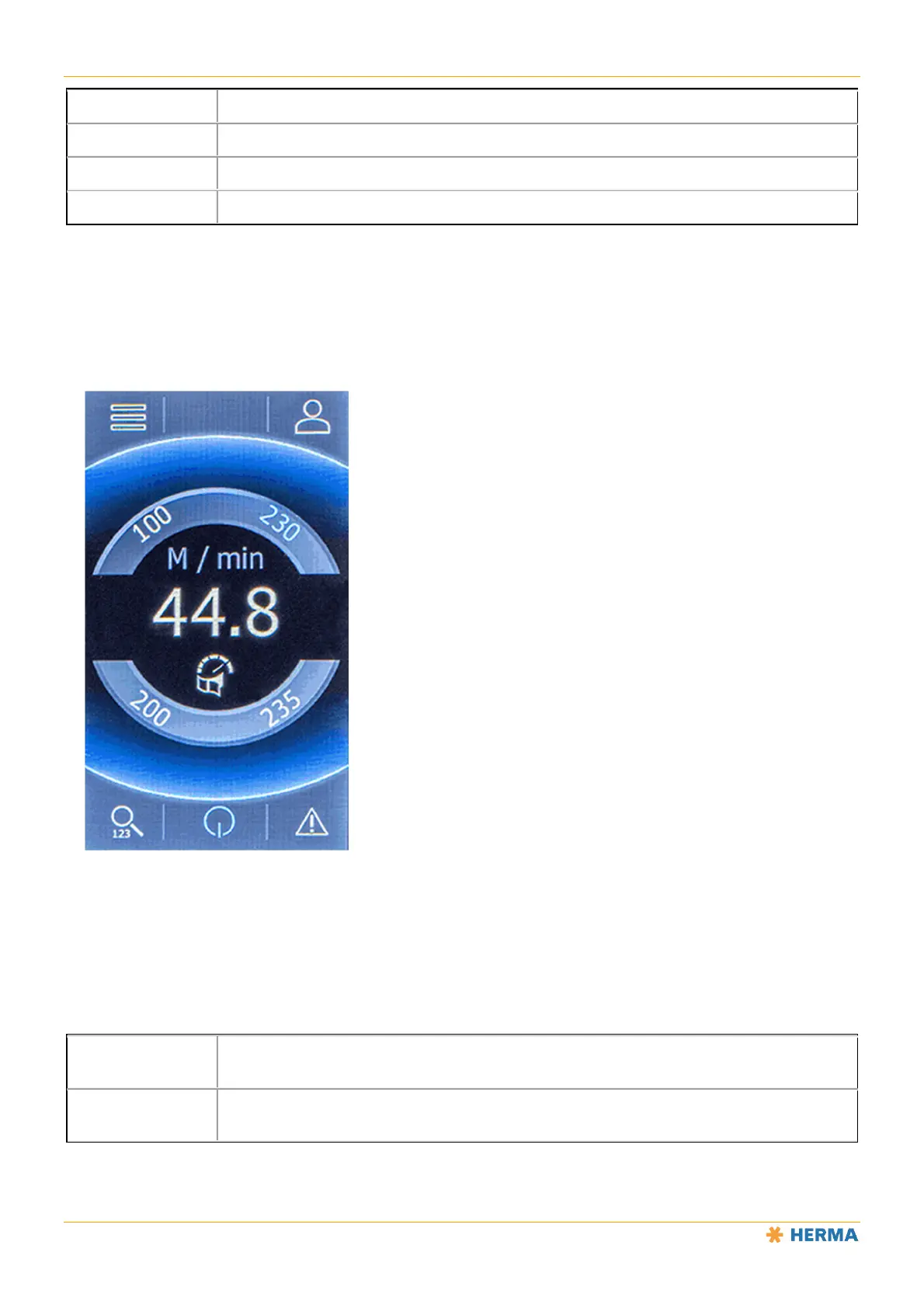
Once operation is switched on using button 4, the screen looks as follows:
8
8
8
9
8
8
Start screen parameters for quick access to frequently used parameters (favourites). Set
using parameters 51 through 54 in the “Extended settings” menu.
9
Parameter display (here: applicator speed) with the value of the currently selected
parameter (here: 44.8m/min).



 To Next Page