Documentation HERMA 500
1.10 GB (2019/02/28)
3
Quick guide
Set-Up Mode
When you start up the HERMA 500 applicator for the first time, it is important to configure the appropriate
parameters and make the necessary settings for your task. To make this process as easy for you as possible, we
have provided a set-up mode that guides you through the initial settings.
We recommend performing this set-up. Open this set-up mode in the “Extended settings” operating menu.
Familiarise yourself with the various types of parameter beforehand by reading the “Opening and Editing
Parameters” section.
Important Points and FAQs
The most important thing when operating your applicator is always your safety. We expressly
advise you to study the relevant safety chapters (including “Safety first!” and “Safety instructions”)
and follow the instructions.
Ensure that the applicator is properly mounted. If necessary, read the mounting and fastening
instructions in the chapter “Installing the applicator”.
When inserting the label web, observe the included/applicable threading diagram. See the “Label
web threading diagram” section.
Make sure that the label reel is securely clamped and, if installing vertically, that the
counterholder is installed.
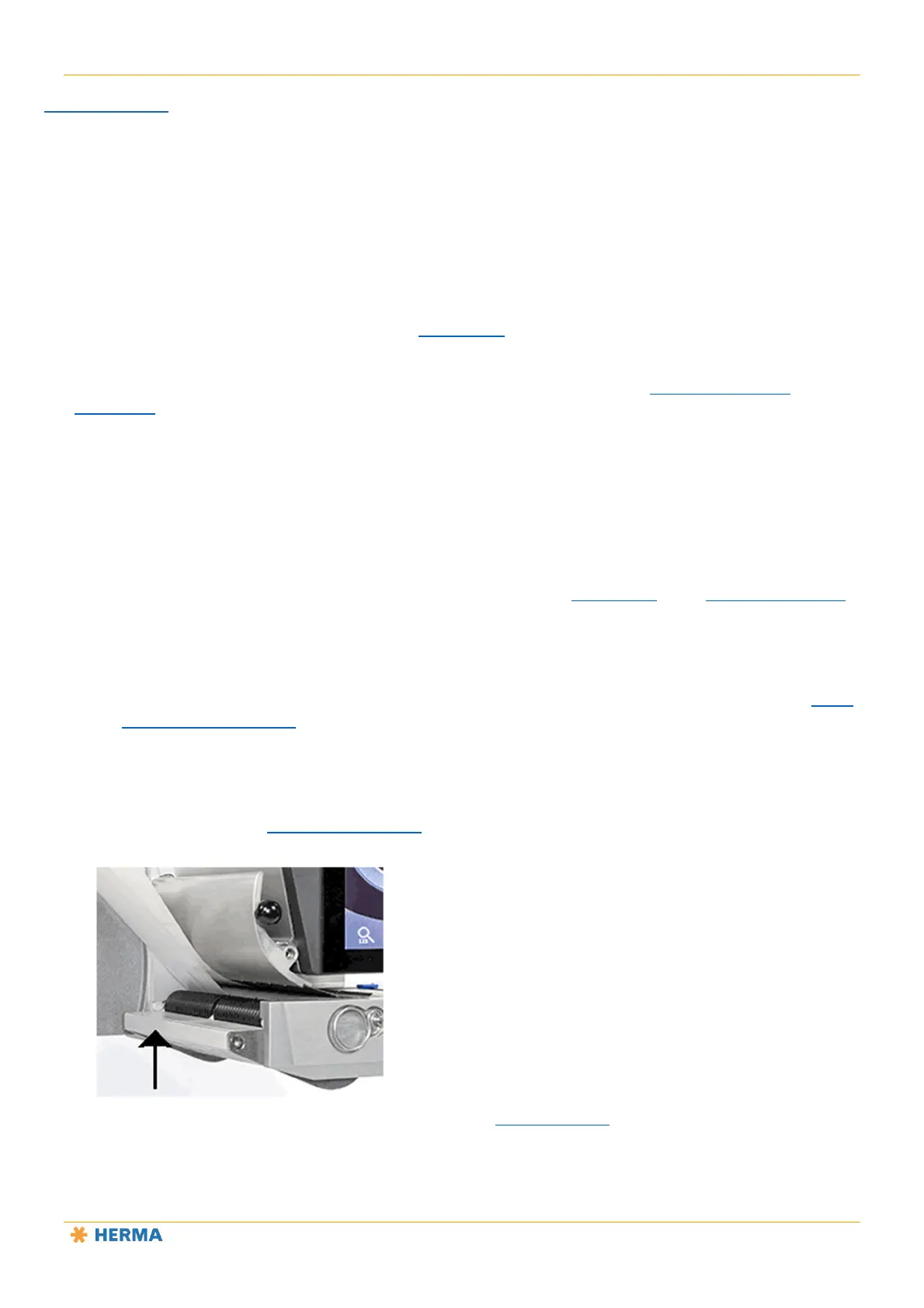
The label web can be transported only when the clamping plate on the base unit’s transport roller
is closed. See the “Drive/transport roller” section. If the clamping plate is open during operation,
error message SM148 may appear.
It is also important to adjust the brake plate correctly (“Label web brake” section). The braking force has
been preset at the factory. It can be adjusted if necessary. The label web should pass through smoothly but
with noticeable resistance.
Make sure that the label sensor is adjusted correctly. If necessary, read the explanations in the operating
instructions.



 To Next Page