Starting Up after a Malfunction
106
1.10 GB (2019/02/28)
Message Explanation
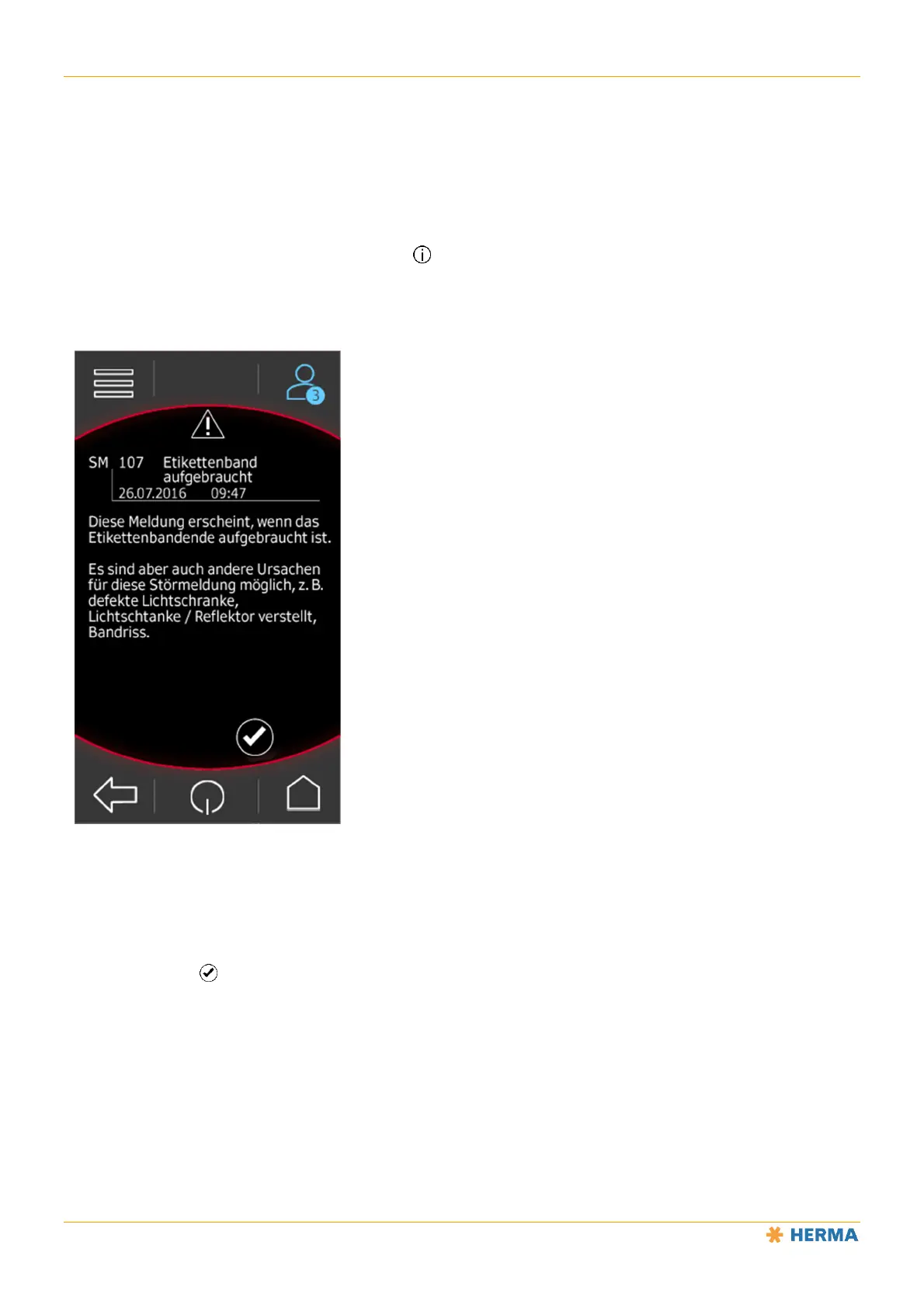
If an error message is pending, tap the info button or, if the message list is open, directly on the message to see
an explanation of the displayed message.
12
The confirm button is also displayed here for acknowledging the message.
Starting Up after a Malfunction
1. Remove the cause of the malfunction; i.e. rectify it.
2. Start up the machine as usual.
3. For malfunctions that cause or require the machine to be switched off, proceed as after a power failure.
Refer to the next section.



 To Next Page