Documentation HERMA 500
1.10 GB (2019/02/28)
71
Representation of the dispense button above the display in these instructions and during
Ethernet-based remote operation of the applicator
Additional icons are listed below within the descriptions of their corresponding menus.
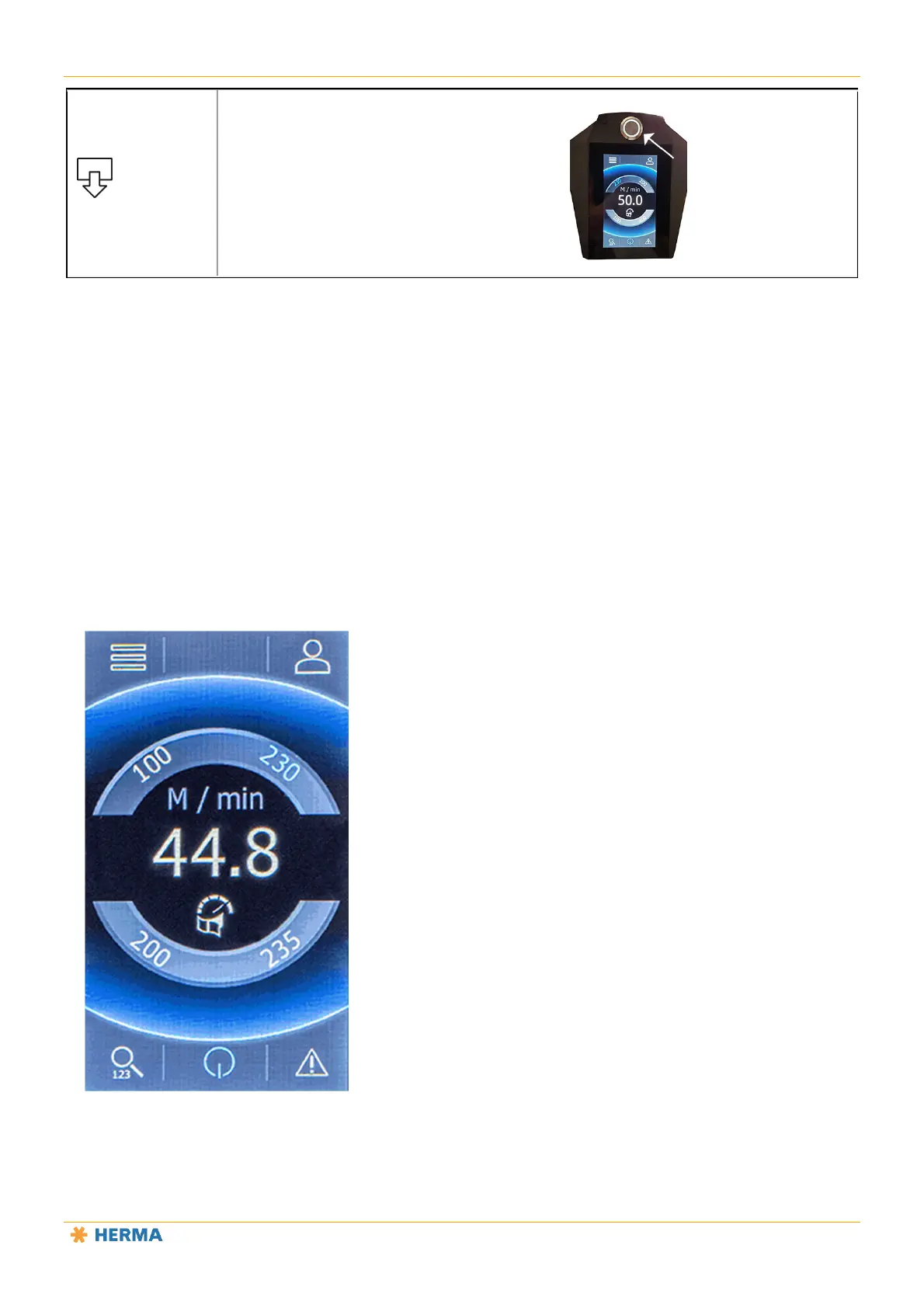
Start Screen Parameters for Quick Access (Favourites)
Parameters 51 through 54 in the “Extended settings” menu let you define four start screen parameters (8) for quick
access to frequently used parameters (favourites).
In this example, those are parameters 100, 200, 230 and 235.
Tap a parameter number to go directly to the parameter.
8
8
8
8



 To Next Page