Documentation HERMA 500
1.10 GB (2019/02/28)
105
Acknowledging Malfunctions
If the applicator is connected to a higher-level controller, errors can often be acknowledged from a central location
(e.g. on a touchscreen).
Always dispense at least two labels (pressing the dispense button ) after occurrence of a malfunction in order to
ensure that a label is correctly positioned at the dispensing beak. If optional pressure or monitoring systems are
available and activated on the applicator, you have to dispense as many labels as are located between the
dispensing beak and the unit farthest from the dispensing beak.
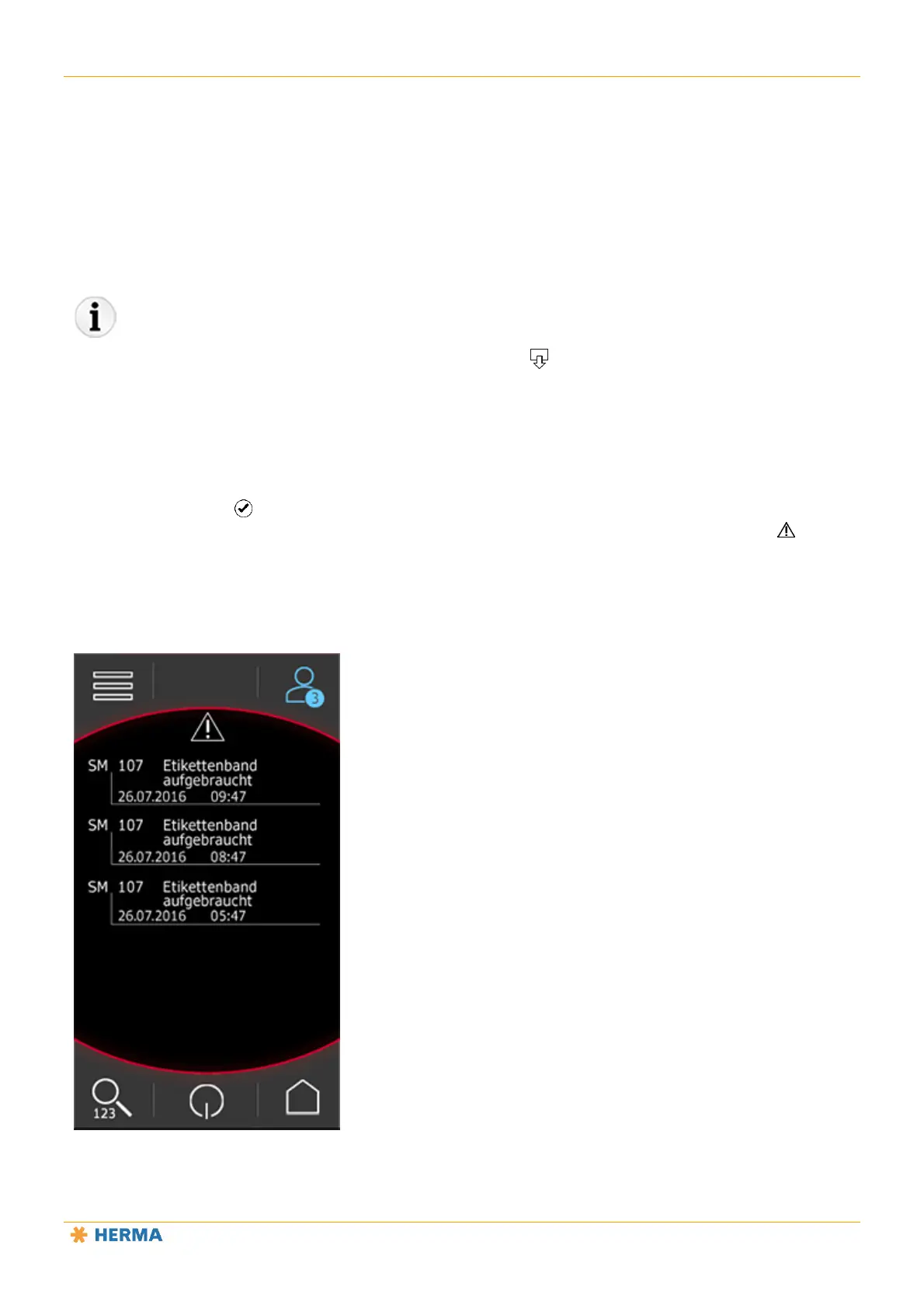
Tap the confirm button to acknowledge malfunctions. If you do not acknowledge a malfunction immediately,
the triangle icon 13 indicates that malfunctions are pending and how many. Tapping the history button displays
a list of past messages.
Acknowledge the messages to clear the list.



 To Next Page