Documentation HERMA 500
1.10 GB (2019/02/28)
57
Start-up
Start-up – General Information
Authorised staff
User 1 – for turning on the machine and starting production
User 2 – for loading the appropriate format
Remove products
If products are in the machine when it is turned on, the products could move in an uncontrolled manner.
When starting the machine up, make sure there are no products in the system.
If this information is not observed, the user and third parties could be injured by uncontrolled product handling.
Activation and Login
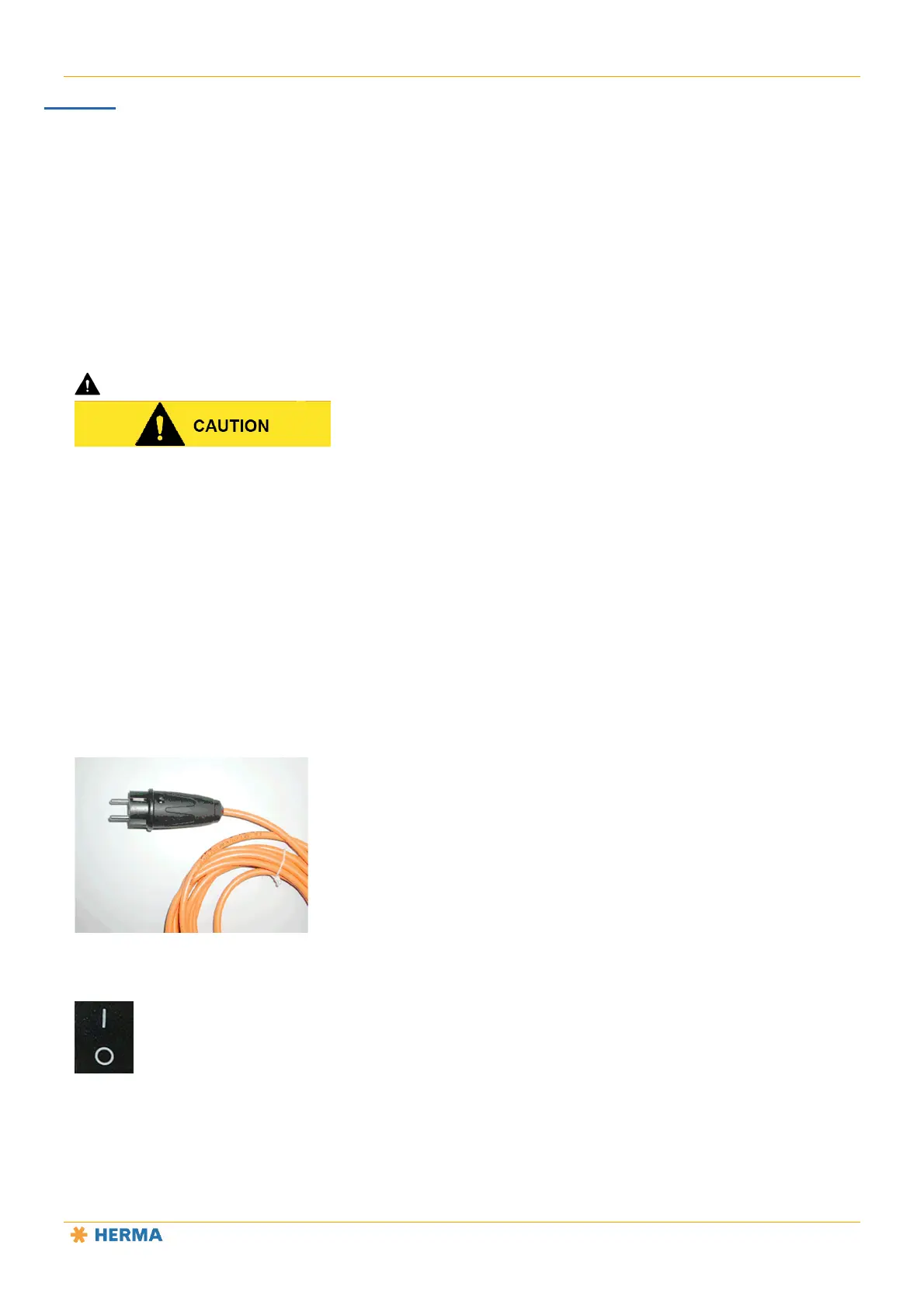
Plug the mains plug into a mains socket.
Representative photo
Flip the switch on the applicator to I.
The applicator is now ready for operation.



 To Next Page