Function
28
1.10 GB (2019/02/28)
Inserting the Label Web
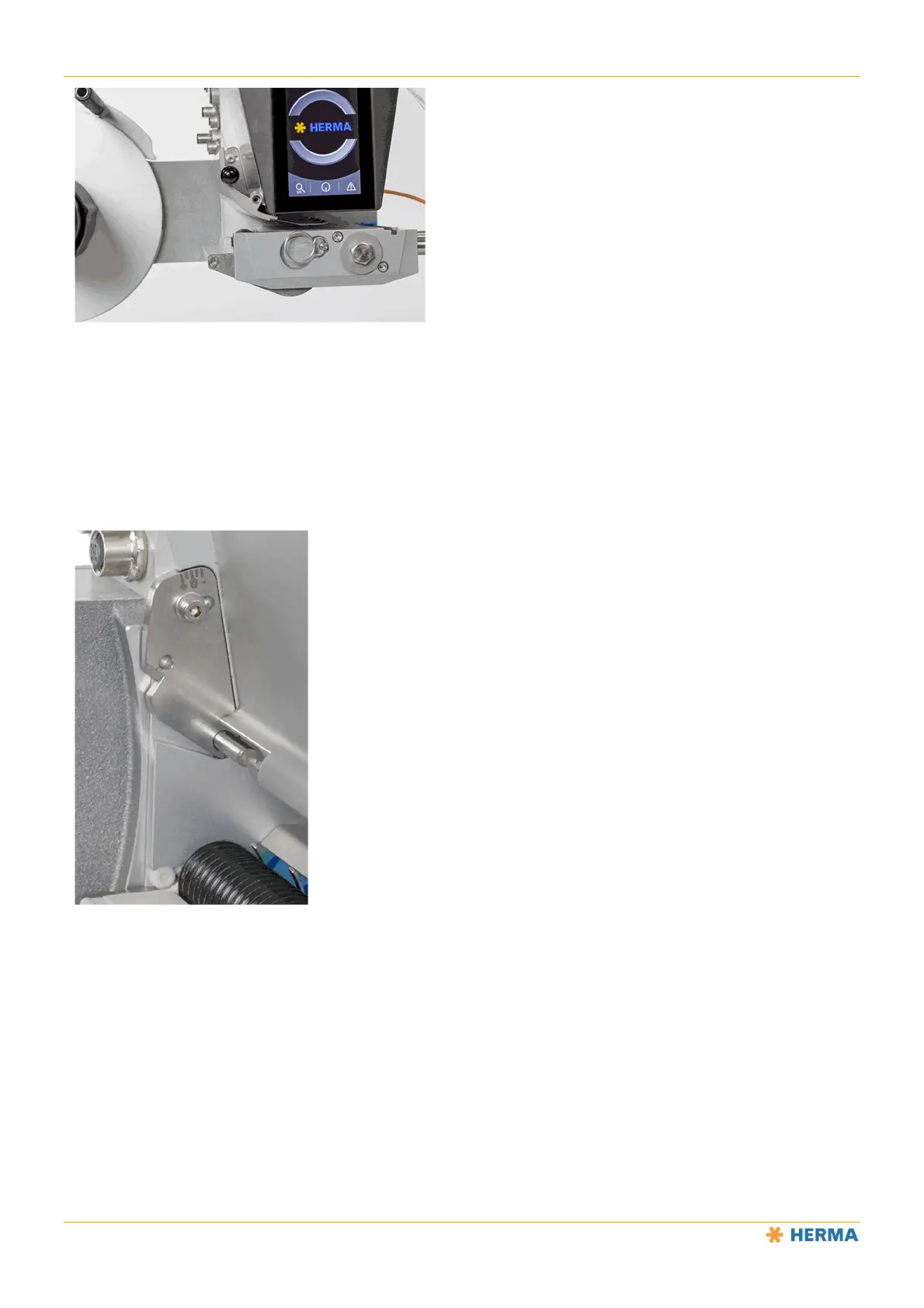
Grab the brake plate by the black knob and pull it to the side to swing it out of the way.
Slide the label web under the brake plate.
Return the brake plate to the original position and press it until it locks into place.
Adjusting the Braking Force
The braking force has been preset at the factory and only needs to be adjusted if needed.
Loosen the screw in the adjustment plate with printed scale and rotate the plate to the left or right
until the label web passes through easily but with noticeable resistance.
Then retighten the screw.
NOTICE: The brake plate can be completely removed and then reinstalled for cleaning. See the “Cleaning” section.



 To Next Page