Documentation HERMA 500
1.10 GB (2019/02/28)
33
Positioning the label
Depending on the application, the label either has to be completely detached (when using suction), or it must
remain briefly attached to the backing paper (if it is to be pulled off), or it must protrude only slightly (for labelling
products in motion).
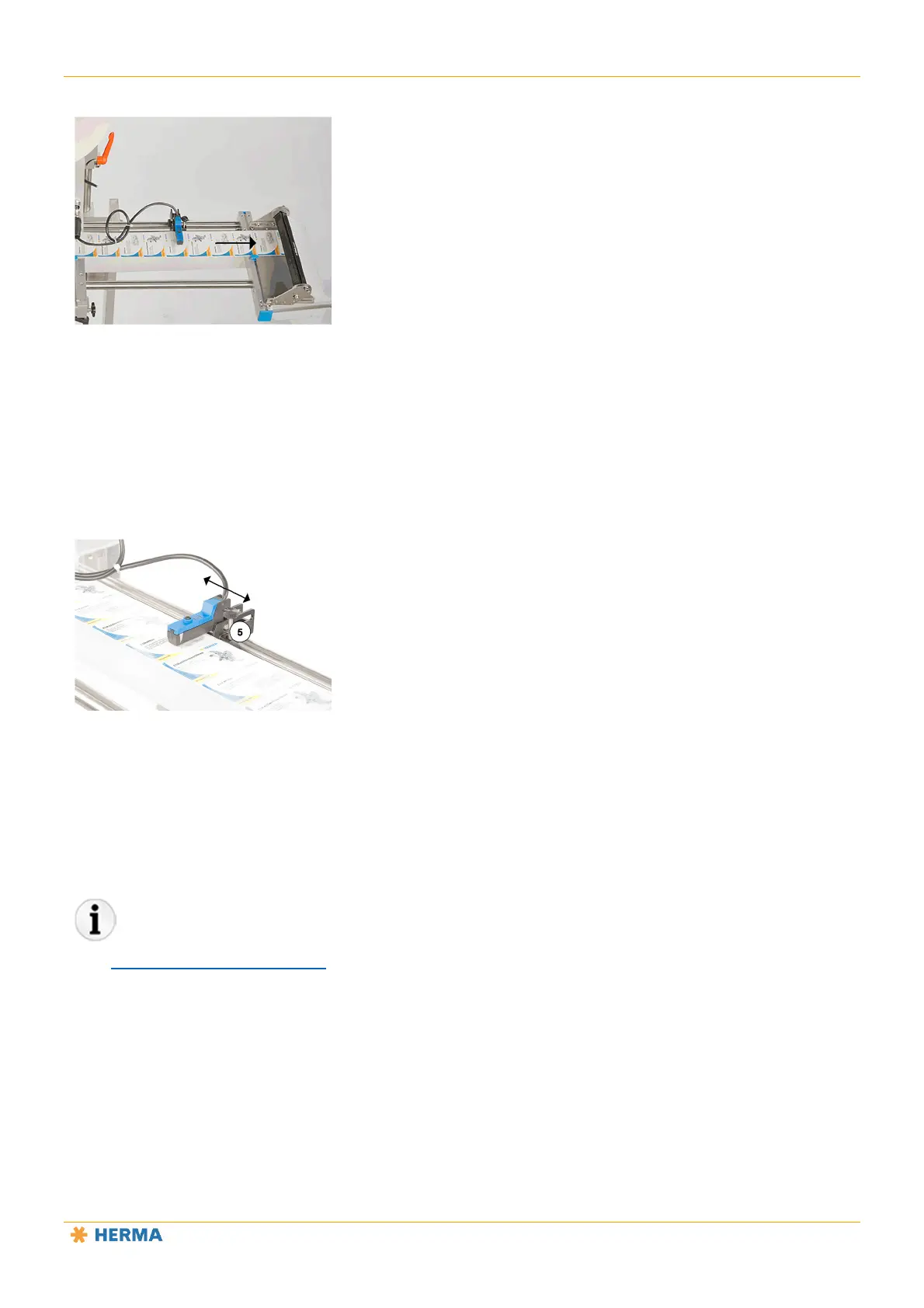
You can adjust the position of the label at the dispensing beak by moving the sensing unit in or opposite the
direction of label movement.
This positioning is also called the “stop delay”.
Loosen the locking screw 5.
Move the entire label sensor into the desired position.
Perform a test run.
Then tighten the locking screw 5.
The “Settings – retooling the product” section describes the settings you can change on this unit.



 To Next Page