Function
24
1.10 GB (2019/02/28)
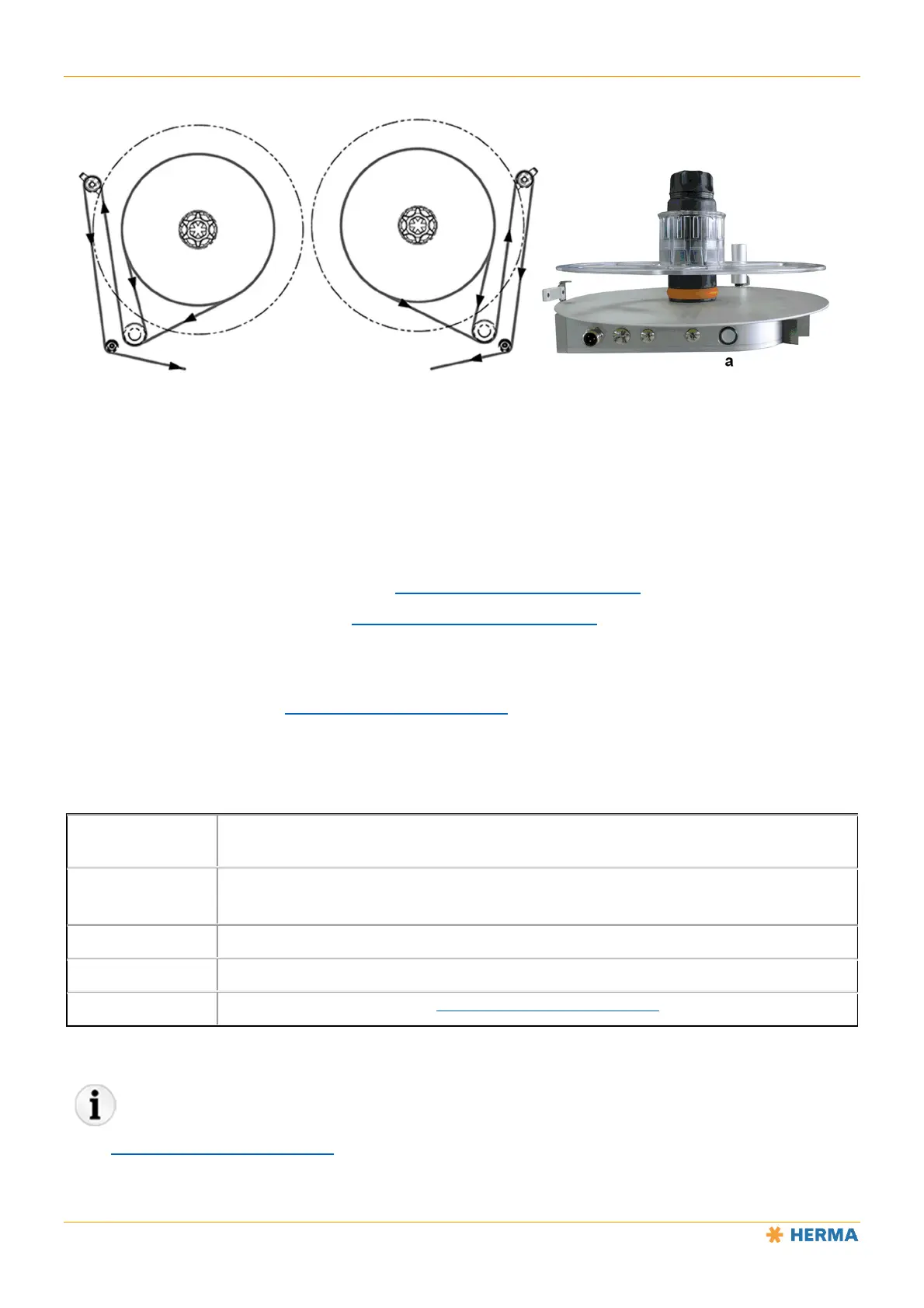
Function of the illuminated button
The illuminated button a has multiple functions:
Switch the unit on/off
Change the direction of rotation
Teach in the angle sensor (see the “Settings – Retooling the Product” section)
Set to smooth mode (see the “Settings – Retooling the Product” section)
Indicate errors using flashing codes
See the tables below and the “Settings – Retooling the Product” section.
NOTICE: The unit is READY (switched on) as soon as the voltage is applied and the illuminated button will light up.
Time the button is
pressed
Action/Function
< 3s
1. Switches on the unit if it is currently switched off.
2. Resets the unit if an error is pending (indicated by flashing code, see below).
> 3s and < 10s Switch the unit off
> 10s and < 20s Change the direction of rotation
> 20s Set to smooth mode (see the “Settings – Retooling the Product” section)
The “Settings – Retooling the Product” section describes the settings you can make on this unit.



 To Next Page