Function
30
1.10 GB (2019/02/28)
Depending on the application, the label either has to be completely detached (when using suction), or it must
remain briefly attached to the backing paper (if it is to be pulled off), or it must protrude only slightly (for labelling
products in motion).
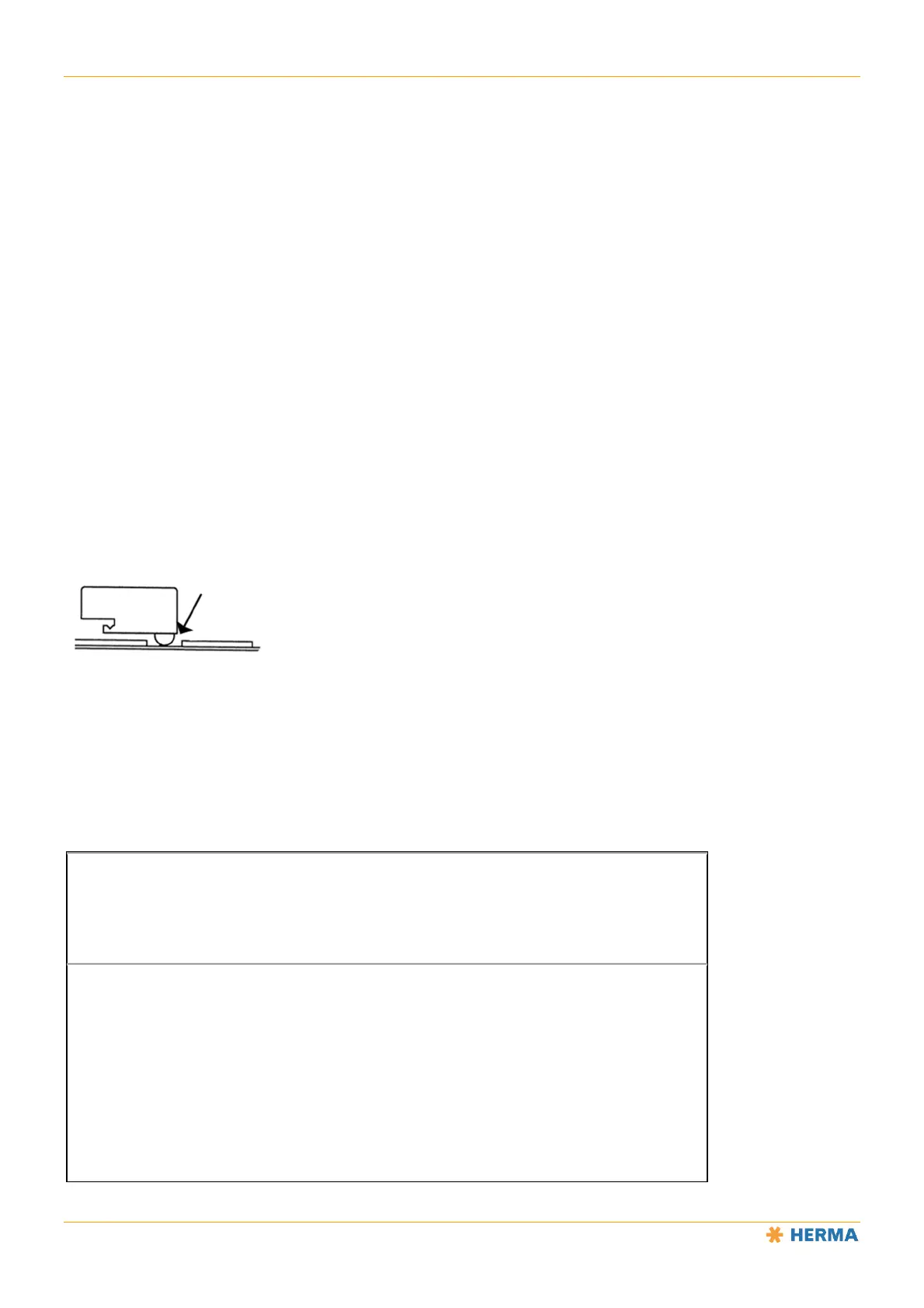
You can adjust the position of the label at the dispensing beak by moving the sensing unit and the holder (2) in or
opposite the direction of label movement (arrow).
This positioning is also called the “stop delay”. For certain configurations, this stop delay can also be adjusted
using a potentiometer in the control box or via a parameter in the control program.
Work mode (normal mode)
This mode is the mode for normal operation. Any adjustments have been made already (see the “Setting Mode”
section).
Setting mode
In this mode the sensor can learn the thickness of the backing paper and can be set to different label material
(paper labels or electrically conductive labels (metalised or aluminium covered)). You can also set an offset, i.e., a
small shift in the switching point that may be necessary under challenging conditions, e.g. at very high speeds.
The set button must be pressed for different lengths of time to access different functions. If, for example, you want
to access the function for changing the label material detected by the sensor, you have to press the button for at
least 10 seconds but no more than 15 seconds.
The sensor must be positioned in the gap between the labels.
NOTICE: The length of time that the button has been pressed goes back to 0 after the end of each function. The
different functions are indicated by changes in the LED.
NOTE: The following description applies only to the sensor with the material number 680297 (see the printed
number on the unit).
Button press duration // Function triggered/activated
< 2s
LED is off , no function.
> 2s, < 10s
LED is on, teaching-in function active (self-learning of backing paper thickness).
After the button is released, rapid flashing of the LED signals the start of the teaching-in
process. A flash code is emitted at the end of the function:
2 slow flashes (teaching in was successful)
4 slow flashes (teaching in was not successful)



 To Next Page