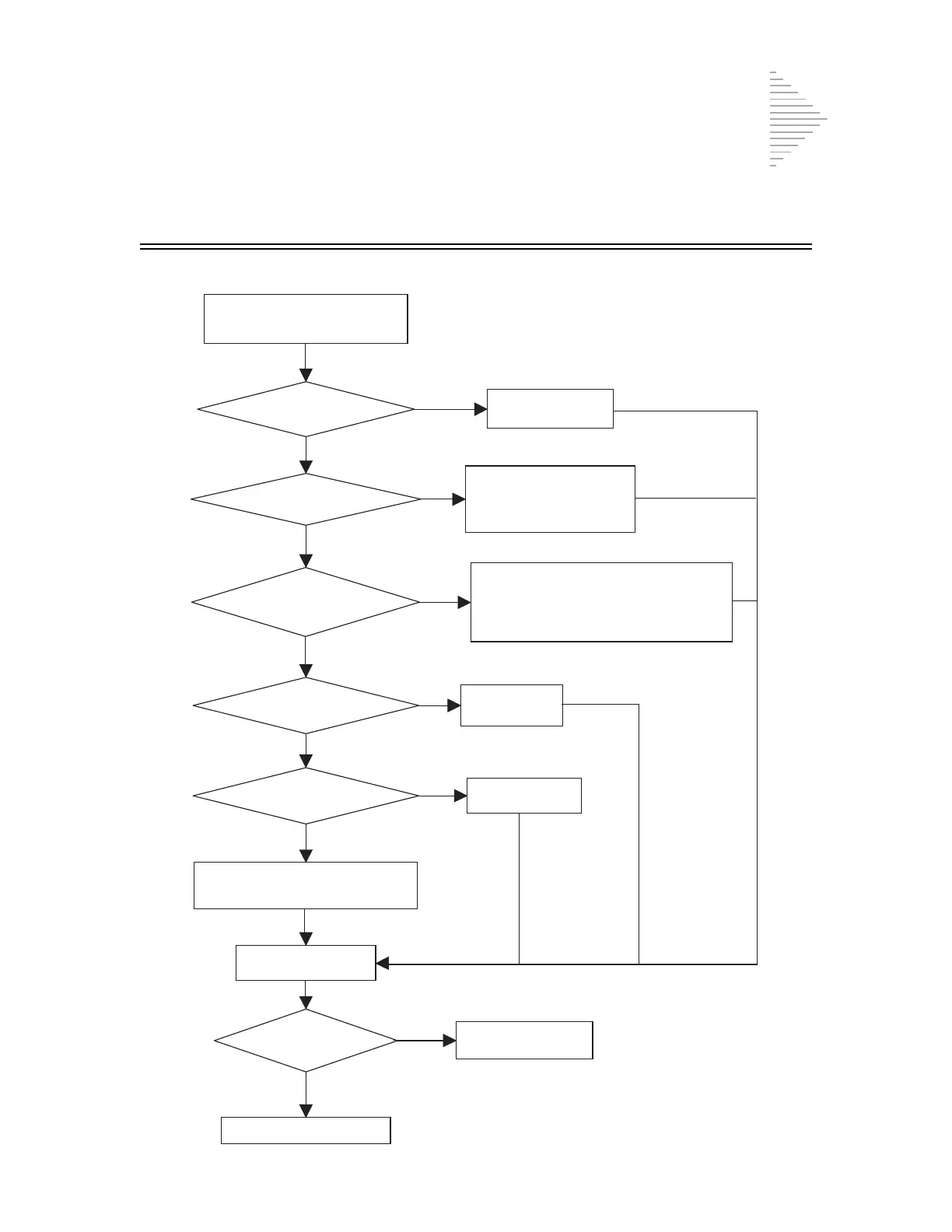
No Fluid Detected. Check Filter and Vial
Press the ENTER key to clear the
message and stop the audible alert.
Is sample vial present?
YES
Is sample vial capped?
NO
Does
sample vial contain enough
fluid?
YES
Is ThinPrep Pap Test Filter
present?
YES
Is ThinPrep Pap Test
Filter damaged?
NO
NO
Clean filter cap.
Inspect filter seal and cap seal.
Continue processing.
Does message
persist?
No further action
required.
NO
YES
Insert sample vial
into instrument.
Remove sample vial and
uncap it. Replace sample vial
into instrument.
NO
Remove sample vial from instrument.
Add PreservCyt Solution to sample vial until
volume is between 17 ml and 21 ml.
Replace sample vial into instrument.
NO
YES
InstallThinPrep
Pap Test Filter.
Replace
ThinPrep
Pap Test Filter.
YES
Call Technical Service.



 To Next Page