MAINTENANCE
7.2
ThinPrep 2000 Processor Operator’s Manual
EMPTYING WASTE BOTTLE
Check the waste bottle on a daily basis and empty it before the fluid level reaches the “MAX” mark-
ing on the bottle.
1.
Disable the waste system
—
• From the Main Menu, select the down arrow key to display the second Main Menu screen.
• Select option 7, Maintenance.
• Select option 2, Waste System.
• Remove all the disposables from instrument and press ENTER.
• Wait for the system to vent the waste bottle and display the “ENTER when finished.” mes-
sage.
2.
Cap removal
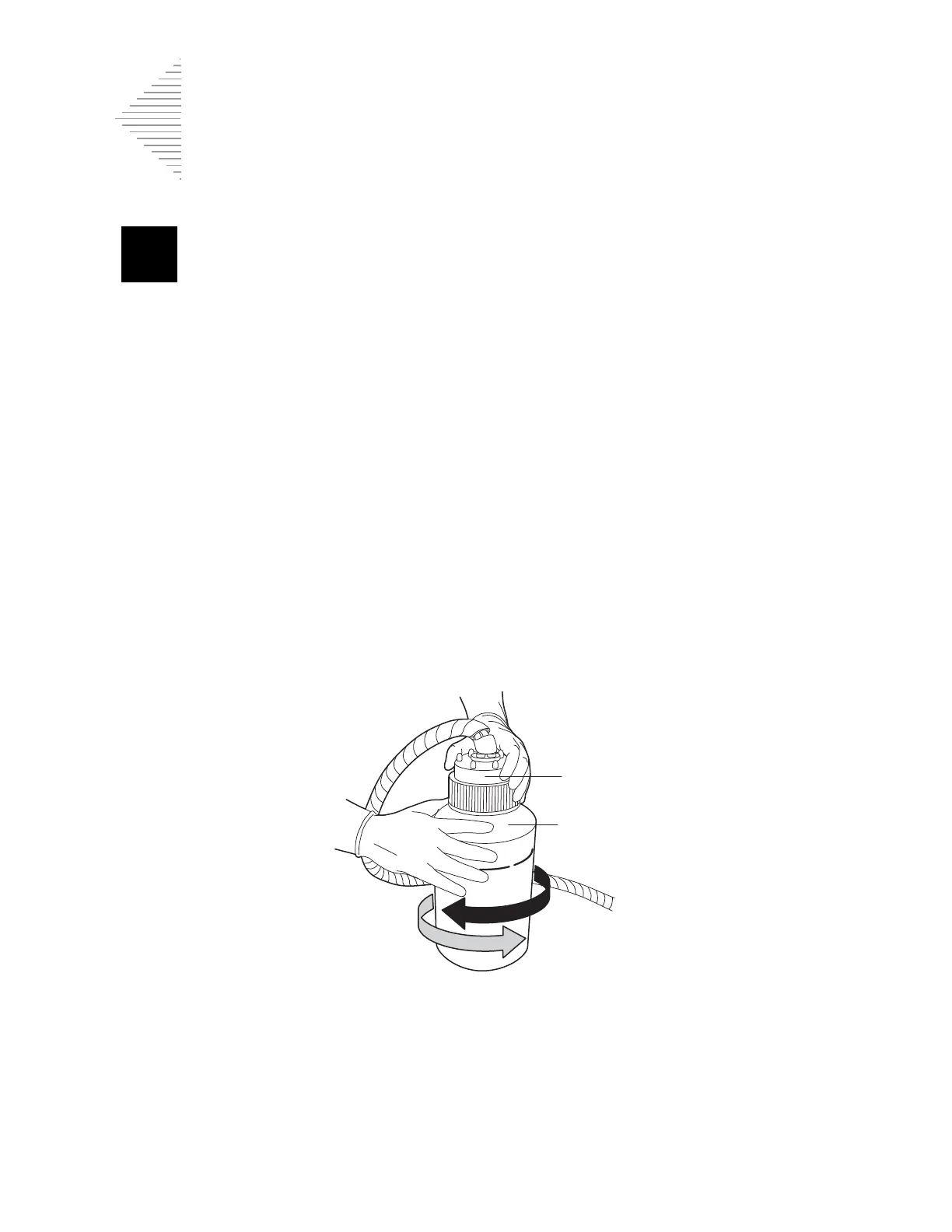
— Open the waste bottle cap by rotating the waste cap while holding the bottle in
place to avoid tangling the waste tubing.
See Figure 7-1.
Do not remove the length of tubing connected to the inside of cap.
Figure 7-1 Opening/Closing the Waste Bottle



 To Next Page