MAINTENANCE
7.8
ThinPrep 2000 Processor Operator’s Manual
CAP SEAL CLEANING
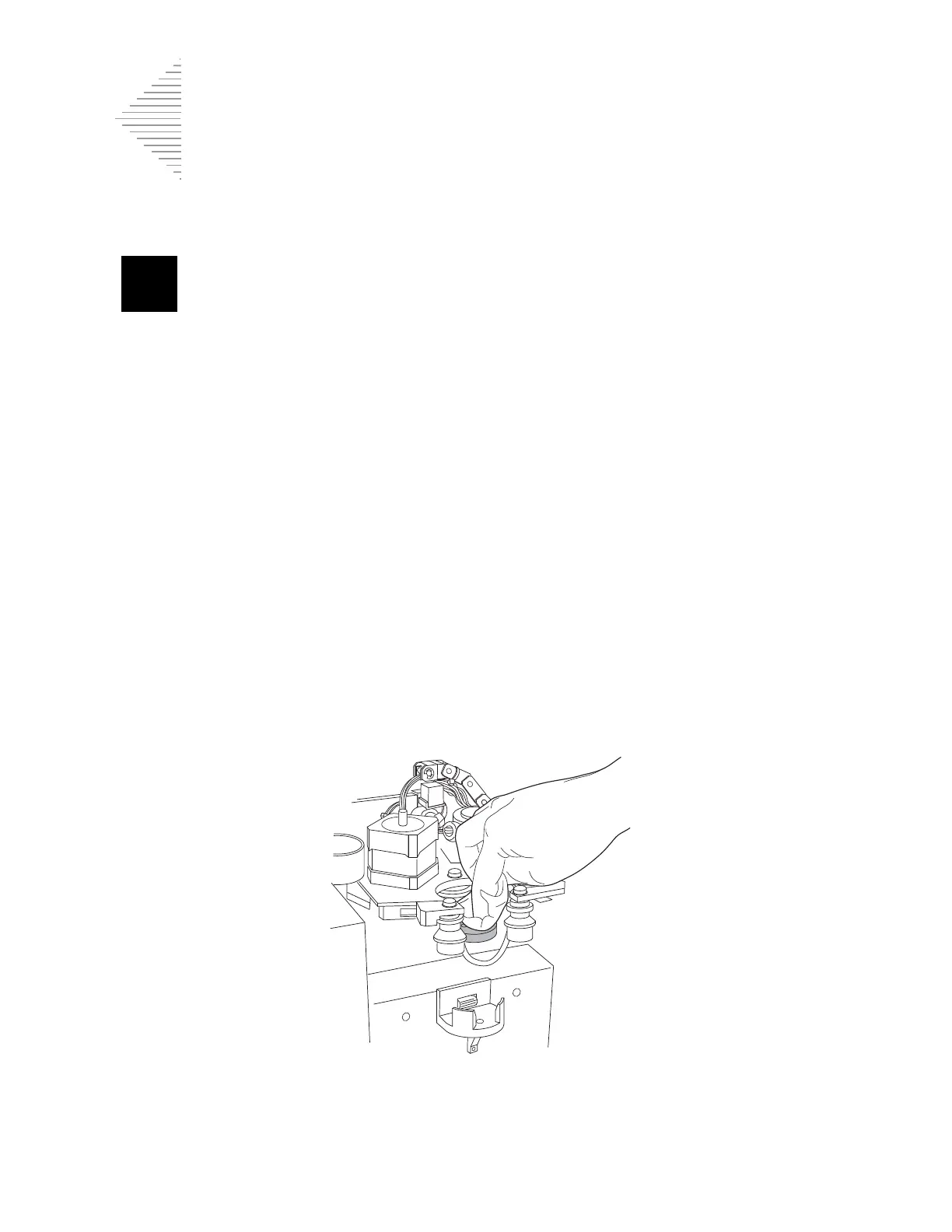
The cap seal is a stainless steel part that covers the top of the filter cap during sample processing. The
cap seal has two tubing connections on its top side. Debris can accumulate and dry on the underside
of the cap seal; therefore, periodic cleaning is required.
To clean the underside of the cap seal follow the instructions outlined below:
• From the Main Menu, select the down arrow key to display the second Main Menu screen.
• Select option 7, Maintenance.
• Select option 2, Waste System.
• Remove all the disposables from the instrument and press ENTER.
• Wait for the system to complete its movements and display the “ENTER when finished.” mes-
sage.
This procedure inverts the rotating plate allowing a clear view of the underside of the cap seal.
Dampen a lint-free wipe with deionized water. Wring the wipe so that it is
damp
, not dripping. Clean
any dust, dried salts, etc., from the underside of the cap seal. Upon completion of the cleaning, press
the ENTER key to return to the Main Menu.
This procedure should be performed on a daily basis.



 To Next Page