MAINTENANCE
7.16
ThinPrep 2000 Processor Operator’s Manual
EMPTYING AND CLEANING THE CATCH TRAY
1. If the ThinPrep 2000 processor is equipped with a catch tray, on a frequent basis observe how
much liquid is collected in the catch tray. When the level is near the first indentation from the bot-
tom, empty the tray.
2. From the Main Menu on the keypad, Select option 7 (Maintenance) Key. From the Maintenance
Menu select option 2 (Waste System) and press Enter. This step will raise the sample holder out of
the way and allow you to remove the tray from the instrument.
3. Grasping the handle, lift the tray straight up and out of the cabinet.
4. Debris such as brushes, caps or filters may have collected in the tray in addition to PreservCyt
Solution. Inspect the contents of the tray upon removal. Discard the contents according to your
laboratory guidelines.
5. The catch tray may be cleaned with soap and water or with a 10% bleach mixture. Make sure the
tray is completely rinsed and dried before returning it to the instrument.
Re-Insert the Catch Tray
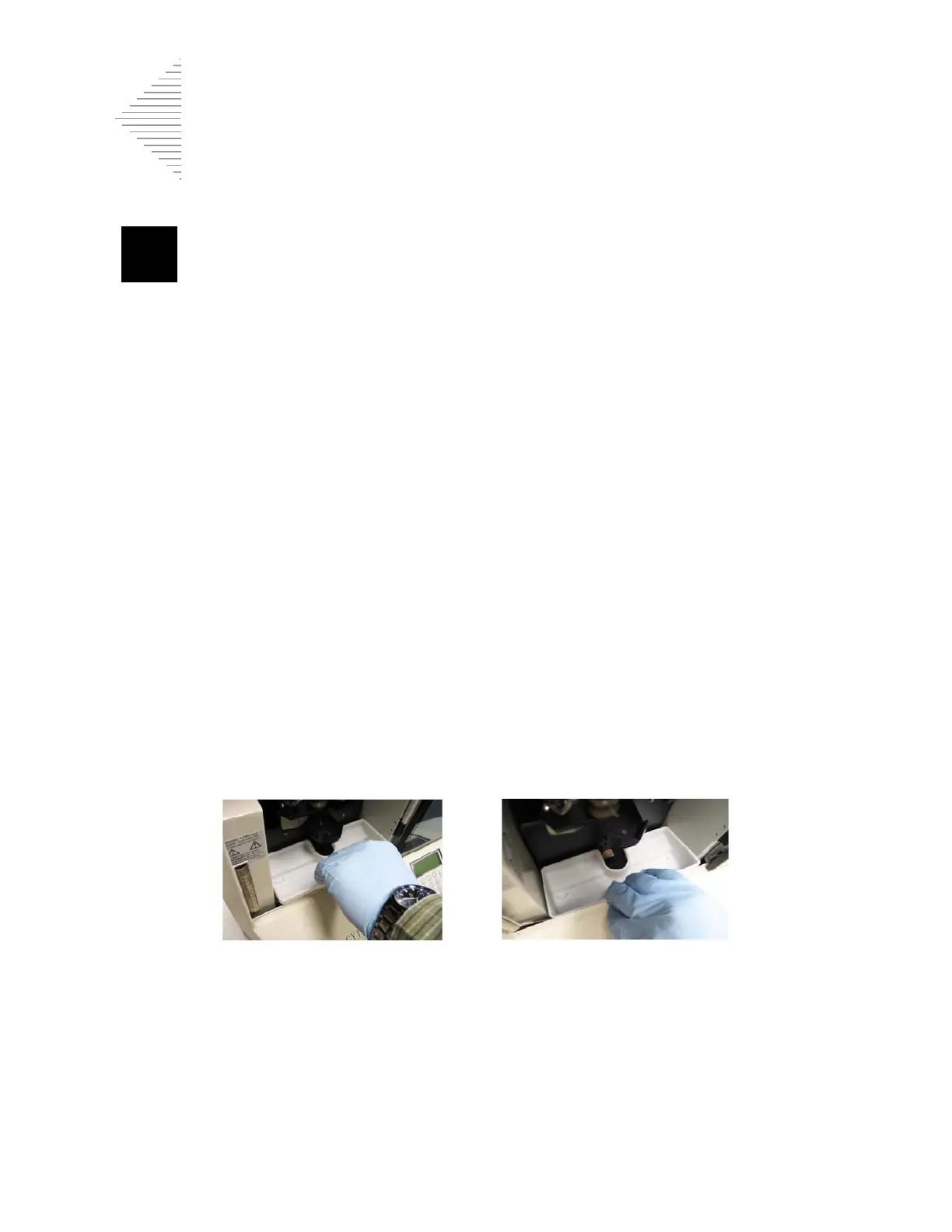
1. Place the catch tray into the cabinet. The handle should be near the front of the instrument. (The
catch tray is shown in white for clarity. The catch tray is black.)
2. The catch tray has molded indents on the bottom surface that engage with two large screw heads
on the bottom of the cabinet. You will feel the screws are inserted into the indents when the tray
is correctly in place. Verify that the catch tray is secure by gently pressing on the inside of the tray
towards the front of the instrument. The tray should not be loose.
Figure 7-13 Place the Catch Tray into the Cabinet. Fit Screws into the Tray Indents.
The ThinPrep 2000 processor is ready for use.
Note:
If the sample holder hits the catch tray during operation and causes a system error, reseat the
tray to make sure it is fully inserted.



 To Next Page