OPERATING INSTRUCTIONS
ThinPrep 2000 Processor Operator’s Manual
5A.7
LOADING THE PRESERVCYT SAMPLE VIAL
1. Open the ThinPrep 2000 processor door by gripping the door tab and sliding it gently to the right
until it is completely open.
2. Confirm that the sample holder, fixative vial holder, and slide handler are empty.
3. Remove the cap from the PreservCyt sample vial.
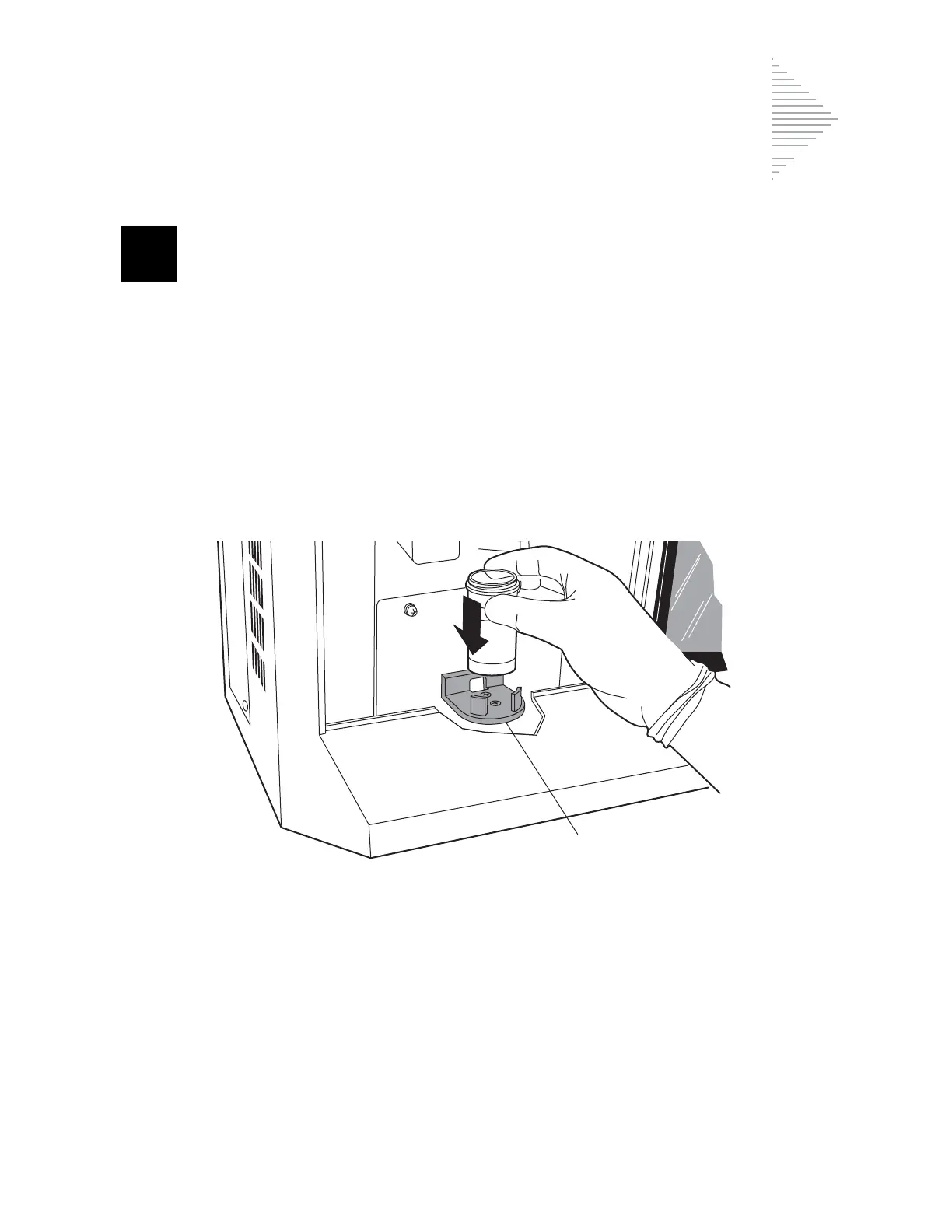
4. Gently place the PreservCyt sample vial into the sample holder until the bottom of the vial rests
on the sample holder base. Refer to Figure 5A-3.
5. The vial will remain loose in the sample holder until the process begins. The instrument will
automatically grasp the vial during processing.
Figure 5A-3 Loading the PreservCyt Sample Vial



 To Next Page