CHAPTER 6
6-4 IEN HARDWARE REFERENCE 940043-002
Software Configuration
The IEN 1000 chassis must be configured to set up the initial physical interface and protocol
to communicate with the Hypercom Network Management System (IENView). This is a two-
part process, WAN port initialization and IENView configuration.
Note: The base IEN 1000 chassis contains one downlink port designated RS232-1. This port must
always be configured.
WAN Port Initialization
The WAN port initialization is required to establish a path for IENView to access the
IEN 1000 chassis for configuration. IENView may be used to change WAN port settings
and override any manual settings.
WAN port initialization is accomplished by the Node ID switches set to specific values while
power is cycled to the IEN 1000 chassis.
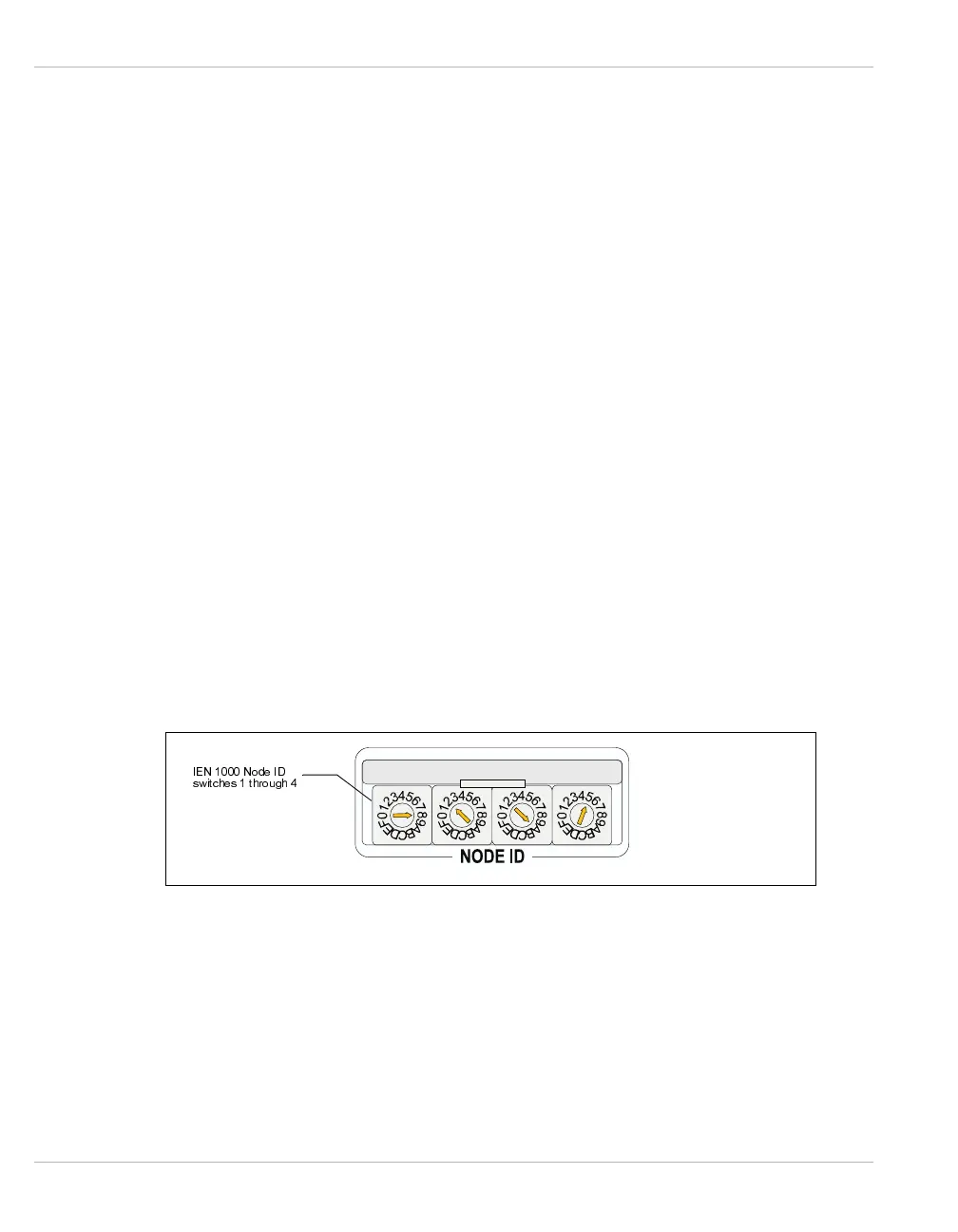
The four Node ID rotary switches are referenced 1 through 4, from left to right, throughout
this section. Figure 6-1 illustrates the Node ID rotary switches.
Note: The following IEN 1000 WAN port initialization procedure is only an example. Your site
configuration should reflect a unique address scheme. Refer to the IEN Software Reference
manual for more information about specific addressing for your environment.
Figure 6-1 Node ID Rotary Switches
,(11RGH,'
VZLWFKHVWKURXJK



 To Next Page