109
8
SCAN OPERATION
1
2
3
4
5
6
7
8
9
10
11
12
13
14
15
16
17
18
19
N Scan resume condition
D Scan pause timer
The scan pauses when receiving signals according to the
scan pause time. It can be set from 2 to 20 sec. or unlimited.
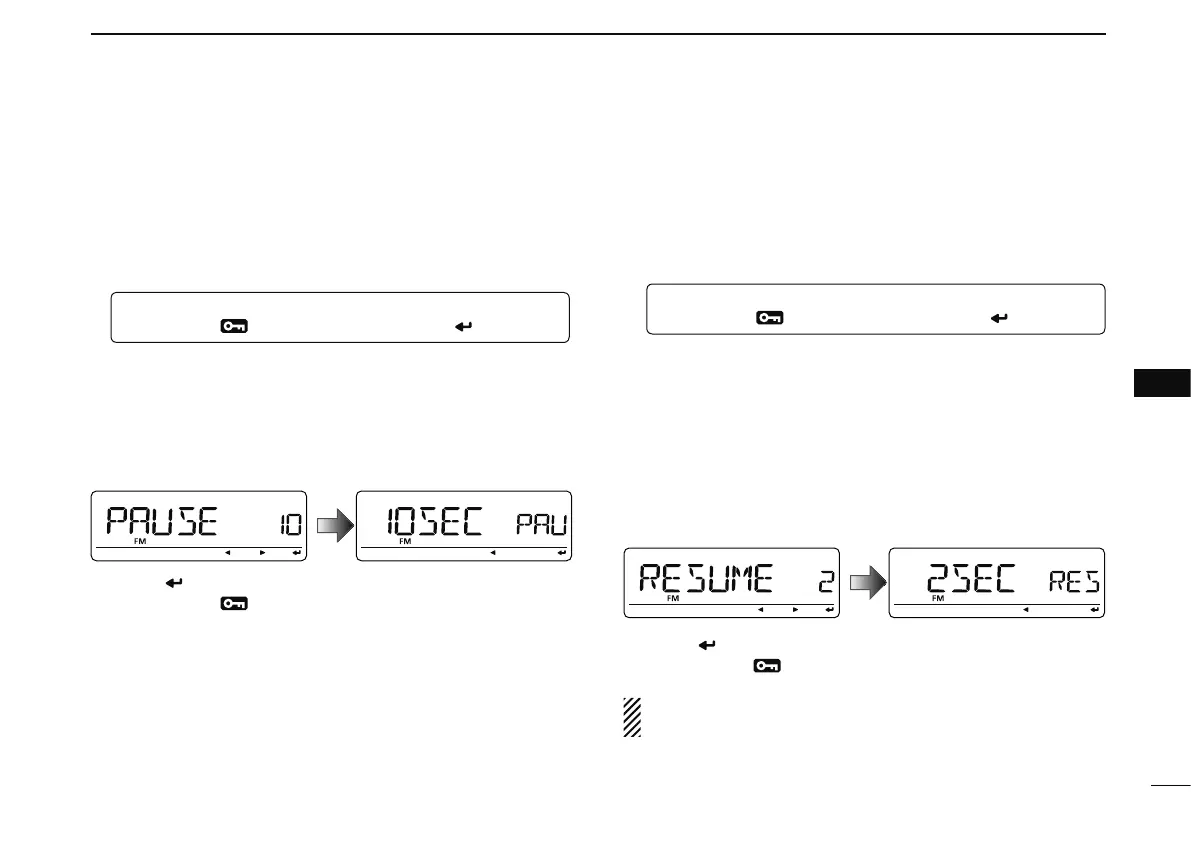
q Enter “PAUSE” in SCAN set mode.
w Rotate [DIAL] to select the desired scan pausing time
from 2–20 sec. (2 sec. steps) or “HOLD.”
• “2SEC”–“20SEC” : Scan pauses for 2–20 sec. while receiving a
signal.
• “HOLD” : Scan pauses on a received a signal until it
disappears.
e Push [ ](MONI) to return to SCAN set mode.
r Push [MENU
] to return to frequency indication.
D Scan resume timer
The scan restarts after the signal disappears according to the
resume time. It can be set from 0–5 sec. or unlimited.
q Enter “RESUME” in SCAN set mode.
MENU ¶ SCAN ¶ RESUME
(p. 123)
(Push [MENU ]), (rotate [DIAL], then push [ ](MONI).)
w Rotate [DIAL] to select the desired scan resume time from
0–5 sec. (1 sec. steps) and “HOLD.”
• “0SEC” : Scan restarts immediately after the signal dis-
appears.
• “1SEC”–“5SEC” : Scan restarts 1–5 sec. after the signal disap-
pears.
• “HOLD” : Scan remains paused on the received signal
according to the scan pause timer even if it dis-
appears. Rotate [DIAL] to resume manually.
e Push [ ](MONI) to return to SCAN set mode.
r Push [MENU
] to return to frequency indication.
Scan resume timer must be set shorter than the scan
pause timer, otherwise this timer does not activate.
MENU ¶ SCAN ¶ PAUSE
(p. 123)
(Push [MENU ]), (rotate [DIAL], then push [ ](MONI).)



 To Next Page