35
4
DV MODE PROGRAMMING
1
2
3
4
5
6
7
8
9
10
11
12
13
14
15
16
17
18
19
N
Repeater list programming
D New repeater list programming
q
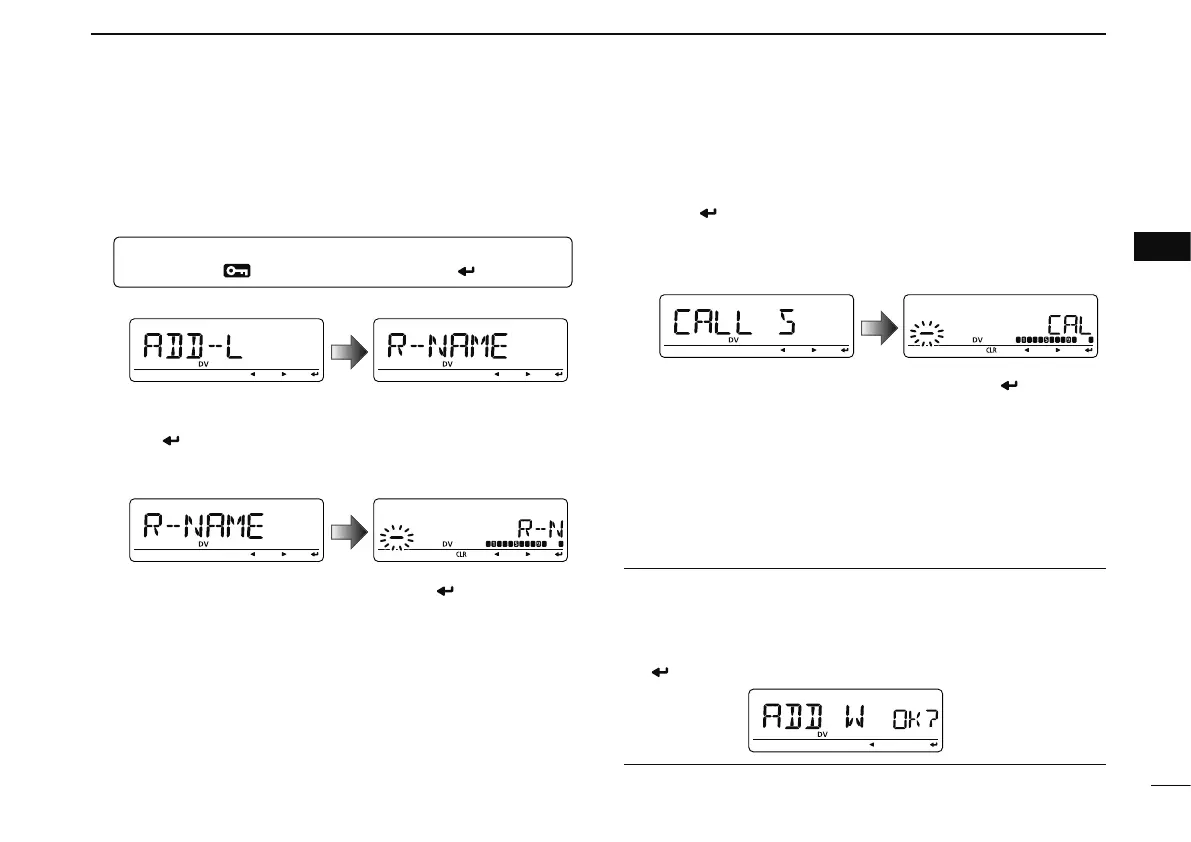
Enter “ADD-L” in RPT-L menu.
MENU ¶ RPT-L ¶ ADD-L
(Push [MENU ]), (rotate [DIAL], then push [ ](MONI).)
• “R-NAME” appears.
Repeater name programming (R-NAME)
w Push [
](MONI) to enter the repeater name programming
state. See p. 39 for repeater name programming details.
• Repeater name programming screen is displayed.
e Program the repeater name, then push [ ](MONI) to exit
the state.
• Rotate [DIAL] to select the desired character, number, symbol
or space.
• Push [](LOW)/[](CS) to move the cursor right or left, respec-
tively.
r Rotate [DIAL] to select the next content (repeater call sign
programming).
Repeater call sign programming (CALL S)
t Push [
](MONI) to enter the repeater call sign program-
ming state. See p. 39 for repeater call sign programming
details.
• Repeater call sign programming screen is displayed.
y Program the repeater call sign, then push [ ](MONI) to
exit the state.
• Rotate [DIAL] to select the desired character, number, symbol
(‘/’only) or space.
• Push [](LOW)/[](CS) to move the cursor right or left, respec-
tively.
u Rotate [DIAL] to select the next content (gateway repeater
call sign programming).
CONVENIENT!
After you program the repeater call sign, you can skip the
other programming and store the list.
± Push [S.MW] to enter memory write state, then push
[
](MONI) to store the list.



 To Next Page