10
1
PANEL DESCRIPTION
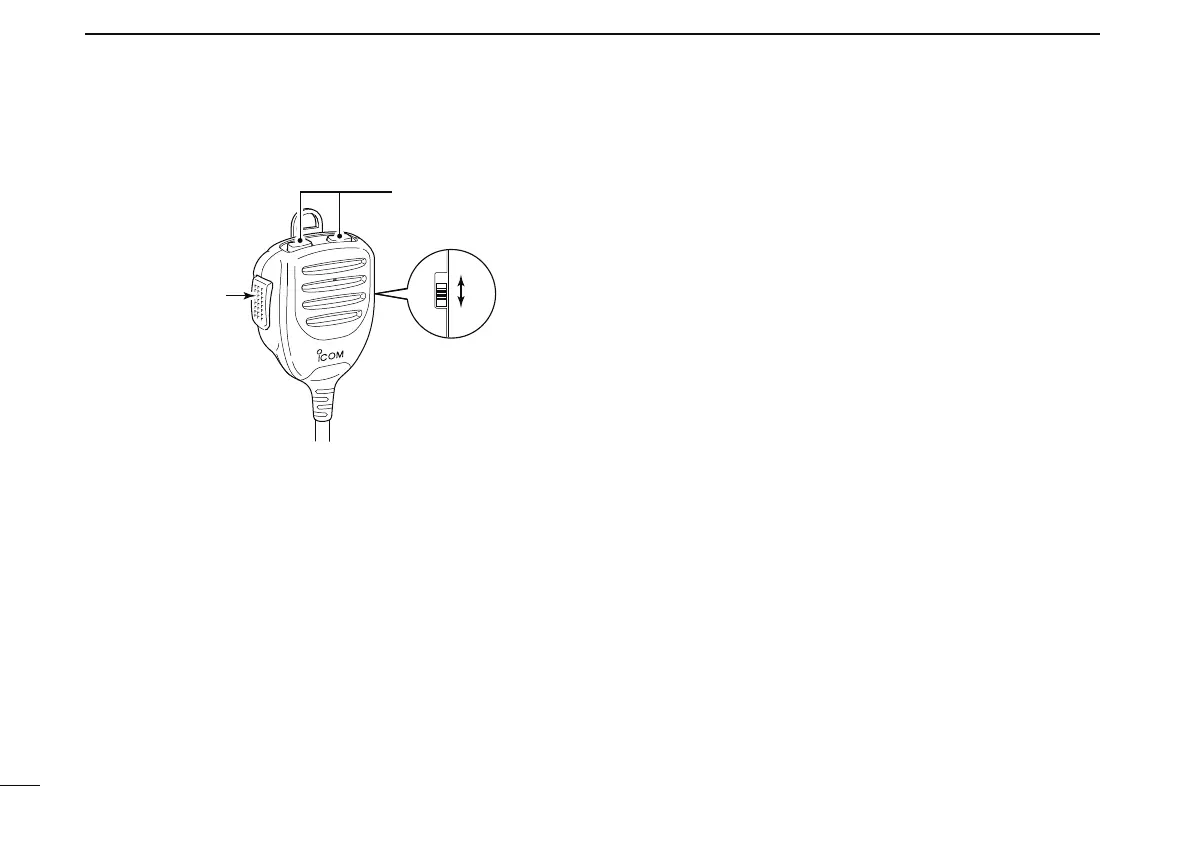
N Optional Microphone (HM-154)
q PTT SWITCH
Push and hold to transmit; release to receive.
w UP/DOWN KEYS [UP]/[DN]
± Push either key to change operating frequency, memory
channel, set mode setting, etc.
(pgs. 12, 14, 88, 117)
± Push and hold either key for 1 sec. to start scanning.
(p. 107)
e UP/DN LOCK SWITCH
Slide to toggle [UP]/[DN] keys lock function ON and OFF.
Optional microphone (HM-103) is also available.



 To Next Page