111
9
PRIORITY WATCH
1
2
3
4
5
6
7
8
9
10
11
12
13
14
15
16
17
18
19
N Priority watch types
Priority watch checks for signals on the frequency every
5 sec. while operating on a VFO frequency or scanning (ex-
cept DR mode watch). The transceiver has 4 priority watch
types to suit your needs.
The watch resumes according to the selected scan resume
condition. See page 109 for details.
NOTE: If the pocket beep function is activated, the trans-
ceiver automatically selects the tone squelch function
when priority watch starts.
D About priority beep function
When receiving a signal on the priority frequency, you can
be alerted with beeps and a blink “S.” This function can be
activated when setting the priority watch function ON.
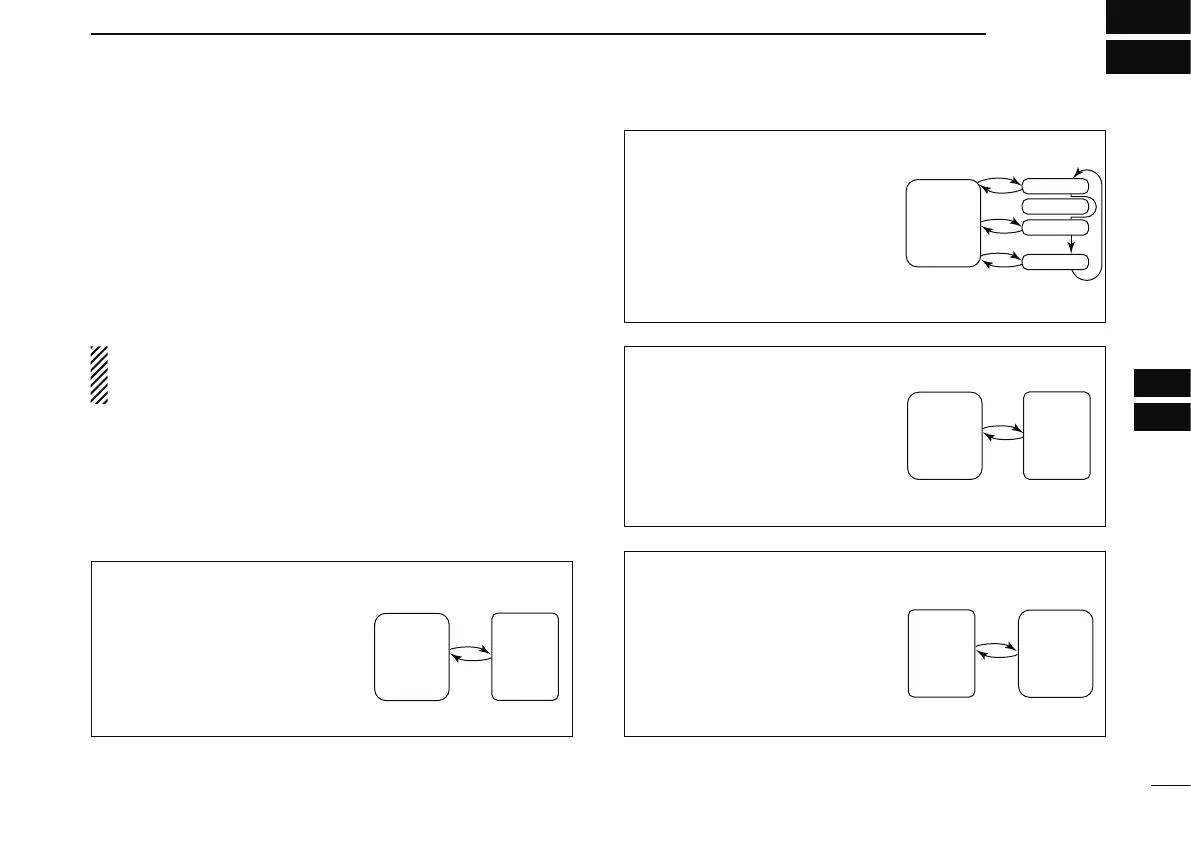
MEMORY/CALL CHANNEL WATCH
While operating on a VFO fre-
quency, priority watch checks for
a signal on the selected channel
every 5 sec.
• A memory channel with skip infor-
mation can be watched.
MEMORY SCAN WATCH
While operating on a VFO fre-
quency, priority watch checks
for signals on each memory
channel in sequence.
• The memory skip function and/or
memory bank scan is useful to
speed up the scan.
VFO SCAN WATCH
While scanning in the VFO
mode, priority watch checks for
signals on the selected channel
every 5 sec.
5 sec.
VFO
frequency
Memory
(Call)
channel
5 sec.
VFO
frequency
SKIP
Mch 0
Mch 1
Mch 2
Mch 999
5 sec.
VFO
scan
Memory
(Call)
channel
DR MODE WATCH
While operating in the DR mode,
priority watch checks for a sig-
nal on the VFO frequency every
5 sec.
• The access repeater scan is also
available during priority watch.



 To Next Page