43
5
DV MODE OPERATION
1
2
3
4
5
6
7
8
9
10
11
12
13
14
15
16
17
18
19
D Confirming current call sign
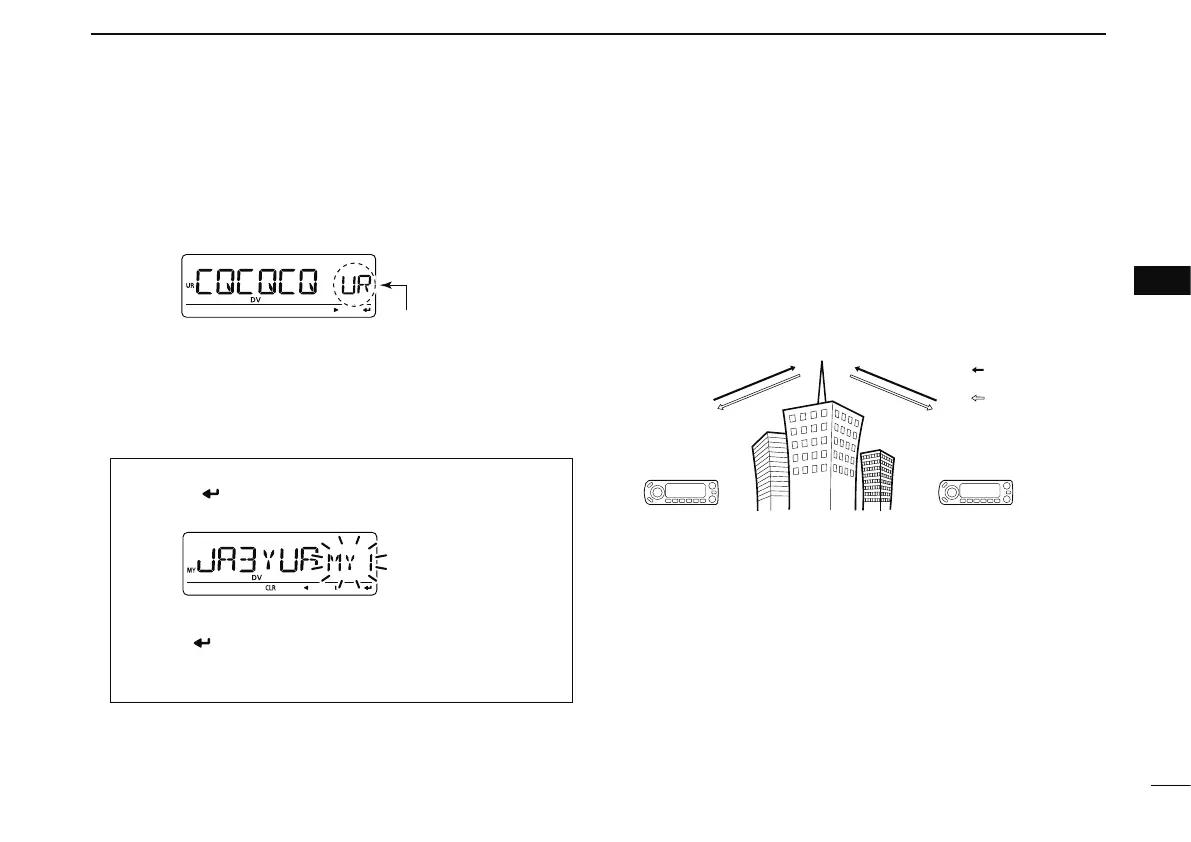
q Push [CS] to enter the current call sign mode.
• Current UR call sign is displayed.
w Rotate [DIAL] to select and confirm the other current call
sign.
• (“UR”), “R1,” “R2” and “MY” appears in sequence.
• When repeater call sign is selected, push [M/CALL] to toggle
the call sign and repeater name indications.
When changing the call sign
q Push [ ](MONI) to enter the call sign selection
mode.
w Rotate [DIAL] to select the desired call sign, then
push [
](MONI).
• When “UR,” “R1” or “R2” is selected, push [BAND] several
times to select the repeater call sign groups.
e Push [CS] again to return to frequency indication.
N Receiving a D-STAR repeater
When the ID-E880 receives a signal from a D-STAR repeater,
it receives four call signs: caller’s call sign, called call sign,
repeater call sign 1 (the repeater that caller accessed), and
repeater call sign 2 (the linked repeater). You can copy the
received call signs to current call signs, and you can also
reply to a call.
Station A Station B
Repeater
439.700 MHz
434.700 MHz
434.700 MHz
439.700 MHz
Uplink
Downlink
(transmitting freq.)
(receiving freq.)
• Presetting
q Set the desired repeater frequency.
(pgs. 14, 15)
• Select output power, if desired. (p. 18)
w Set the shift direction of the transmit frequency. (DUP– or
DUP; see p. 23 for details.)
e Select the DV mode. (p. 18)
r When signal is received, display indicates received call
sign.
See next page for information about received call signs.



 To Next Page