47
5
DV MODE OPERATION
1
2
3
4
5
6
7
8
9
10
11
12
13
14
15
16
17
18
19
D Copying the call record contents into call sign memory
This is a way to copy the call record contents (“CALLER,”
“RXRPT1” and “RXRPT2”)
into call sign memory “UR” and re-
peater list “R-L” at the same time or individually.
q Enter RX CAL (RX call sign) mode.
MENU ¶ RX CAL
(Push [MENU ]), (rotate [DIAL], then push [ ](MONI).)
• RX call sign screen is displayed.
w Rotate [DIAL] to select the desired record channel.
e Push [
](MONI) several times to select the desired call
sign from CALLER, / (CALLER’s note), CALLED, RXRPT1
and RXRPT2.
CALLER : The station call sign that made the call.
/ : 4 character note with call sign that made the call.
CALLED : The station call sign called by the caller.
RXRPT1 : The repeater call sign used by the caller station in the
same zone, or gateway repeater call sign of the down
link repeater when the caller station is in a different
zone.
RXRPT2 : The repeater call sign for down link repeater.
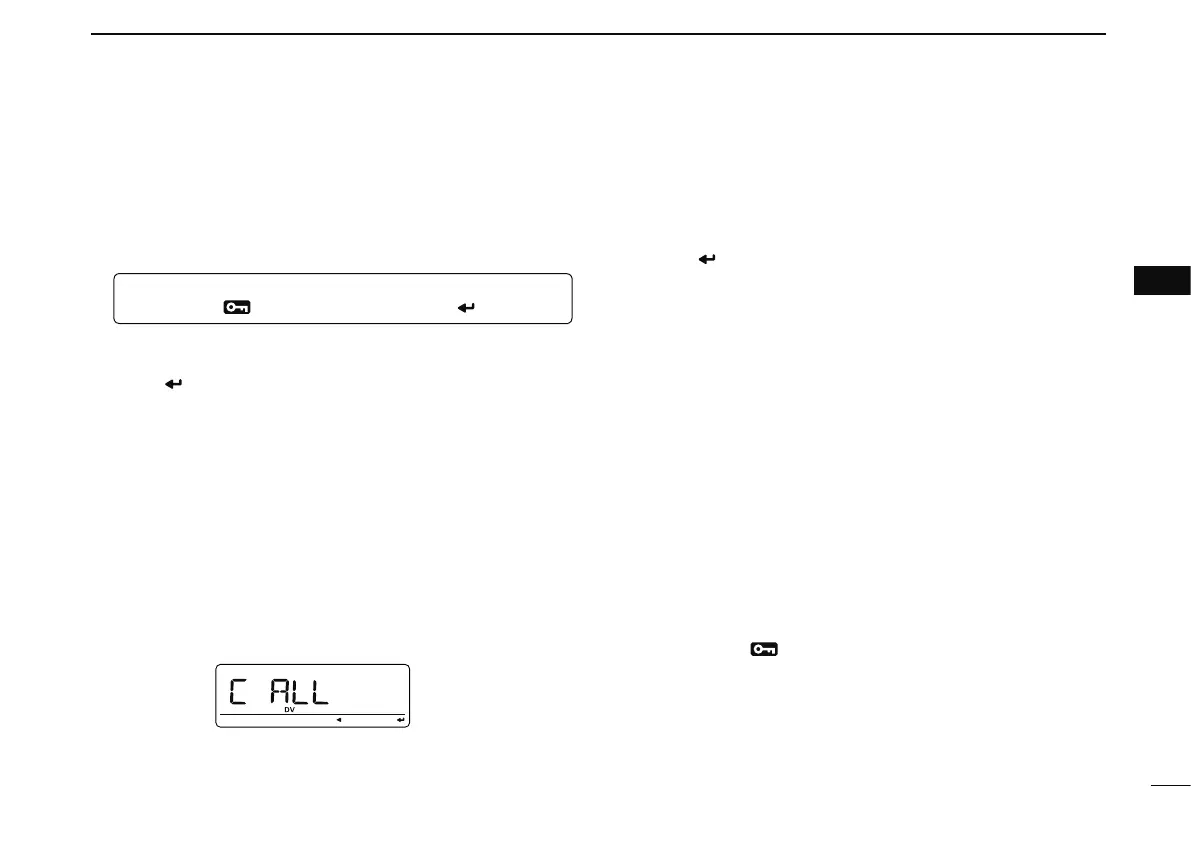
r Push [](LOW) to enter copy select mode.
• Copy select screen is displayed.
t Rotate [DIAL] to select the desired call sign to be copied
from “C ALL,” “C UR01”–“C UR60,” “C R-L” and “CLEAR.”
• “C ALL” selection won’t appear when either station call sign
memory or repeater list has no blank channel.
y Push [ ](MONI) to copy the selected record’s contents
into the appropriate call sign memory or repeater lists.
C ALL : Copy the caller call sign in “CALLER” to “UR” (sta-
tion call sign memory) and the repeater call sign
in “RXRPT1” / “RXRPT2” to the repeater lists. This
selection won’t appear when either station call sign
memory or repeater list has no blank channel.
C UR01– :
C UR60 : Copy the caller call sign in “CALLER” to “UR” (sta-
tion call sign memory). This selection appears
when entering the copy select mode (step r) from
“CALLER” only.
C R-L : Copy the repeater call sign in “RXRPT1” / “RXRPT2”
to the repeater lists. This selection appears when
entering the copy select mode (step r) from
“RXRPT1” or “RXRPT2” only.
CLEAR : Clear (erase) the selected call record contents.
u Push [MENU ] to return to frequency indication.



 To Next Page