11
2
BASIC OPERATION
1
2
3
4
5
6
7
8
9
10
11
12
13
14
15
16
17
18
19
N Preparation
D Turning power ON/OFF
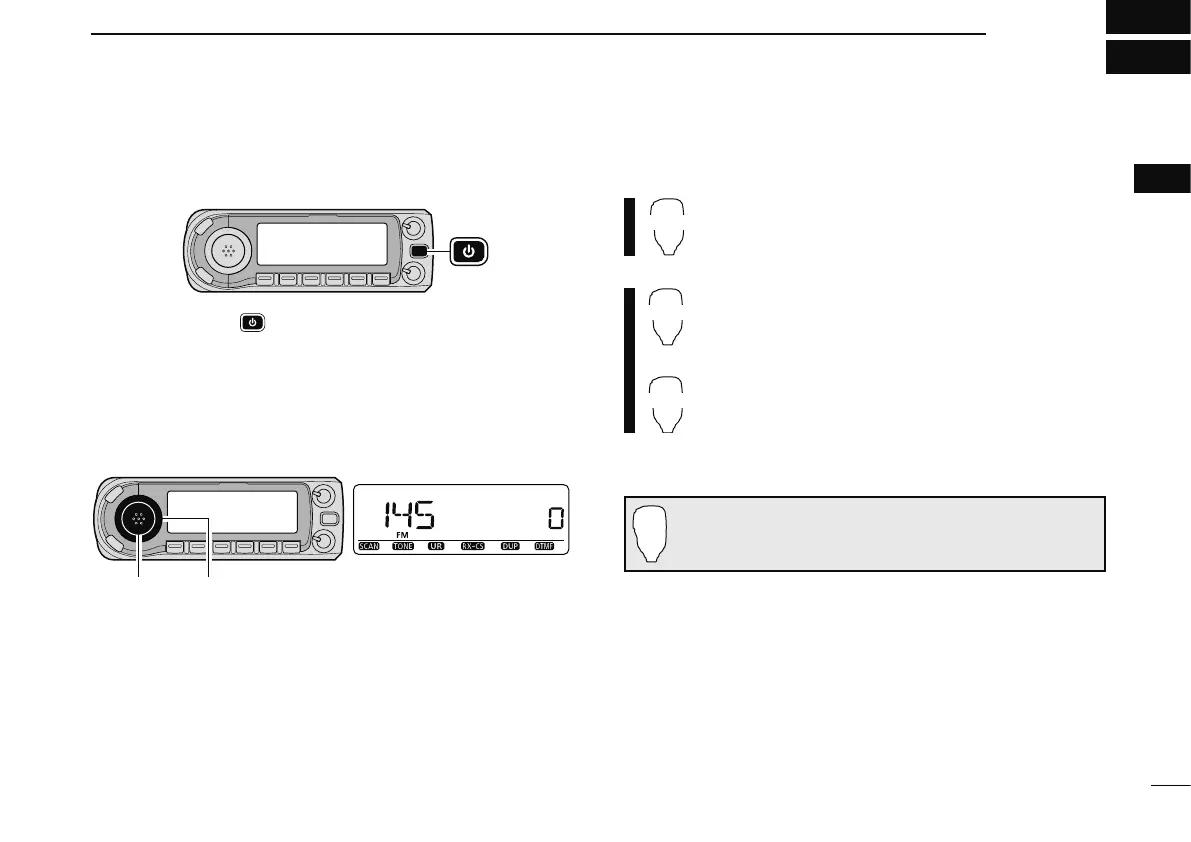
± Push and hold [ ] for 1 sec. to turn power ON or OFF.
D Operating frequency band selection
The ID-E880 has 2 m and 70 cm bands for transmission and
reception. In addition, extra frequency bands 127, 220, 350,
500 and 900 MHz band are available for wide-band receiver
capability (depending on versions, see p. 164 for details).
[BAND] [DIAL]
Frequency band initial is displayed.
q Push [BAND] and rotate [DIAL] to select the desired fre-
quency band.
• Pushing [Y]/[Z] on the microphone also selects the band.
w Push [BAND] to return to frequency indication in the se-
lected frequency band.
± Push [BAND] several times to select the desired
frequency band.
z Push [FUNC] then push [MONI 1(BANK)] to
enter the frequency band selection.
• The frequency band is displayed.
x Push [Y]/[Z] to select the desired frequency
band.
c Push [
CLR A(MW)] to exit the state, and return
to the frequency indication.
Note that in this manual, sections beginning with a micro-
phone icon (as above), designate operation via the HM-133
microphone.



 To Next Page