HD2 Series Inverter Basic Operation Guidelines
-48-
Sure to start the setup wizard?
Set parameters as
prompted.
Present: 0
Auth: √
0:简体中文
Default: 0
2:Русский язык (Reserve)
3:Português (Reserve)
4:Español (Reserve)
5:Italiano (Reserve)
0: Always
1: Only once
Always: Enable for each power-on
Only once: Disable for next power-on
P00.06: A Freq Cmd
0:Set via keypad digits
1:Set via AI1
2:Set via AI2
3:Set via AI3
4:Set via high speed pulse HDIA
5:Set via simple PLC program
Setup completed.
Present: 0
Auth: √
Default: 0
Present: 00
Auth: √
Default: 00
16:02:35 Fwd Local Ready
HD2
16:02:35 Fwd Local Ready HD2
Back Home OK
Back Home OK
Back Home Sele
Back Home Sele
Back Home Sele
No Home Yes
1:English
16:02:35 Fwd Local Ready
HD2
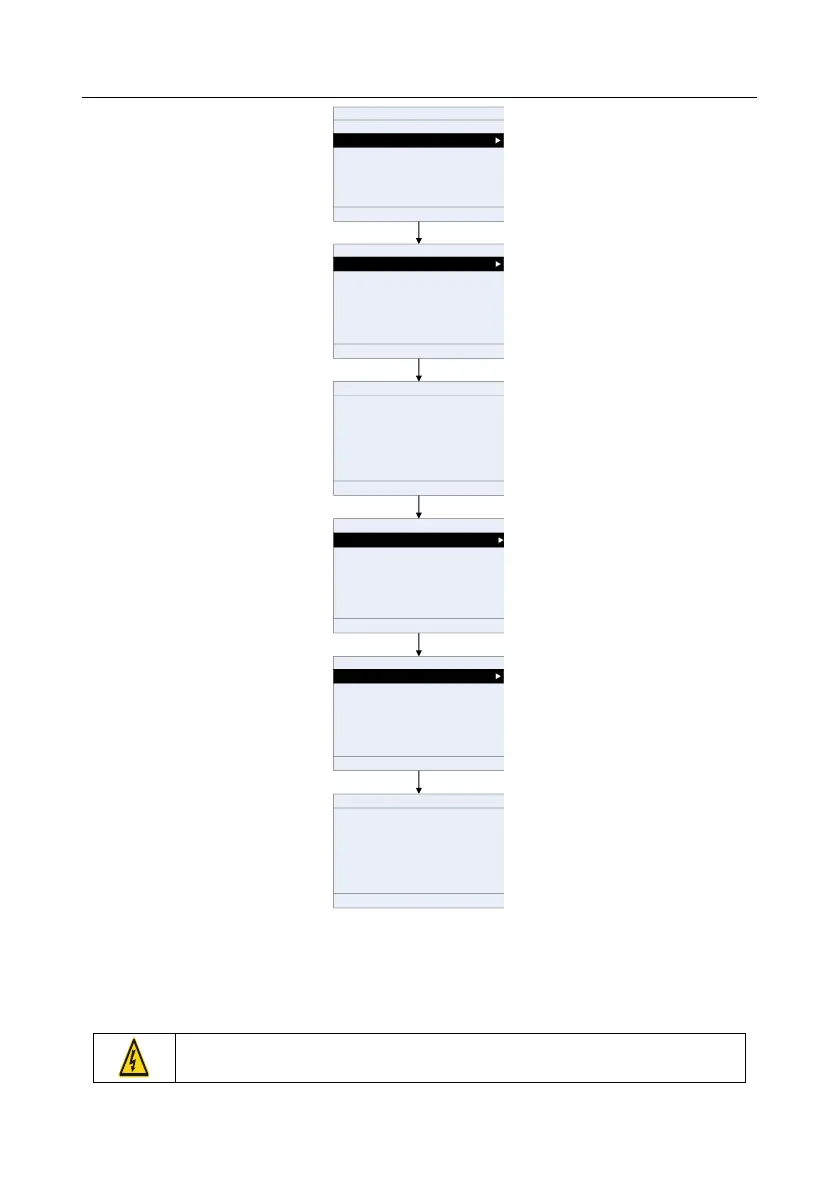
If you want to change the guiding settings, you can choose Menu > System settings, and then
choose Enable power-on setup wizard or Power-on setup wizard, and then make changes.
5.5 Basic operations
5.5.1 What this section contains
This section introduces the function modules inside the inverter.
Ensure all the terminals are fixed and tightened firmly.
Ensure the motor matches with the inverter power.



 To Next Page