Chapter 1: Getting Started 10
Wr
ite simple program
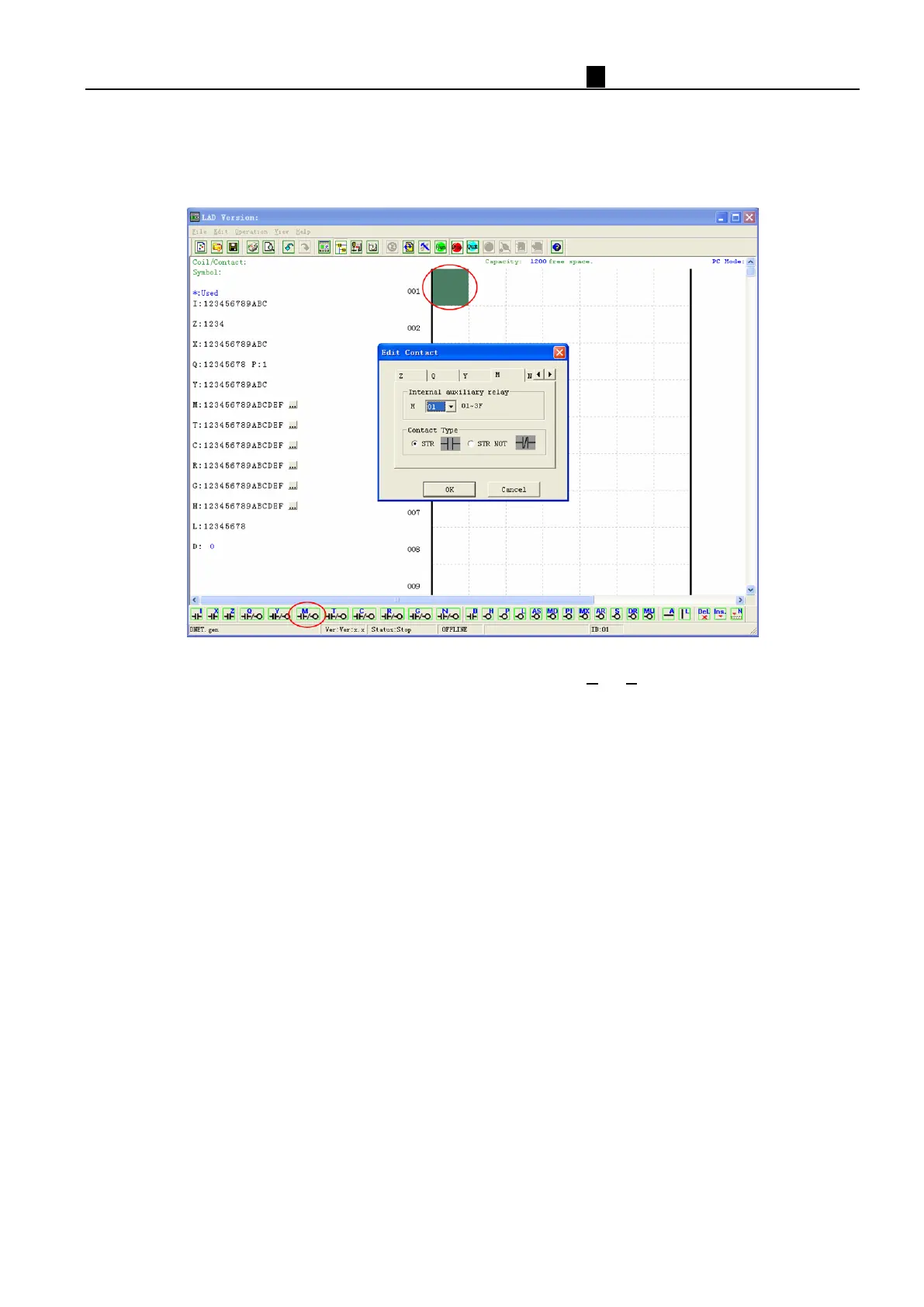
a. Write a simple one rung program by clicking on the leftmost cell at line 001 of the programming grid, then click
on the “M” contact icon on the ladder toolbar, as shown below. Select M01 and press the OK button.
See “Chapter 4: Ladder Programming instructions” for complete instruction set definitions.
Note: If the ladder toolbar is not visible at the bottom of the screen, select View/Ladder Toolbar from the menu to
enable.
b. U
se the “A” key on your keyboard (or the “A” icon on the ladder toolbar) to draw the horizontal circuit line from
the M contact to the right most cell, as shown below.



 To Next Page