Chapter 3 Program Tools 28
Operation menu
The Operation menu includes several system configurations functions for both online and offline setup. The
following explains the details of each function.
Select the communication port between PC software and controller
Network communication related parameters setting, network input and output mapping
setting
Memory card related operation Settings
Stop running or stop simulator
Self-motion simulator control
Control running or simulator if not connect a smart relay
Simulator control power down
Quit monitor or simulator mode
Read program form smart relay
Write program to iSmart smart relay
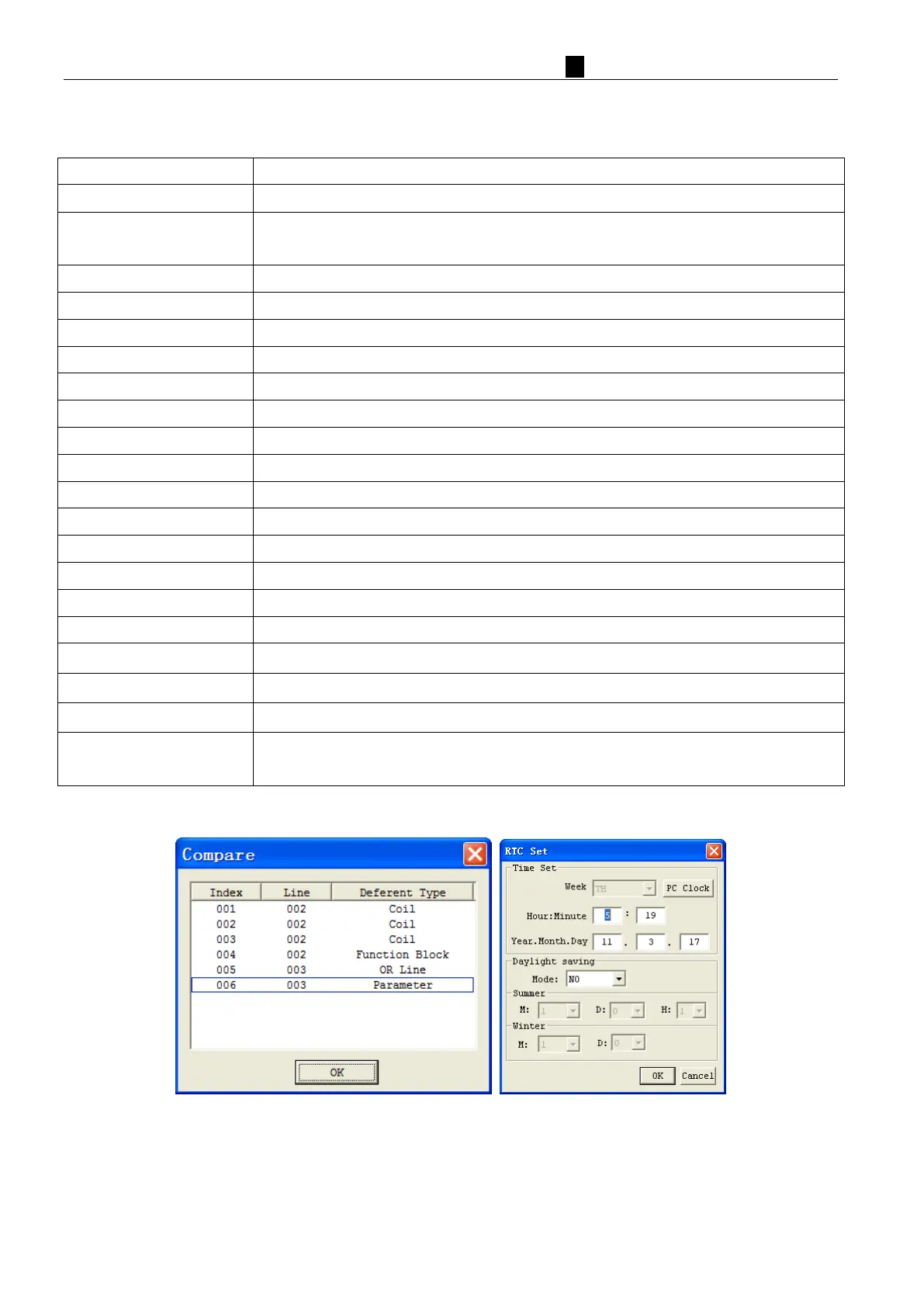
Read program form smart relay and compare difference with PC program
Check the user program for errors
Online function for setup of the Real-time clock/calendar
Setup analog input A01-A08 gain and offset
Set a password for accessing the current program after upload to the smart relay
Change iSmart smart relay menu language
Important setting functions of iSmartsystem, including module ID, RS485 model
function setting, expansion setting, etc.



 To Next Page