Chapter 3 Program Tools 21
PC Programming Software “SMT Client”
The SMT Client programming software provides two edit modes, Ladder Logic and Function Block Diagram (FBD).
The SMT Client software includes the following features:
1. Easy and convenient program creation and editing.
2. Programs can be saved on a computer for archiving and reuse. Programs can also be uploaded directly from an
iSmart and saved or edited.
3. Enables users to print programs for reference and review.
4. The Simulation Mode allows users to run and test their program before it is loaded to the controller.
5. Real-time communication allows the user to monitor and force I/O on the iSmart relay operation during RUN
mode.
Inst
alling the Software
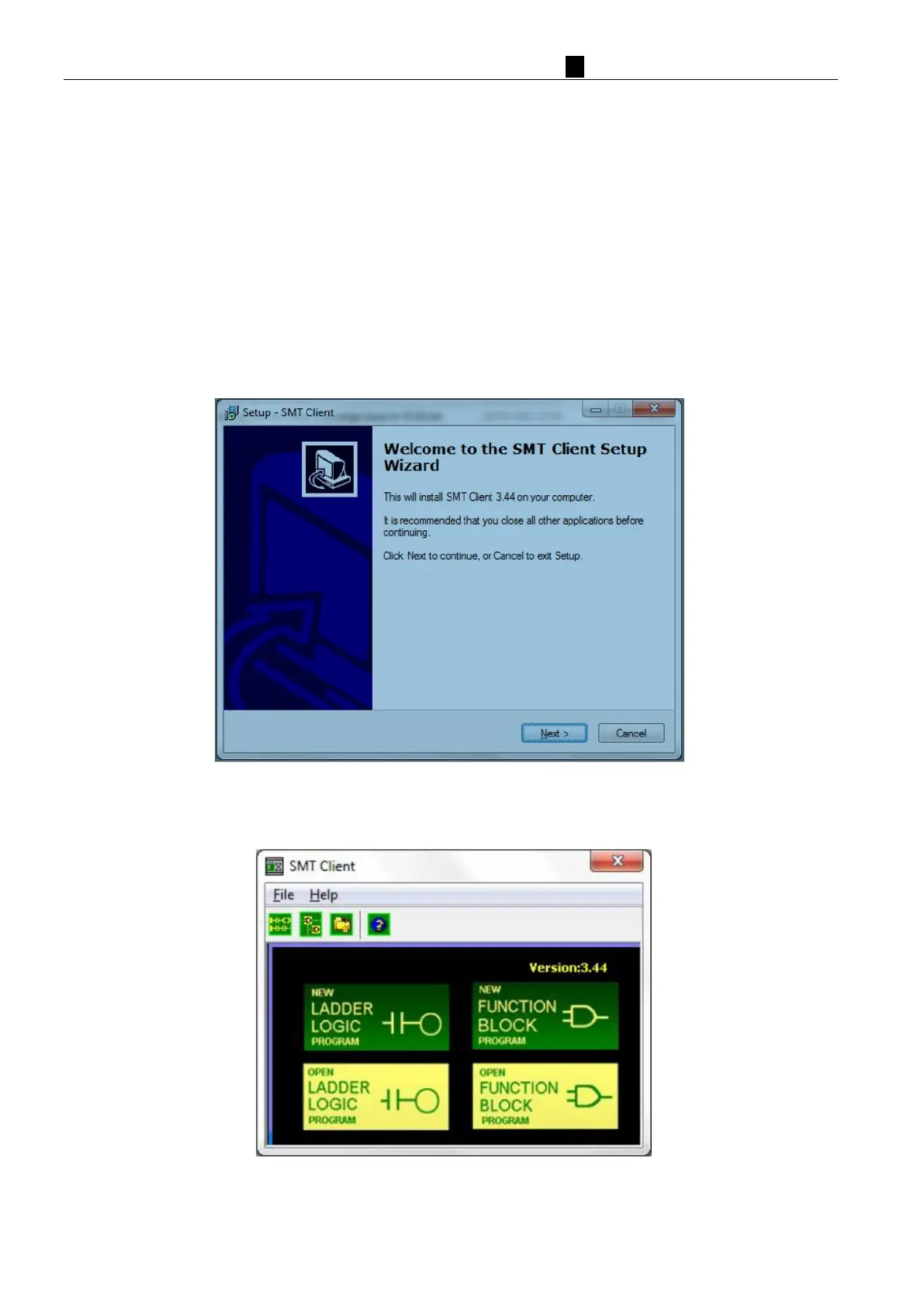
Install the SMT Client (free download from the IMO website):
St
art Screen
Run the SMT Client software and the below Start screen will be displayed. From this screen, you can perform
the following functions



 To Next Page