Chapter 3 Program Tools 22
New Ladder Program
Select File -->New -->New LAD to enter the development environment for a new Ladder program
.
New FBD Program
Select File -->New -->New FBD to enter the development environment for a new FBD (Function Block
Diagram) program.
Ope
n Existing File
Select File -->Open to choose the type of file to open (Ladder or FBD), and choose the desired program file,
and then click Open.
La
dder Logic Programming Environment
The Ladder Logic Programming Environment includes all the functions for programming and testing the iSmart
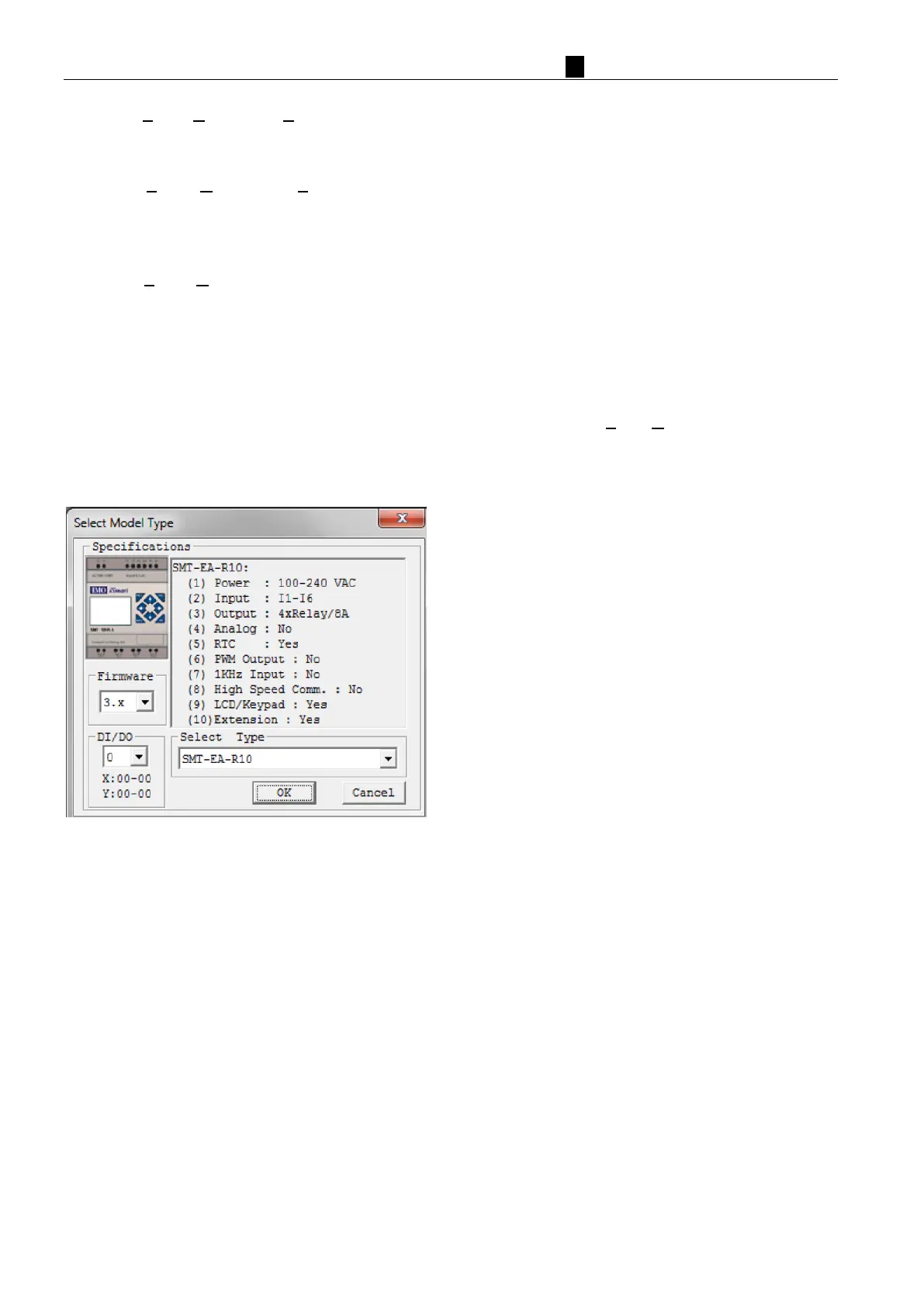
using the Ladder Logic programming language. To begin a new program, select File-->New, and select the desired
model of iSmart, and the number of connected expansion units if applicable, as shown below.



 To Next Page