Chapter 10 External memory 5
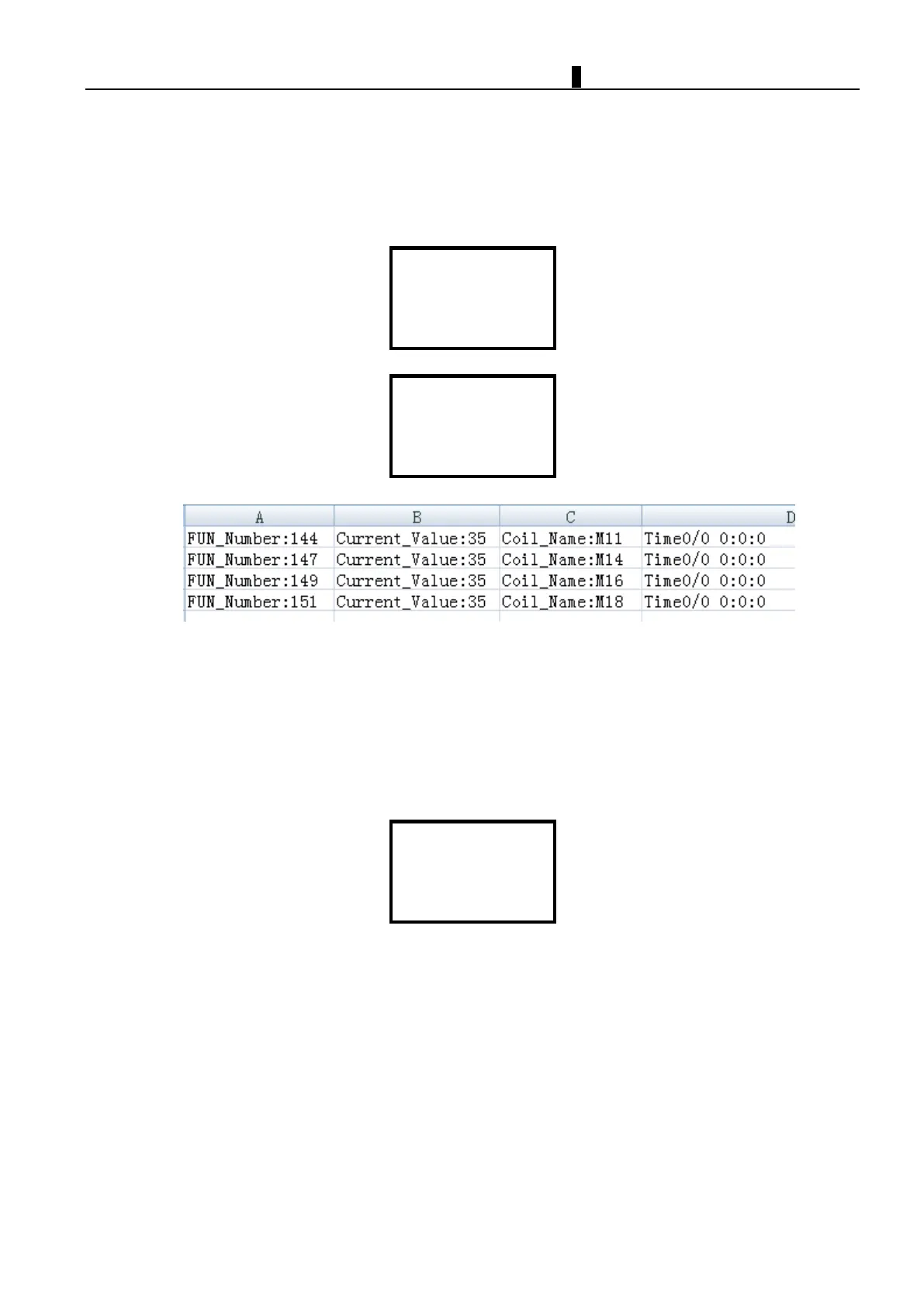
C. Generate a data record table, select the OUTPUT RECORD function to write the cached data records to memory
card.
The default stored format will be ".xls" file, it can be opened on PC. Each line in this EXCEL file contains a check point,
function block numbe r, and recorded actual value.
>OUTPUT RECORD
FORMAT Card
IP ADDRESS
SUBNET MASK
DISK: 29714MB
>YES
NO
Format SD card
iSmart only supports FAT32 file system format micro SD card to store the program. If the memory card used is other
format, please format the card to FAT32 first.
The "Format" item in main menu can format SD card, all the data in SD card will be deleted once format item
selected. Formatting will erase all the data stored in the card. Please backup the data in the card first.
>FORMAT Card
IP ADDRESS
SUBNET MASK
GATEWAY



 To Next Page