Chapter 11: Ethernet function Instruction 4
PC Client link setup
Connect iSmart and PC with Ethernet cable, open SMT Client and choose LADDER or FBD editing
environment.
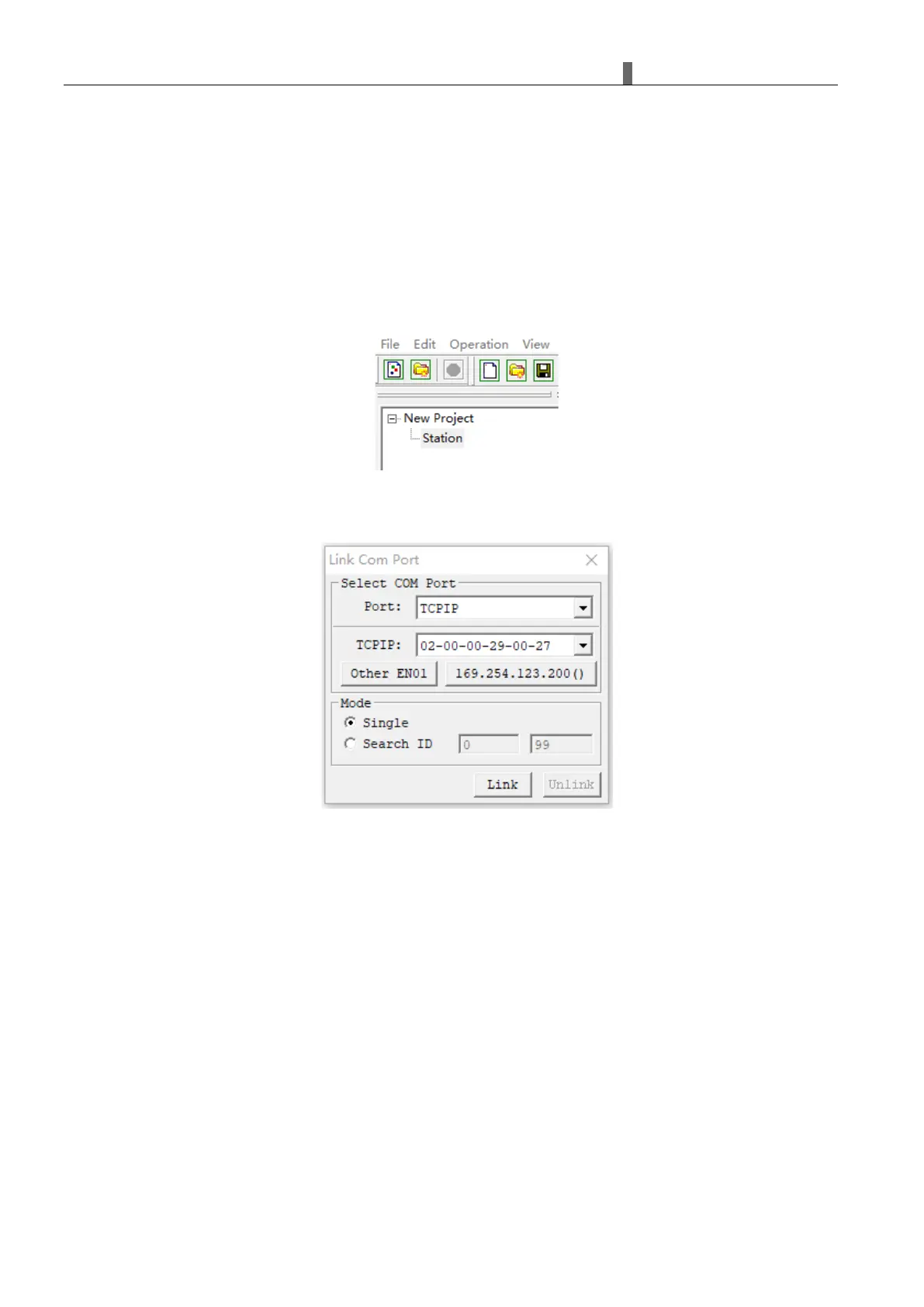
Right click "station" under the project and Select the pop-up "link" option. Or click "link" under "operation" in
the menu.
Popup “Link Com Port”:
Note: it is necessary to modify the IP address of PC and iSmart device in the same network segment.
Select the MAC address of the iSmart to be linked, click “Link”, and the PC client will link with the iSmart controller.



 To Next Page