Chapter 11: Ethernet function Instruction 7
Web server
iSmart has built-in web server function. Users can view the equipment information and working status of iSmart
through PC or mobile devices in Ethernet. The display of the equipment status only supports English and Numeric
character display, Chinese and other special characters are not supported temporarily.
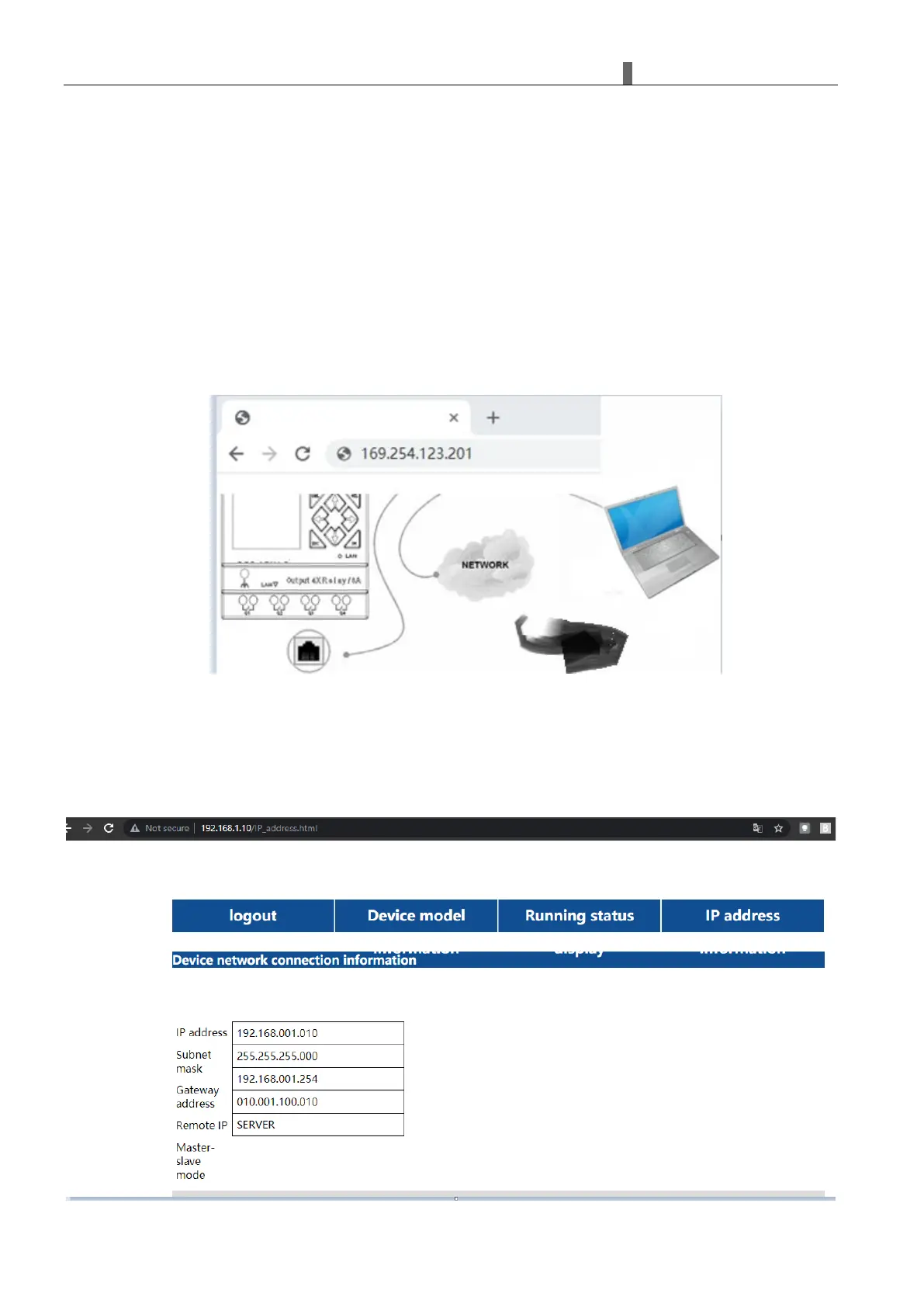
Open the browser, enter the IP address of the iSmart device, and open the iSmart web server page.
Enter the username and password (username: IMO, password: IMO), log in and get permission to view the information
and working status of the device.



 To Next Page