Chapter 1: Getting Started 7
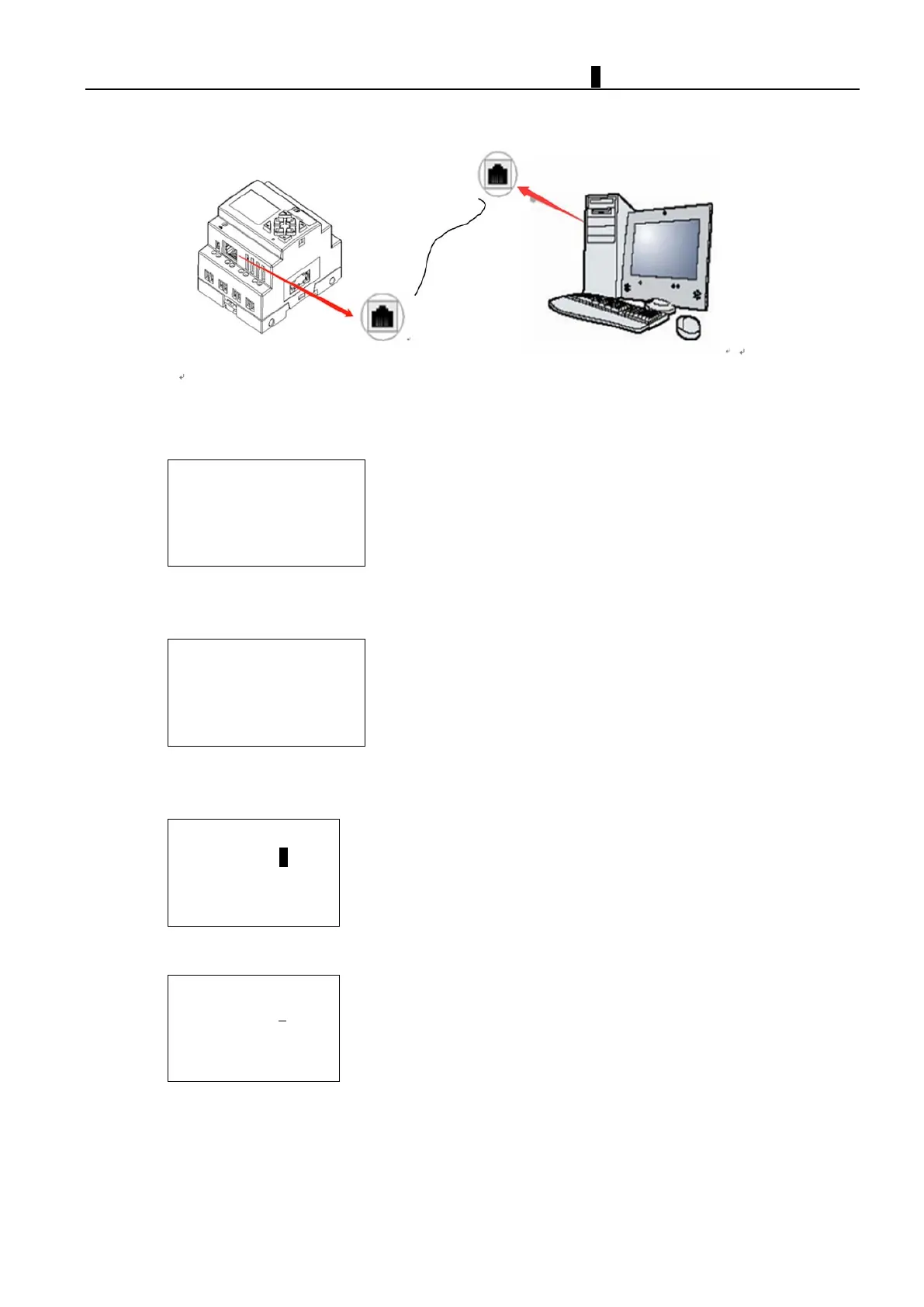
Connect Programming Cable
Please put the cable in connection port of two sides.
Network connection setup
1. iSmart IP address setup
When ISMART is setting for slave
SUBNET MASK
GETEWAY
Please set IP address, subnet mask, gateway address and master IP, then click “OK” to setup iSmart network
connection
SUBNET MASK
For example, edit IP address
Please click “OK” to enter interface, move the cursor to "Set IP address" and click "SEL" to enter setting mode.
255.255.255.255
When cursor becomes to “_”, please use "Up" and "Down" button to set correct value then click "OK" to save new IP
address, then click "ESC" to return to main menu.
IP ADDRESS
255.255.255.255
#Th
e maximum default value is 255, if setting value is higher than 255, default value will be 255 also.



 To Next Page