Chapter 10 External memory 3
PLC->SD CARD
DISK: 29714MB
>YES
NO
Note :
# If there is any problem during program update, please re-start the input power and re-update it again.
#The protected password in iSmart is also effective for the program on the card
# It is allowed to store only one program in card, please change other card to store second program if necessary.
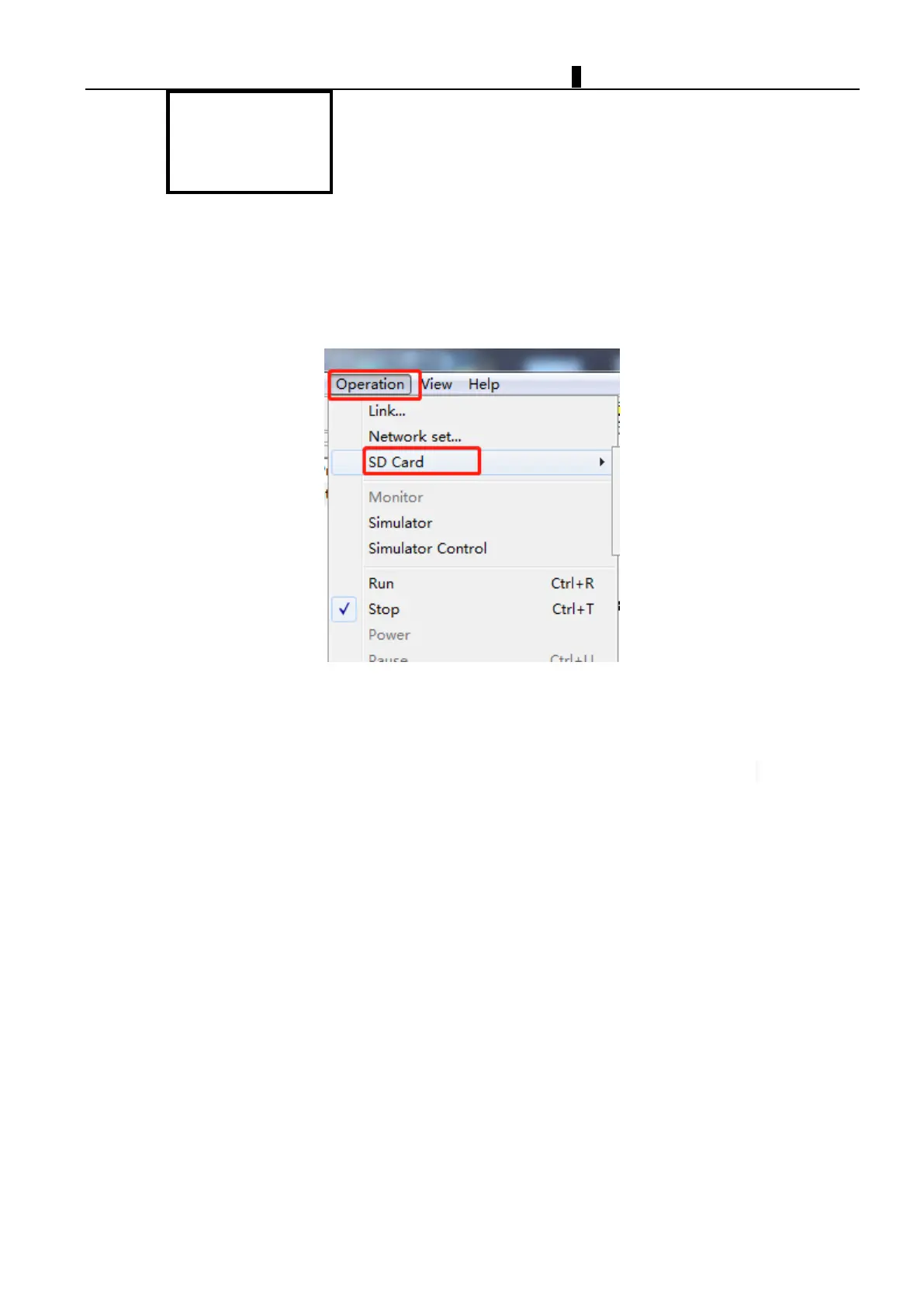
3. Use SMT PC Client computer to operate SD card(PC client)
For the iSmart which have no on-screen buttons. you can use SMT Client for SD card operation.
Select "Collection" then click "SD" item, start to do operate with store card.SMT will Automatically perform the
corresponding function;
4. Automatic reading
Use B model (no LCD, no keyboard);When iSmart is in the STOP state, after inserting the SD card, change states
from STOP to RUN. SMT will automatically read the correct format of the user program stored in the SD card.



 To Next Page