1
2 Setting and Installation
This chapter describes the basic settings and installation of FUNMAT PRO 310.
2.1 General Information
2.1.1 Tools that come with the printer
Please check the packing list that comes with the printer. These tools include common tools required
for printer maintenance and various spare parts.
2.1.2 Prepare relevant equipment for installation
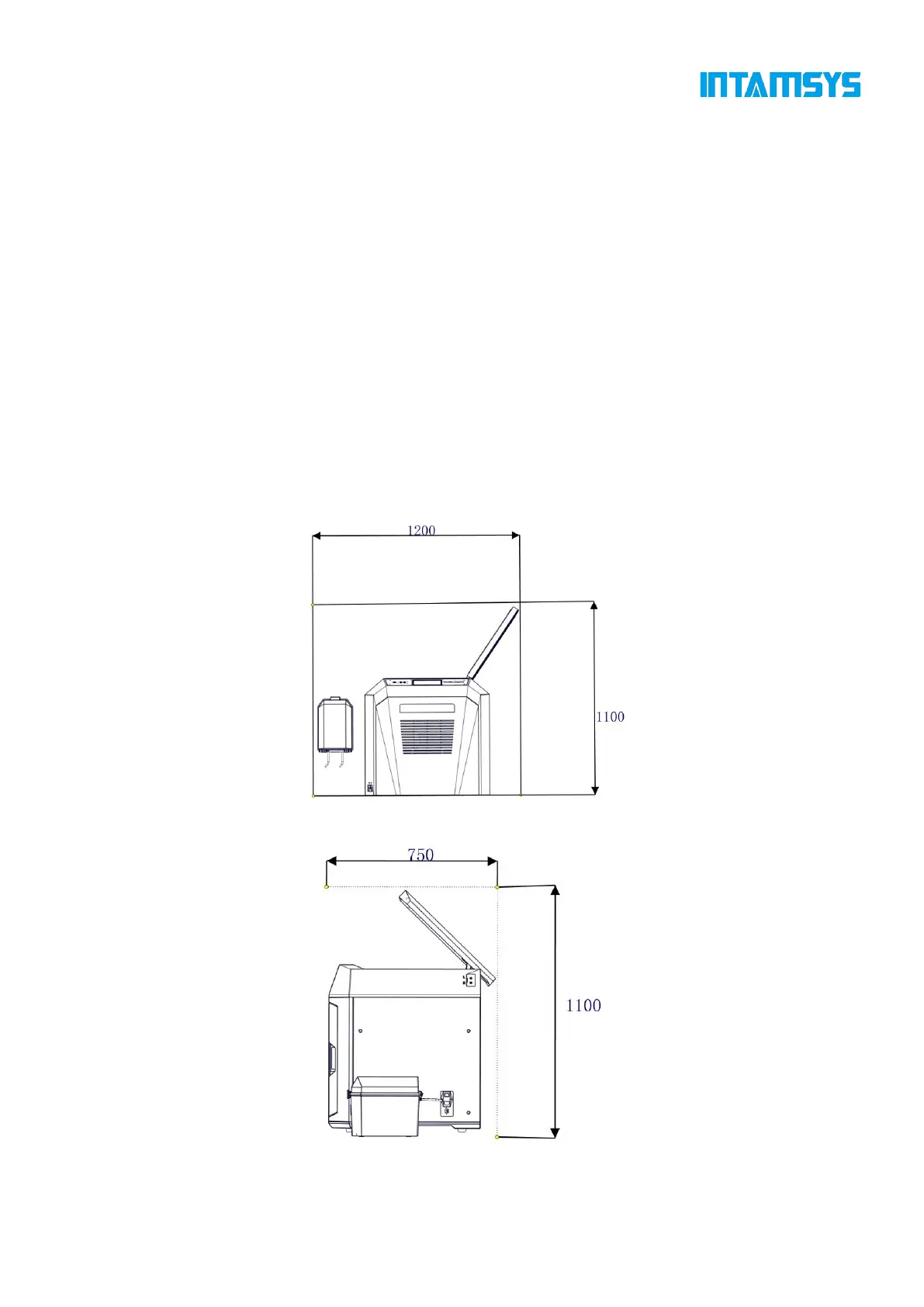
The guide for preparation of installation site ensures that relevant equipment for printer installation
can be prepared effectively and safely.
Fig. 2.2 Space required for installation and maintenance (Unit: mm)



 To Next Page