19
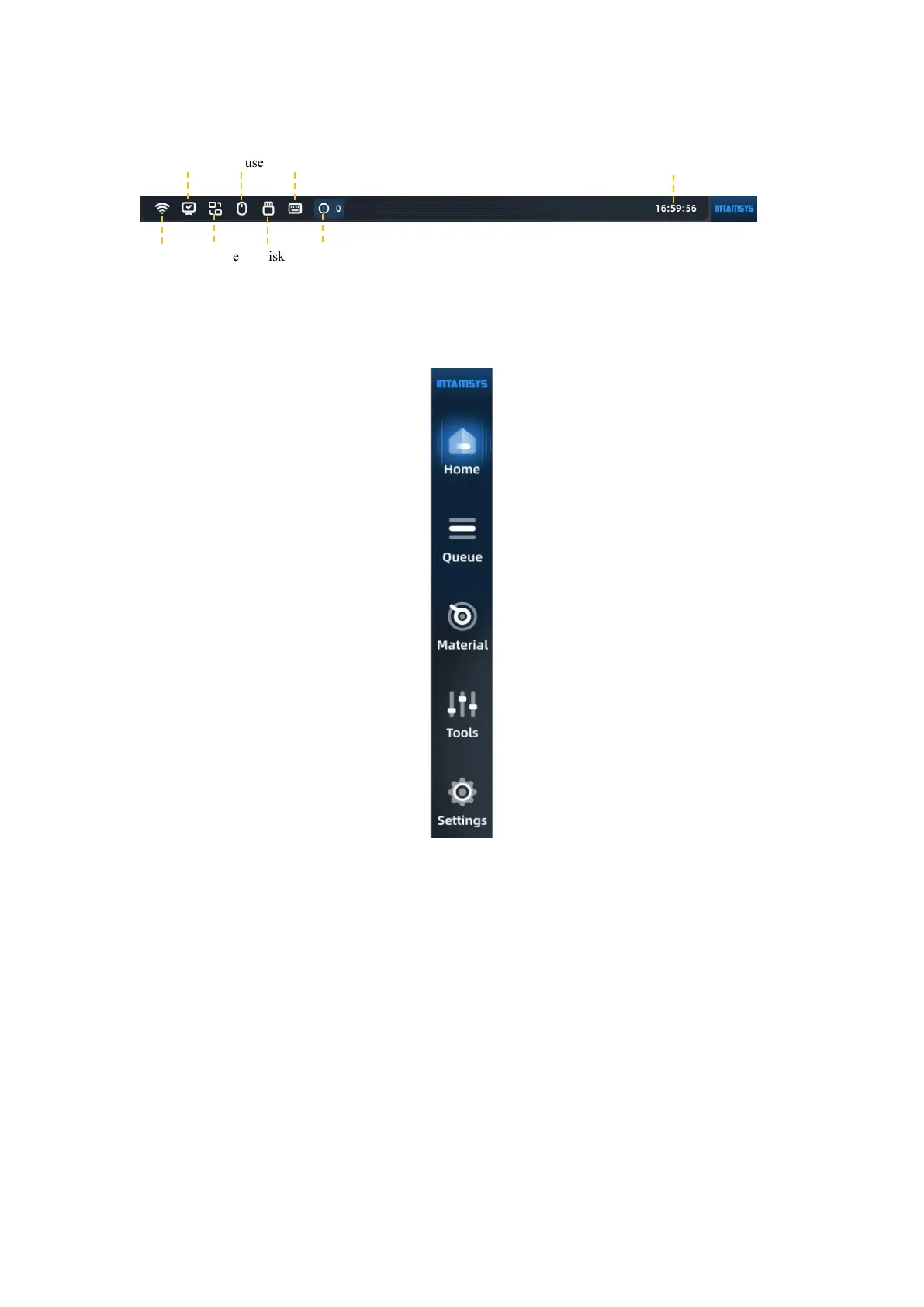
Fig. 4.2 Status Bar
4.1.2 Navigation bar
Fig. 4.3 Navigation Bar
You can perform the following operations through the navigation bar on the screen.
Homepage: Printing operation, preheating and heat hold settings, model graphic progress display,
real-time status display, etc.
Queue: You can manage G-code/print file import and print order, and engineers can manage their
daily work tasks in the queue.
Materials: You can carry out material selection, loading and unloading, material database
management and other materials-related operations in this interface.
Tools: In this interface, you can control each moving axis of the printer and nozzle extrusion
operation, as well as print calibration and parameter setting related operations.
Settings: You can view system parameters and make relevant system settings.
Wi-Fi



 To Next Page