46
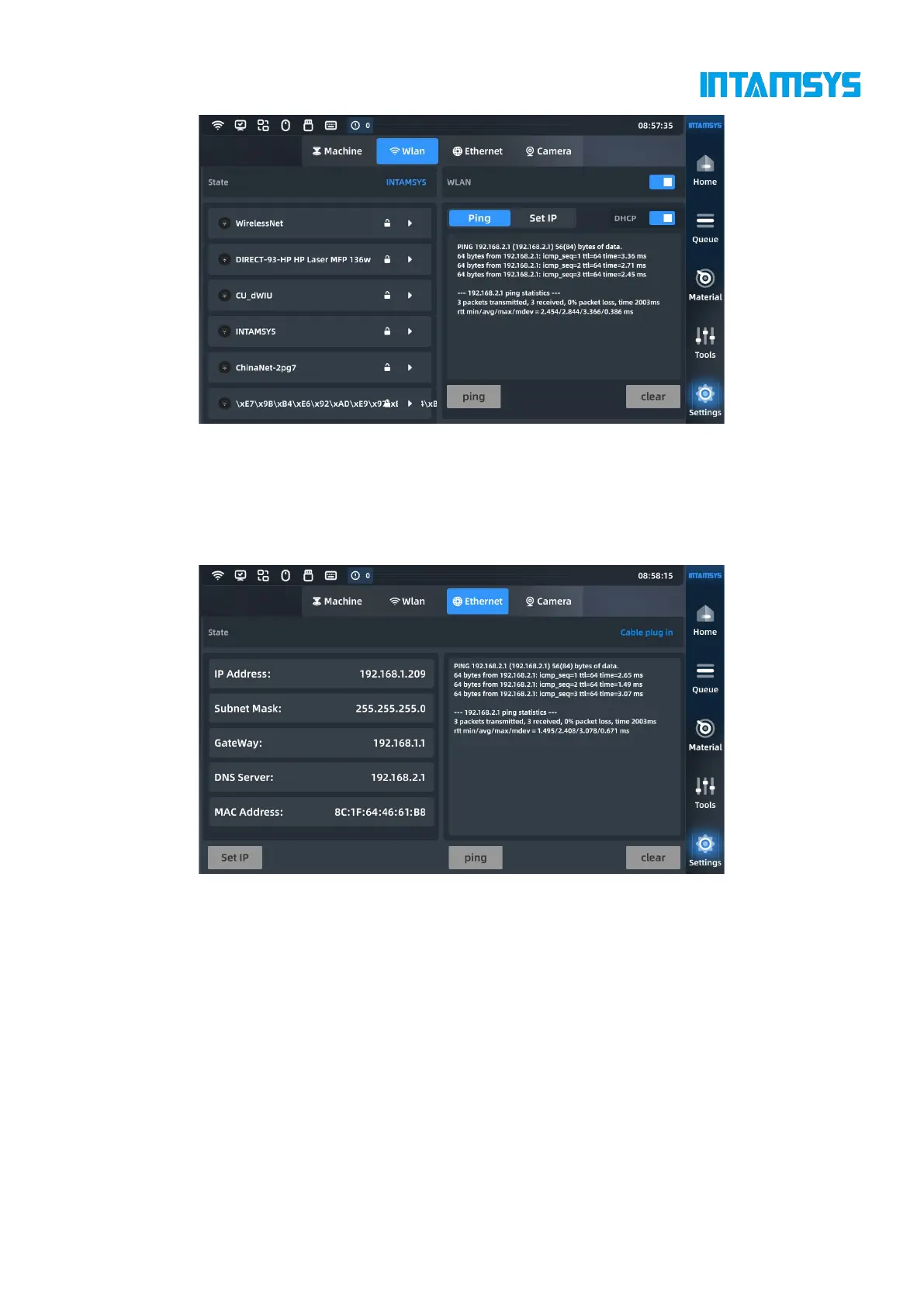
Fig. 4.36 Wireless Network Settings
4.6.3 Wired network settings
The printer can be connected to the Internet through a network cable. Click "Set IP" at the bottom
left to complete the basic settings.
Fig. 4.37 Wired Network Settings
4.6.4 Camera settings
Set the camera parameters, and you can preview the video here.



 To Next Page