22
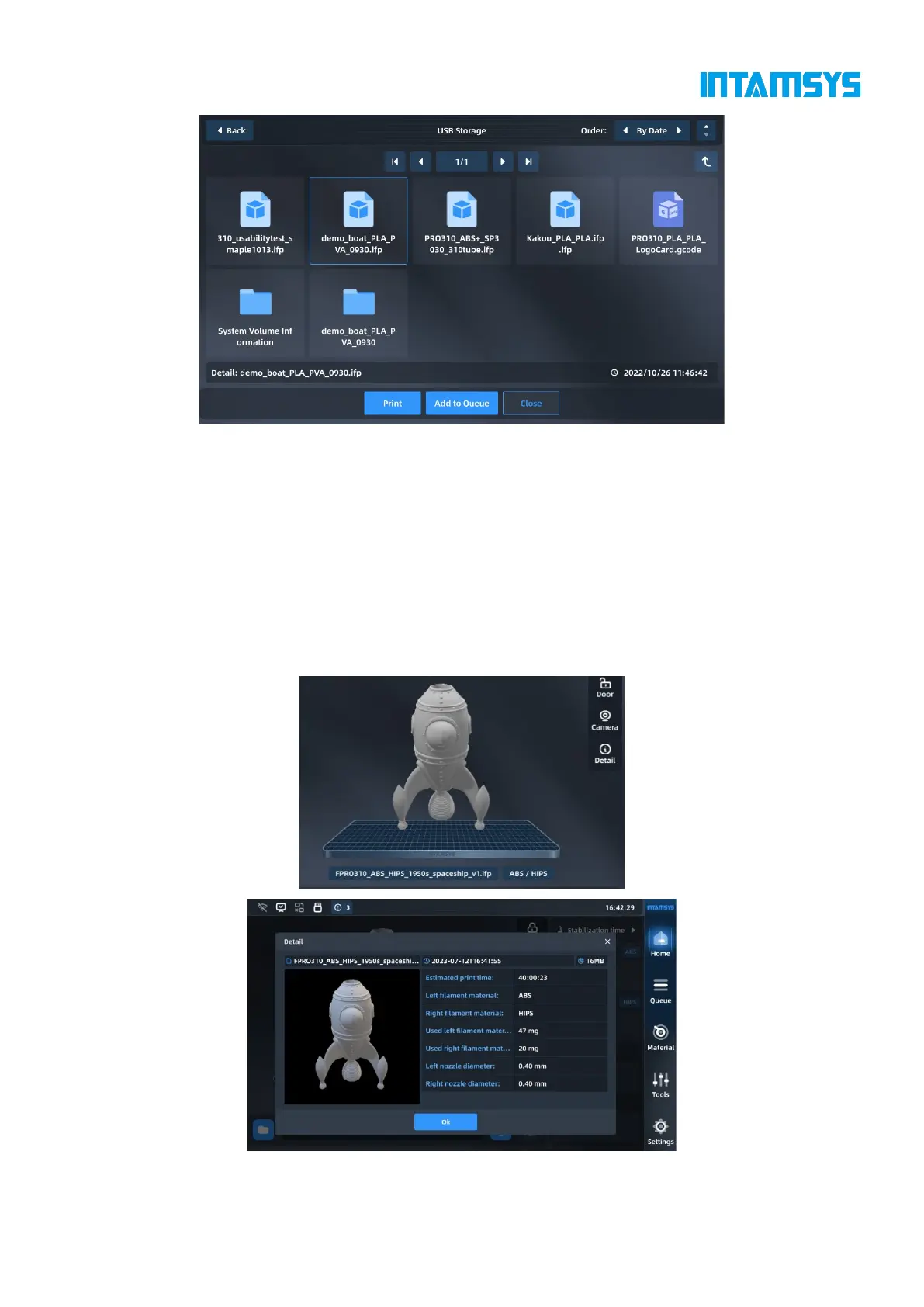
Fig. 4.6 Loading Print Files
4.2.2 Main status area
The main status area can display model pictures and show print progress by filling color. The model
is completely filled to indicate that the print job is complete. If the model cannot be displayed, the
system will display a default image. The file name and materials required for printing are displayed
below the model picture.
There are three easy buttons in the upper right corner that allow us to lock the front door, display
camera video and view details related to print files.
Fig. 4.7 Main Status Bar



 To Next Page