52
5 Operate Printer
This chapter describes the basic operational steps for operating FUNMAT PRO 310.
5.1 Startup and Shutdown of Device
5.1.1 Power on the printer
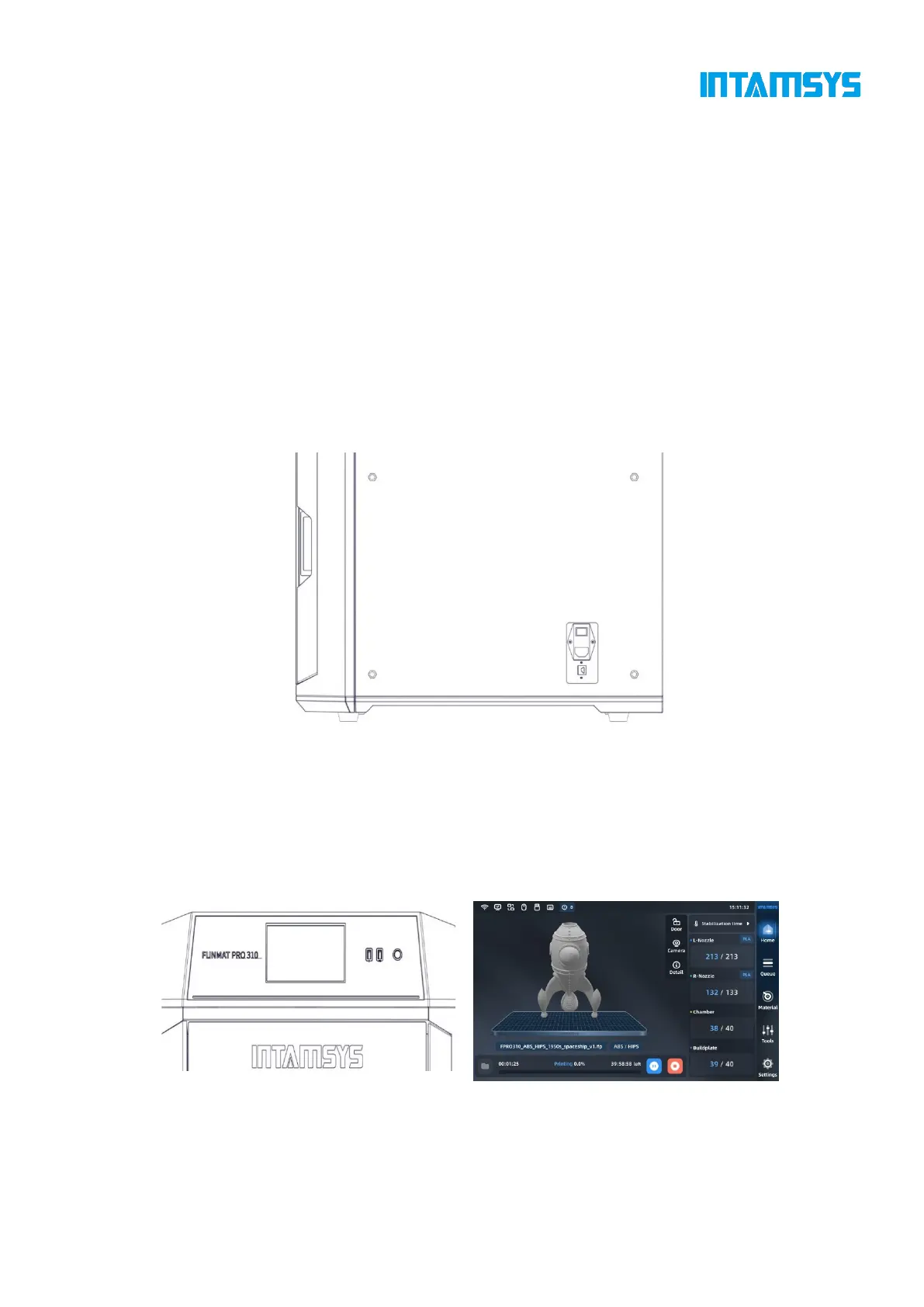
1. The power socket is located on the lower right side of the machine. Connect the two ends of
the power cord to the AC power supply plug (printer voltage: 110V and 220V) and the power socket
of the printer, respectively;
2. Insert the power plug, then switch the power switch next to the power socket of the printer
to the (I) position;
Fig. 5.1 Printer Power Interface and Switch
3. Turn on the front ON/OFF switch on the right side of the screen in the front of the printer,
and the switch indicator is on. At the same time, operate the screen to enter the start interface, and
the printer starts. After entering the screensaver interface, click any position on the screen to exit
the screensaver interface. If the following interface is displayed, the printer has been started.
Fig. 5.2 Start/Stop Switch and Power-on Interface



 To Next Page