68
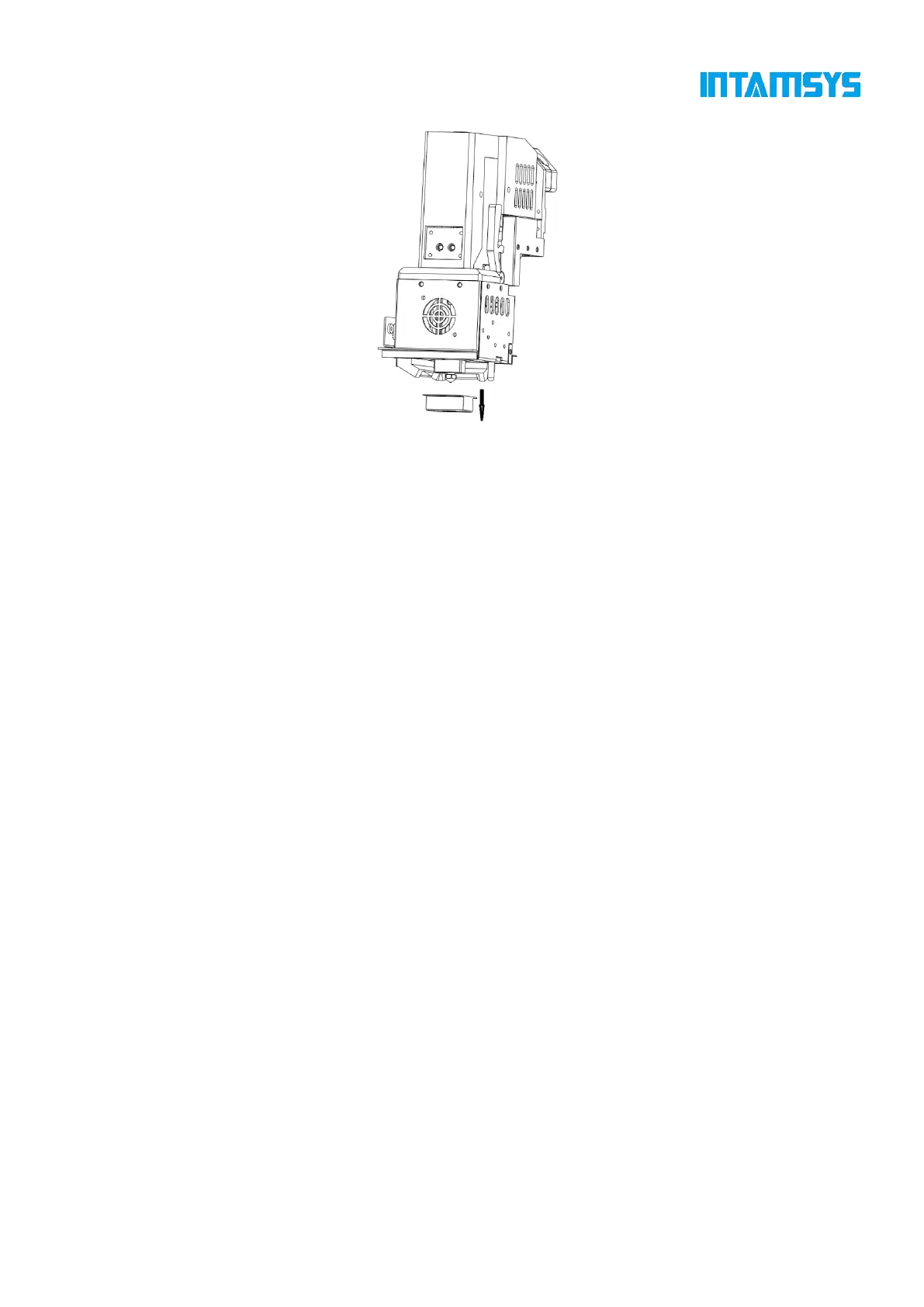
Fig. 6.1 Clean the Nozzle
6.2 Maintenance after Each Printing
6.2.1 Clean the printing build plate
After printing, lower the printing platform for a certain distance, then wear gloves to take out the
printing build plate together with the print part from the printer, bend the flexible printing build plate
with both hands to separate the print part from the printing build plate, and then clean the printing
build plate and put it back on the hot bed.
6.2.2 Clean the nozzle
Inspect whether the nozzle surface is stuck with some print materials after each printing. If the
nozzle is covered by residual materials for a long time, its service life will be affected. To prepare
for the next printing, pay special attention to cleanliness of the nozzle surface. If the nozzle is stuck
with too many residual materials, heat the nozzle to the set temperature of the material and then
clean it using a copper wire brush with wooden handle.
Note: Move the printing build plate to the lowest position before cleaning the nozzle, and be careful
to avoid scalding due to high temperature of the nozzle during cleaning.
6.2.3 Clean the chamber
The nozzle brush scrapes some material chips into the chamber during printing. Clean the chamber
carefully every time after printing a work.
6.3 Regular Maintenance
6.3.1 Clean feeding gears of the extruder
After long-term use, more and more cut material chips accumulate in the tooth spaces of feeding
gears, thus reducing the feeding force of the extruder. It is recommended to remove the front housing



 To Next Page