5
2.1.3 Check the printer nameplate
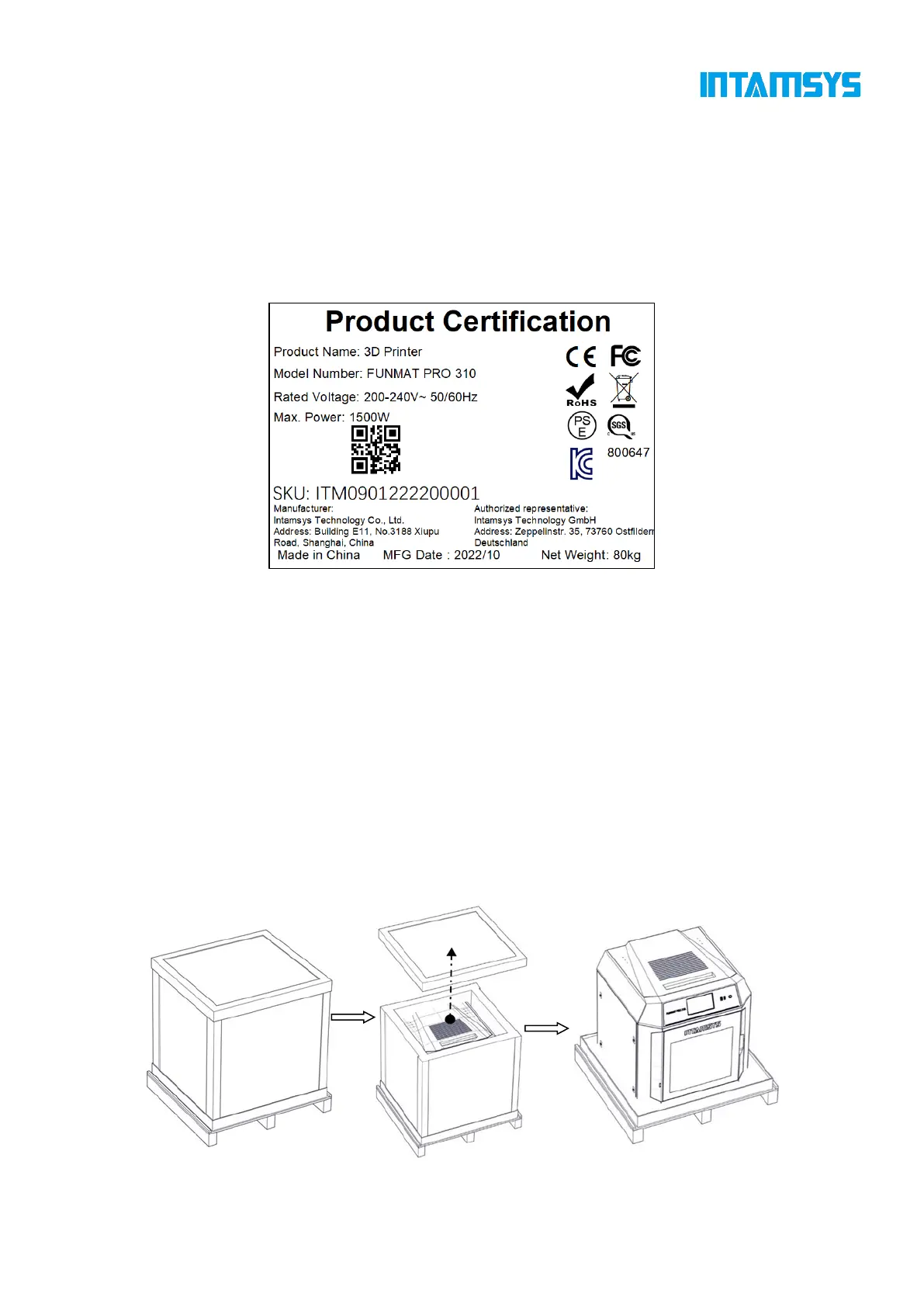
Refer to the figure below to identify your printer.
Model information: Product name, model number and power requirements. This nameplate also lists
the relevant certifications and INTAMSYS information.
SKU: Lists the SKU of the printer. Upon a service request, provide this SKU to the agent or
INTAMSYS, so that service personnel can quickly identify your printer configuration.
Fig. 2.3 Printer Nameplate
2.2 Printer Preparation
2.2.1 Unpack
Step 1: Remove the fixing straps from the packing box and remove the wooden board at the
top of the packing box;
Step 2: Remove the foam and packaging film;
Step 3: Remove the top cover of the packing box;
Step 4: Remove the cardboard and foam around the packing box;
Step 5: Lift the printer from the bottom and transfer it to a stable platform (at least two people
are required).
Fig. 2.4 Schematic Diagram of Packaging Removal



 To Next Page