[Pinching Warning]: Do not wear tie,
loose clothing, or hanging ornaments
when working near a moving printer
component.
[Pinching Warning]: Do not click
HOME when there is a model on the
platform.
[Pinching Warning]: Be careful when
maintaining this moving component.
[Pinching Sign]: Do not wear tie, loose
clothing, or hanging ornaments when
working near a moving printer
component.
[Avoid Collision]: If there is a printed
model on the platform, be care to raise
the platform to a proper height to
prevent puncturing the organ cover;
[Avoid Collision]: If there is an object
under the platform, be care to lower
the platform to a proper height to
prevent deformation of drive rod parts
and leveling failure caused by
platform collision.
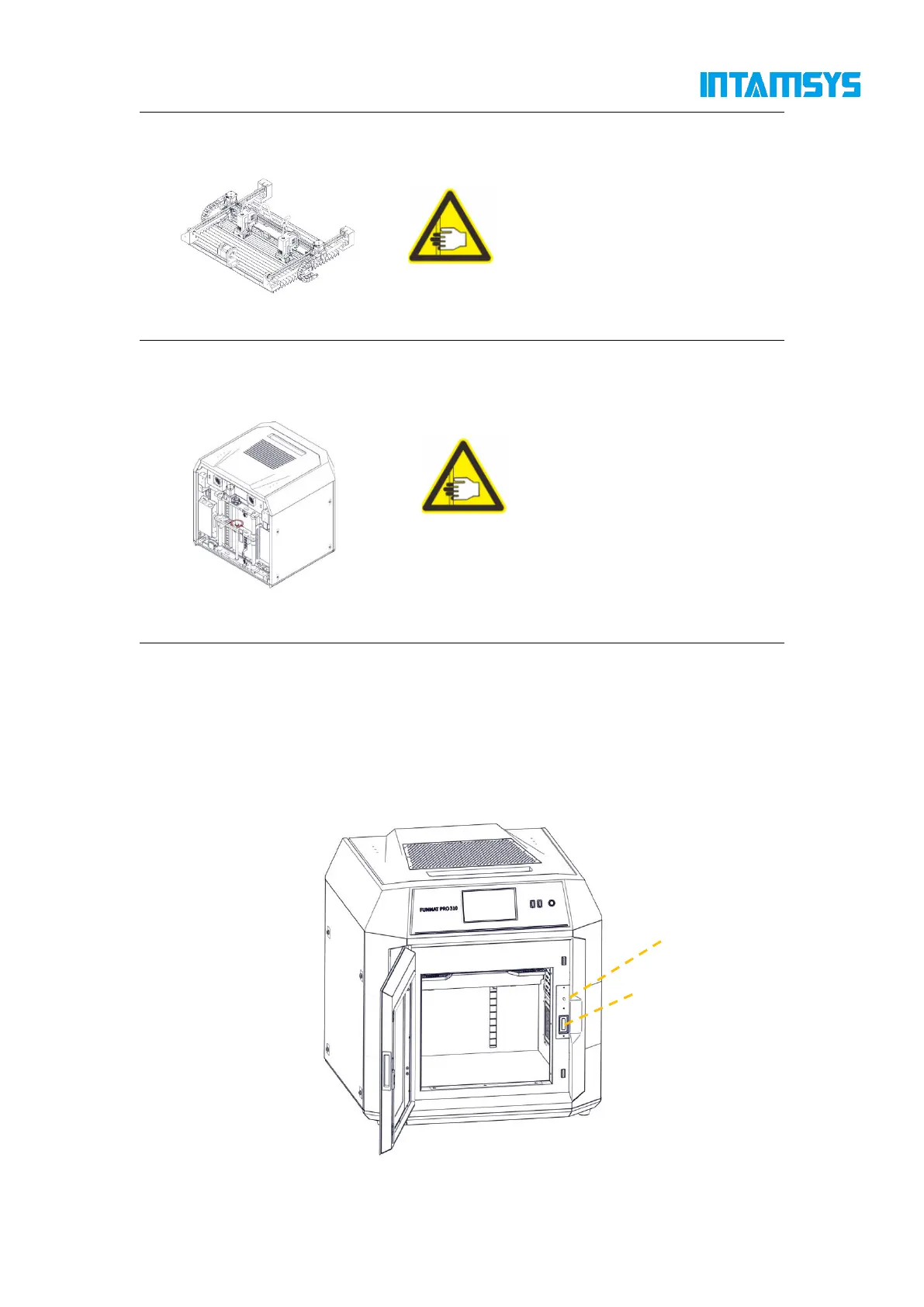
1.2.3 Safety door lock
Sensors are used to monitor the status of the chamber front door and printer top cover. For the
purpose of safety, the chamber door and top cover shall be closed before the XYZ motor can start
working. The electromagnetic lock ensures that the chamber door and top cover remain securely
closed during printing.
Fig. 1.1 Safety Door Lock



 To Next Page