65
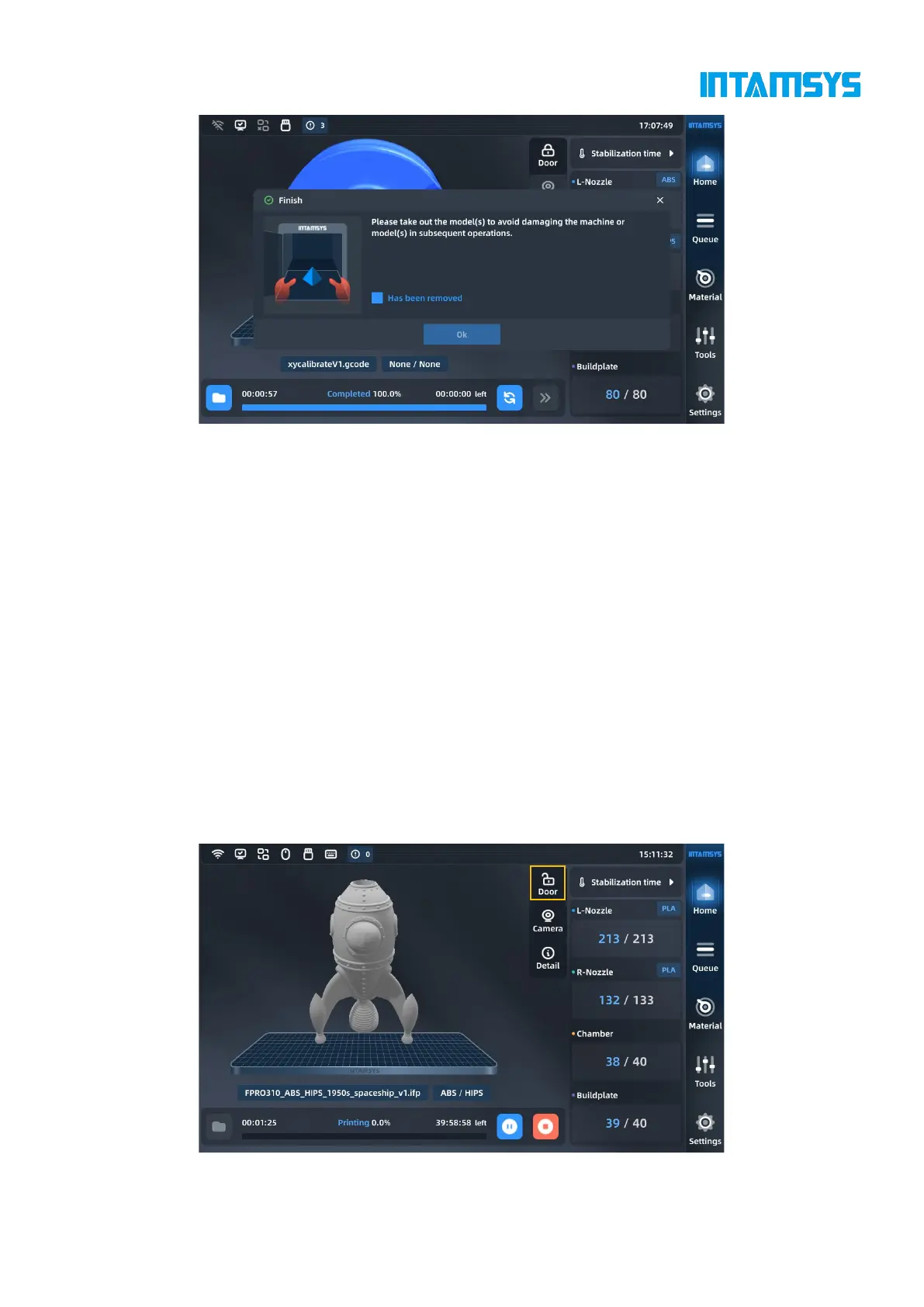
Fig. 5.20 Model Printing Completed
1. Unlock the door and open the front door of the chamber. If you want to end the heat hold,
enter the "stabilization time" interface and disable the Heat Hold option. At this time, the front door
and top cover are unlocked; if you want to continue heat hold, click the door lock button on the
status bar of the screen to unlock the front door and top cover;
2. Wear gloves and take out the flexible printing build plate;
3. Bend the flexible printing build plate up and down with both hands, and the print part will
be separated from the build plate.
4. Remove excess supporting material from the print part.
5.4.10 Locking of front door and top cover
The printer is equipped with front door electromagnetic lock and top door electromagnetic lock.
During the heating and printing process of the device, the front door and top door shall be closed.
The door will be automatically locked after it is closed. Users can click the door lock icon on the
main interface to unlock or lock the door.
Fig. 5.21 Door Lock Switch



 To Next Page