2
Please note that changes or modifications without the approval of the responsible party for
compliance may invalidate the user's permission to operate the device.
The device complies with Part 15 of the FCC Rules and the Industry Canada License-exempt
RSS Standard. The following two conditions should be met for operation:
1. The device may not cause harmful interference;
2. The device must accept any interference received, including interference that may lead to
undesired operation.
The device complies with the radiation exposure limits of FCC/IC RSS-102 for uncontrolled
environment. The device shall be installed and operated at a minimum distance of 20 cm from
the radiator and the operator.
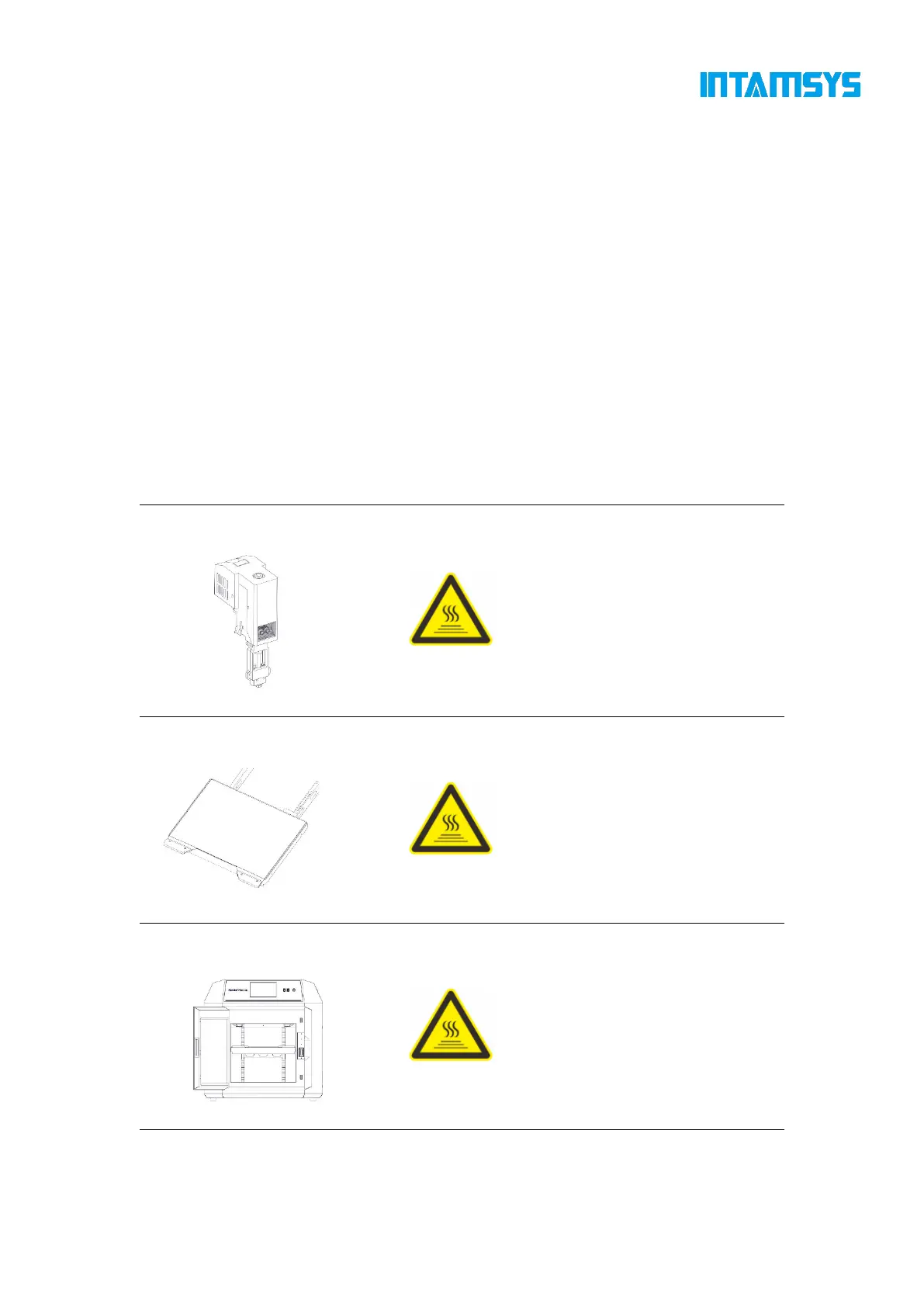
1.2.2 Areas with potential safety hazard
The following components and areas have been highlighted as with potential hazards. Failure to
follow the safety regulations might cause system faults or reliability issues.
[High Temperature Warning]: Make
sure to wear safety gloves if it is
necessary to maintain the extruder or
work inside the chamber when the
extruder is heated.
[High Temperature Warning]: Make
sure to wear safety gloves if it is
necessary to remove the printing build
plate of the platform or work inside the
chamber when the hot bed is high in
temperature.
[High Temperature Warning]: Make
sure to wear safety gloves if you work
inside the chamber at medium and low
temperatures during heating; it is not
recommended to work in the chamber
at high temperatures.



 To Next Page