9
3 System Components
This chapter describes the system components of FUNMAT PRO 310, aiming to help users better
understand the mechanism composition of the printer and the functions of each part.
3.1 Printer Overview
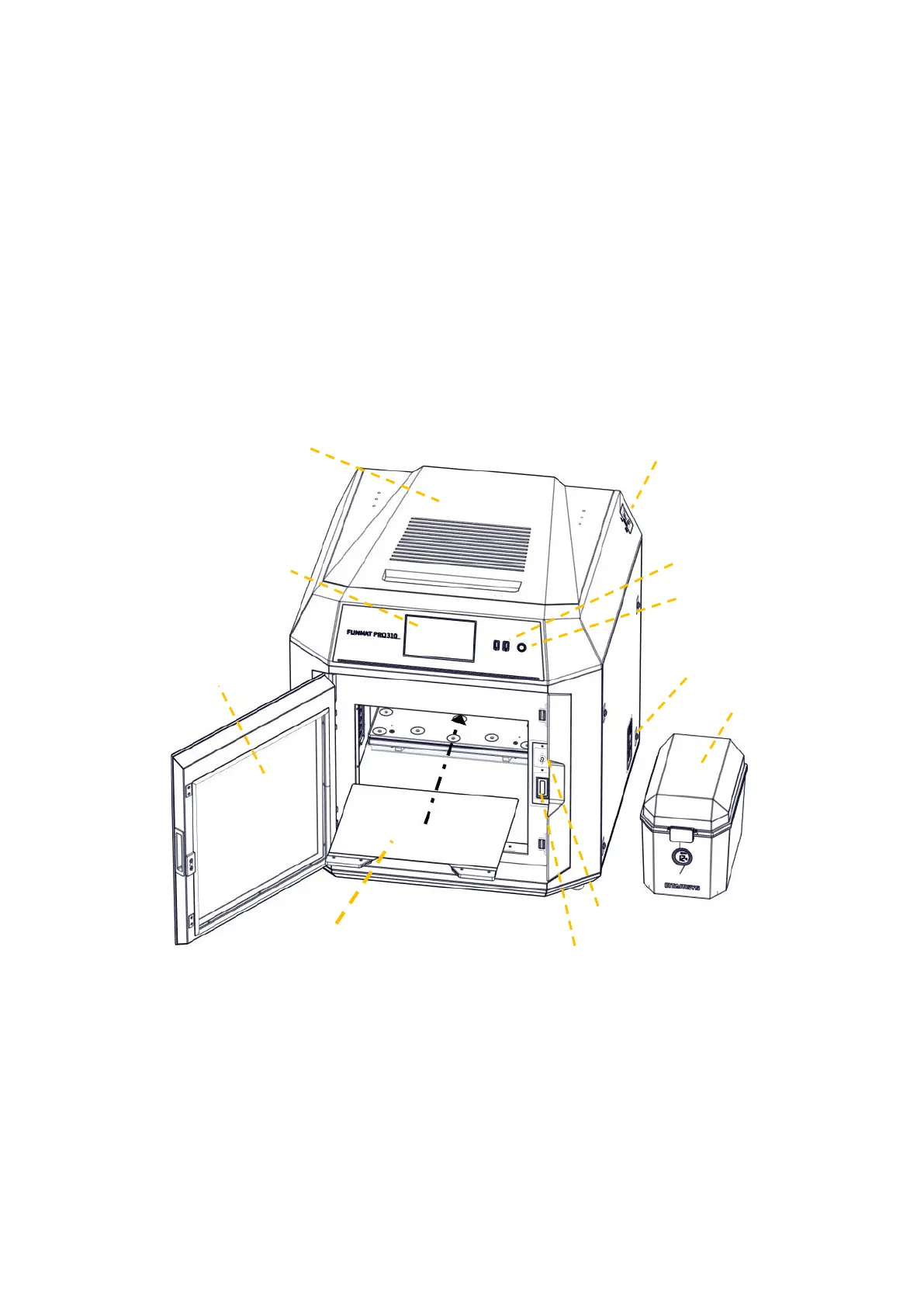
The visible parts of the printer is shown in the following figure, where:
The right side plate, left side plate and rear side plate of the housing are removable for access to
internal components; the top door and front door must be closed during printing and locked by
electromagnetic locks.
Fig. 3.1 Front View of Printer



 To Next Page