27
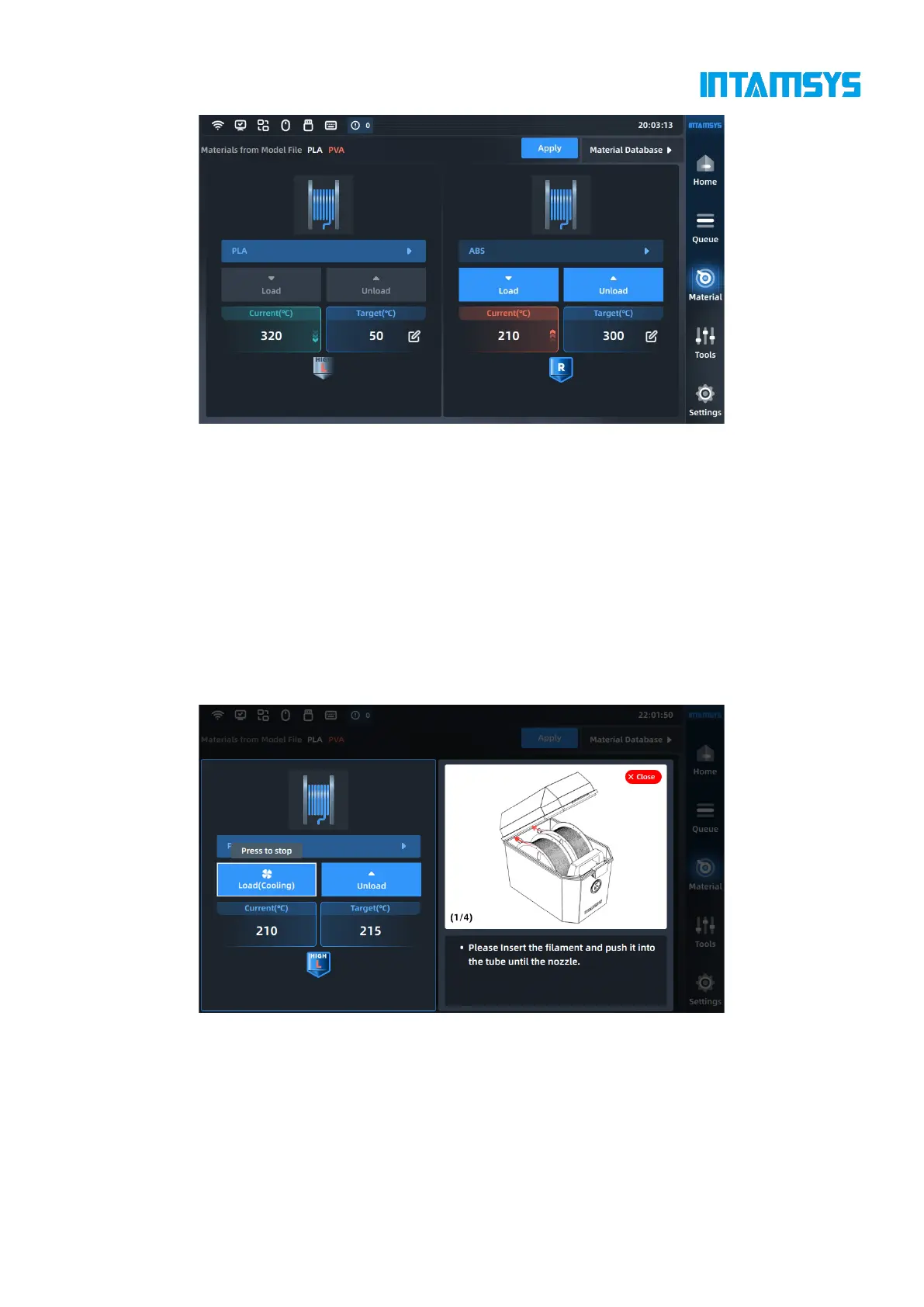
Fig. 4.16 Proofreading of Print Materials
4.4.2 Material loading
After selecting the correct material, press the "Load" button to load the material step by step
according to the pop-up wizard.
To automatically heat the nozzle to the target temperature, it is necessary to prepare materials in
advance and follow the prompts on the right.
Click the "Load" button again or other blank area to exit the loading process.
After getting familiar with the operation, the user can close the prompt window, which will be folded,
and open it again if necessary.



 To Next Page